Video Link
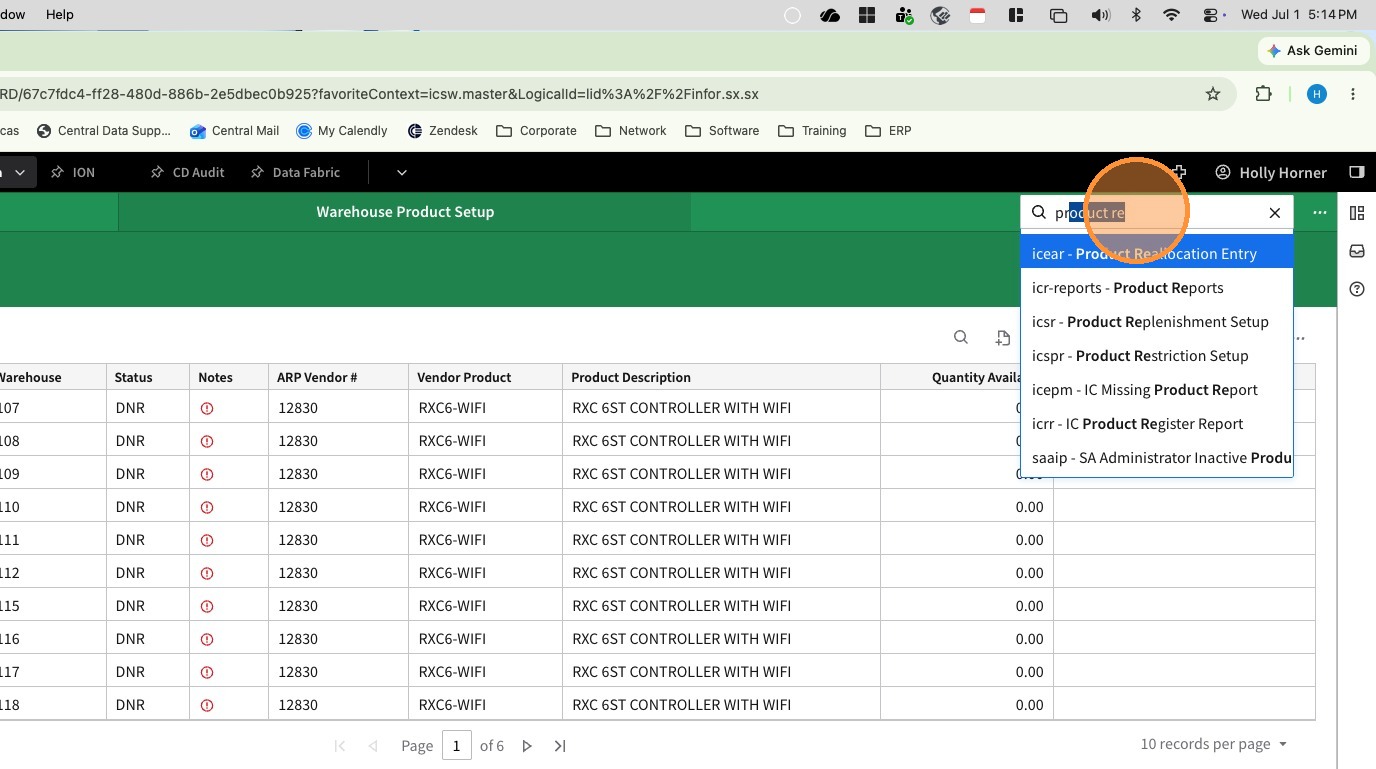
1. Search for and navigate to "ICSPRS - Product Sourcing Restriction Setup"
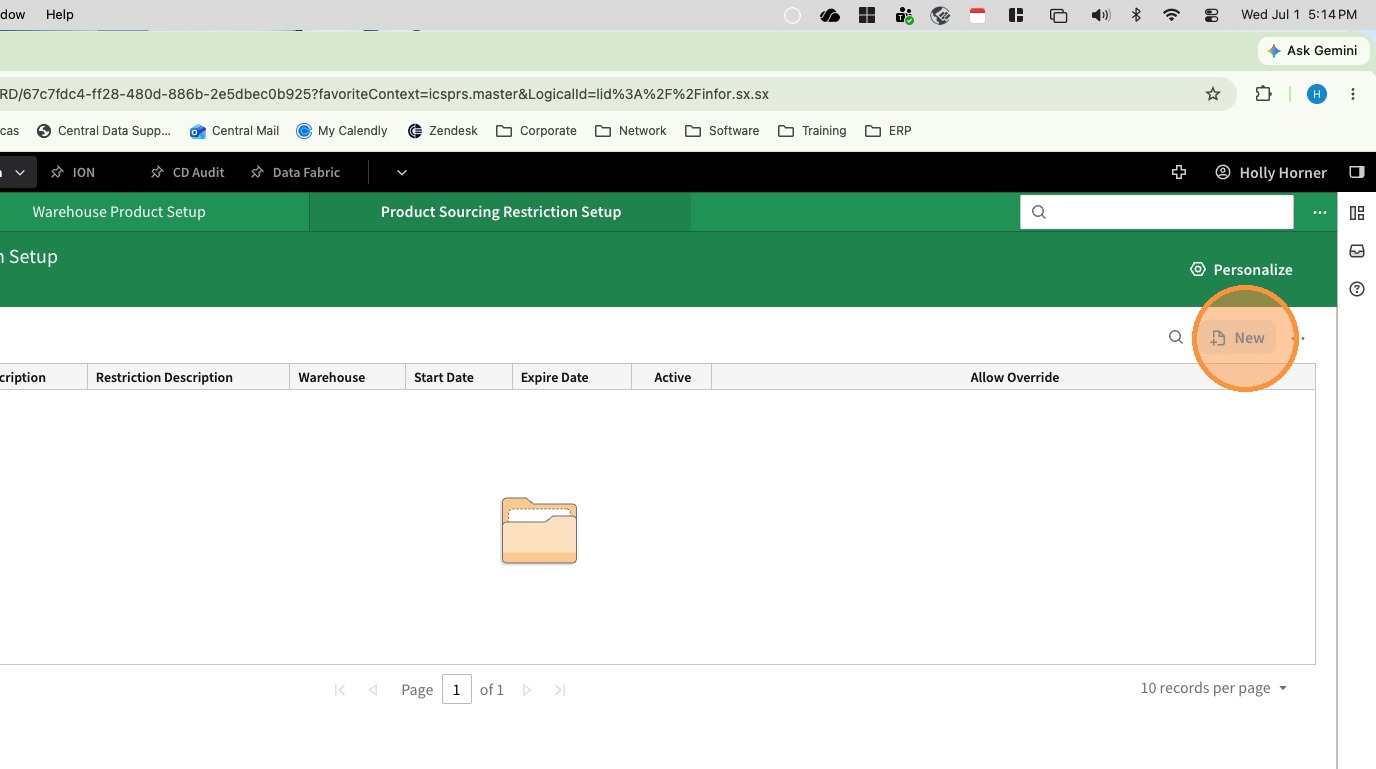
2. Click New to create a sourcing restriction
3. Select Product for Restriction Type
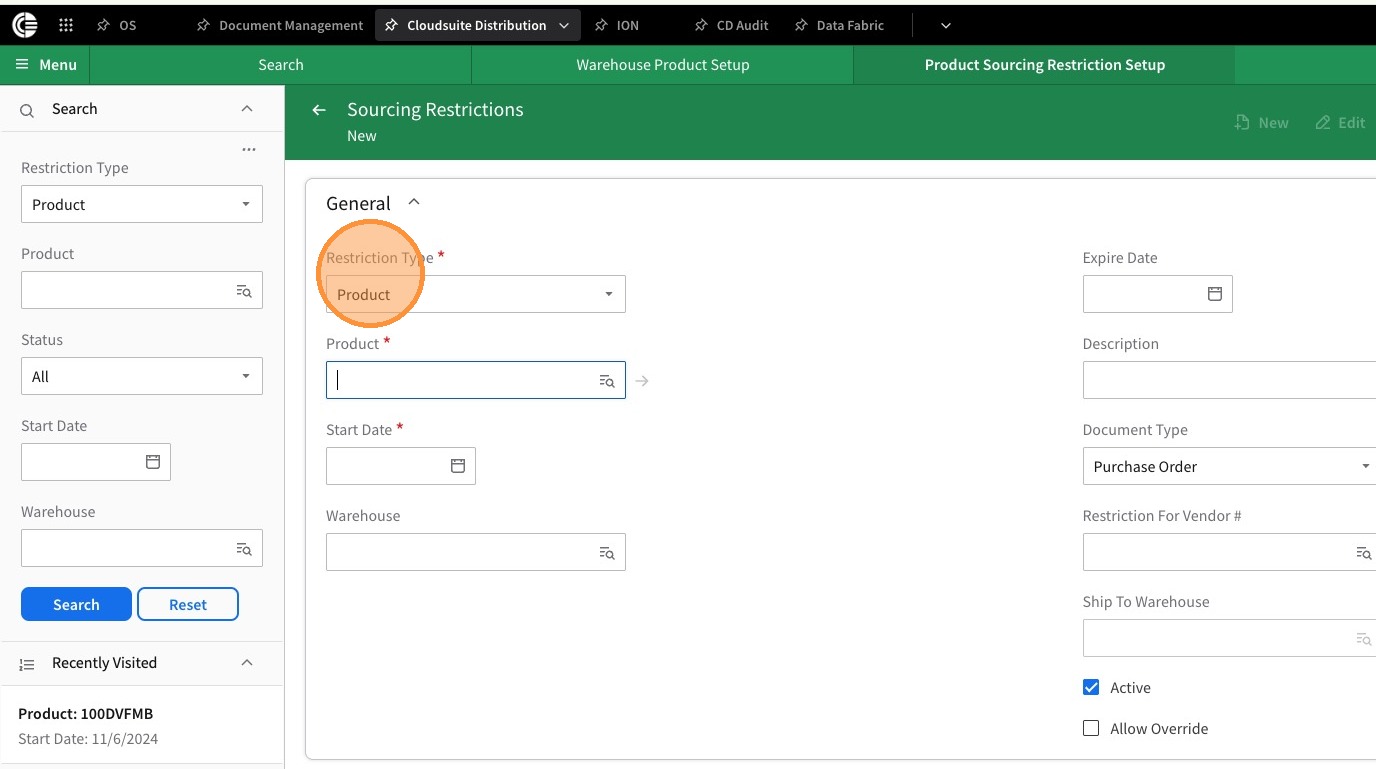
4. Enter the Product that should be restricted
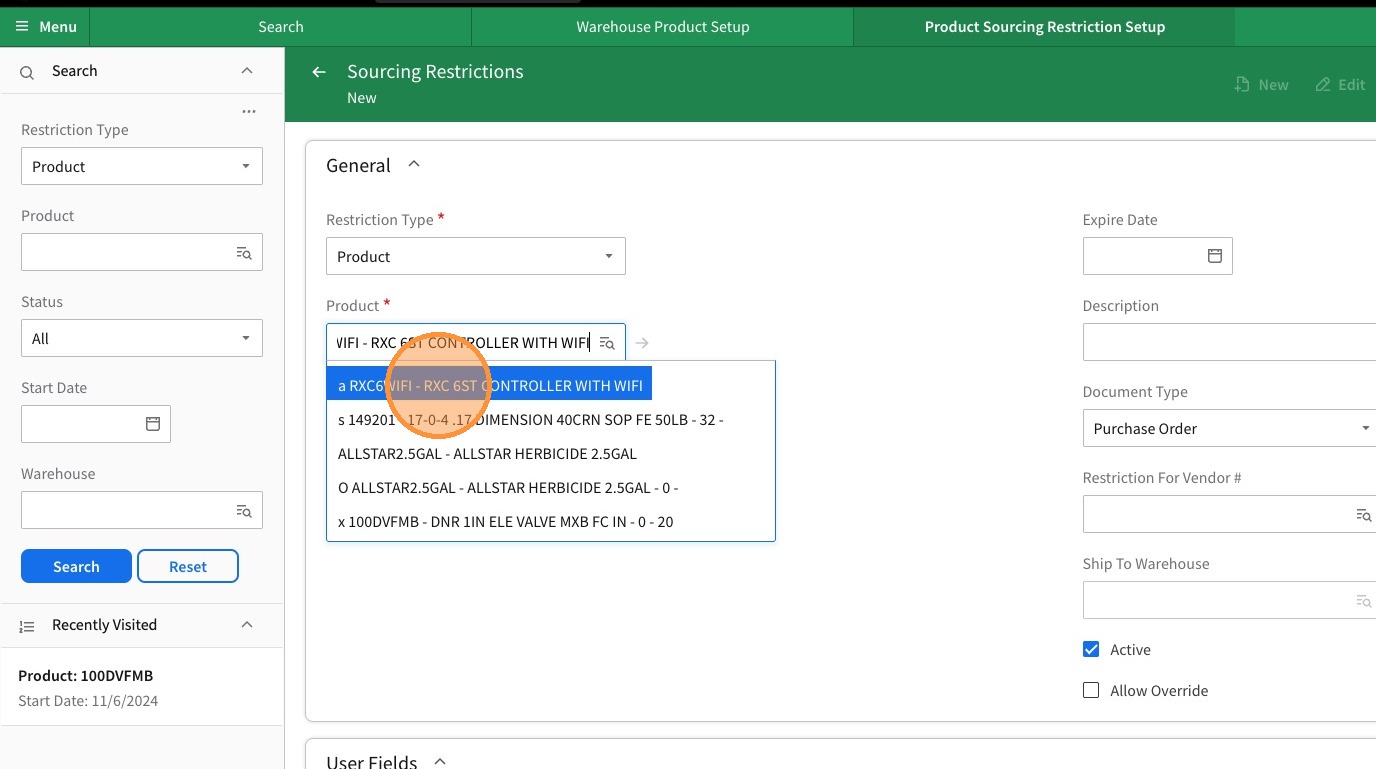
5. Select a Start Date
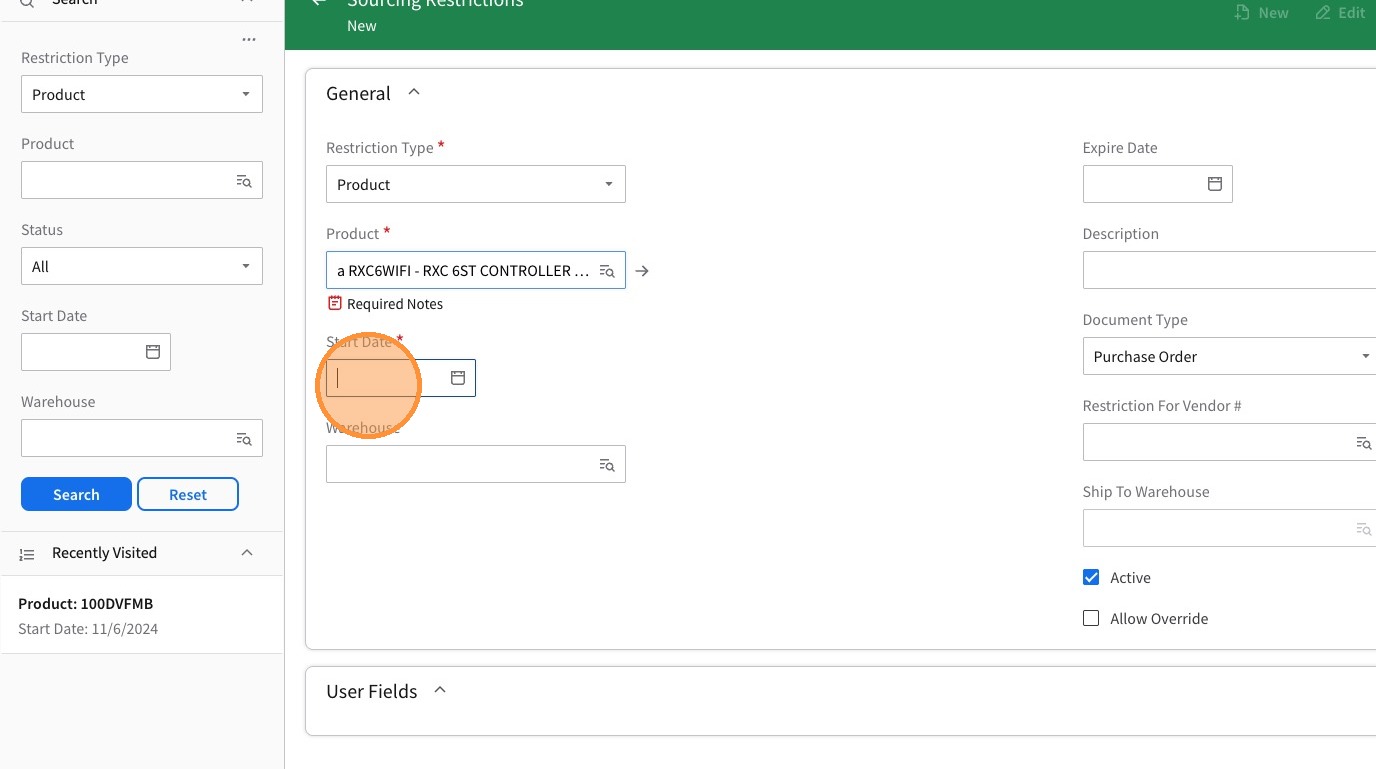
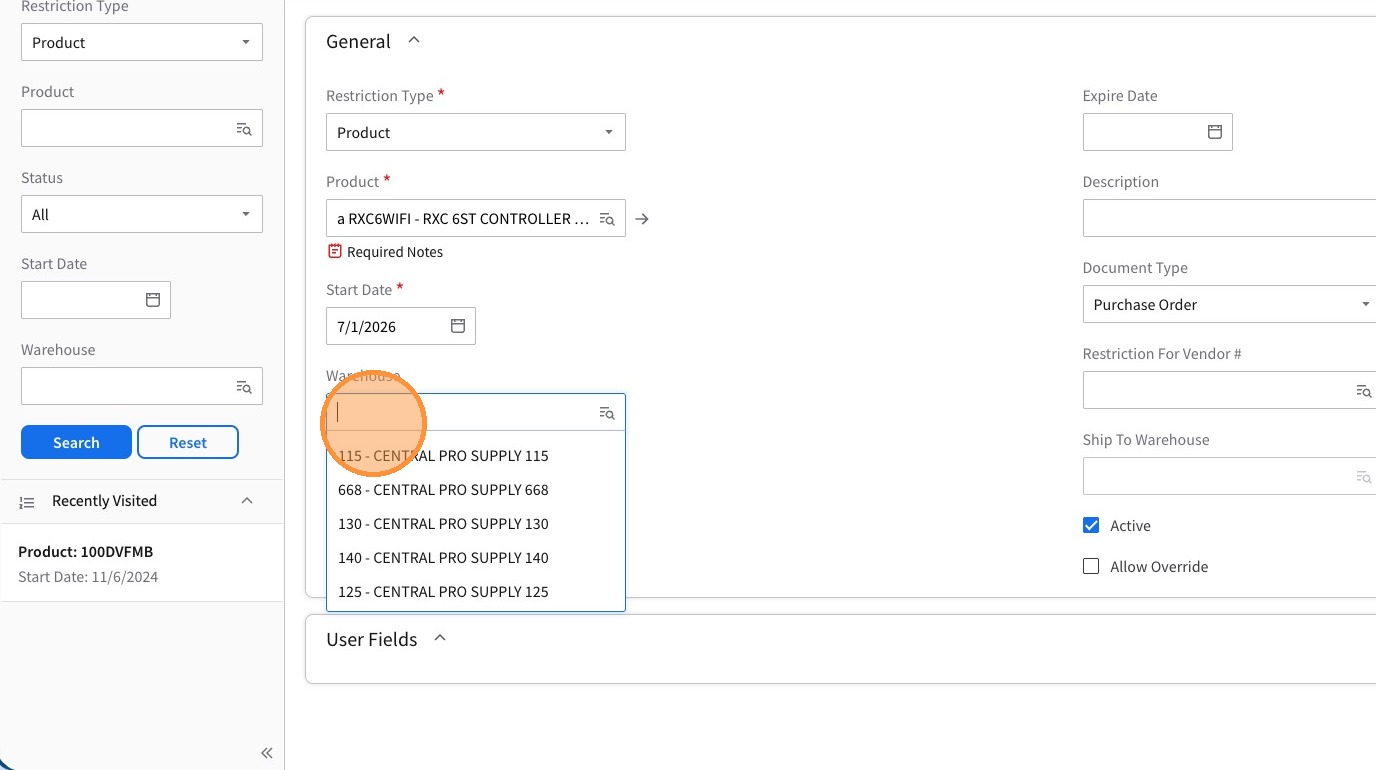
6. If the sourcing is warehouse specific enter a warehouse. If the sourcing restrction is for the entire company, leave warehouse blank and it will apply to all warehouses.
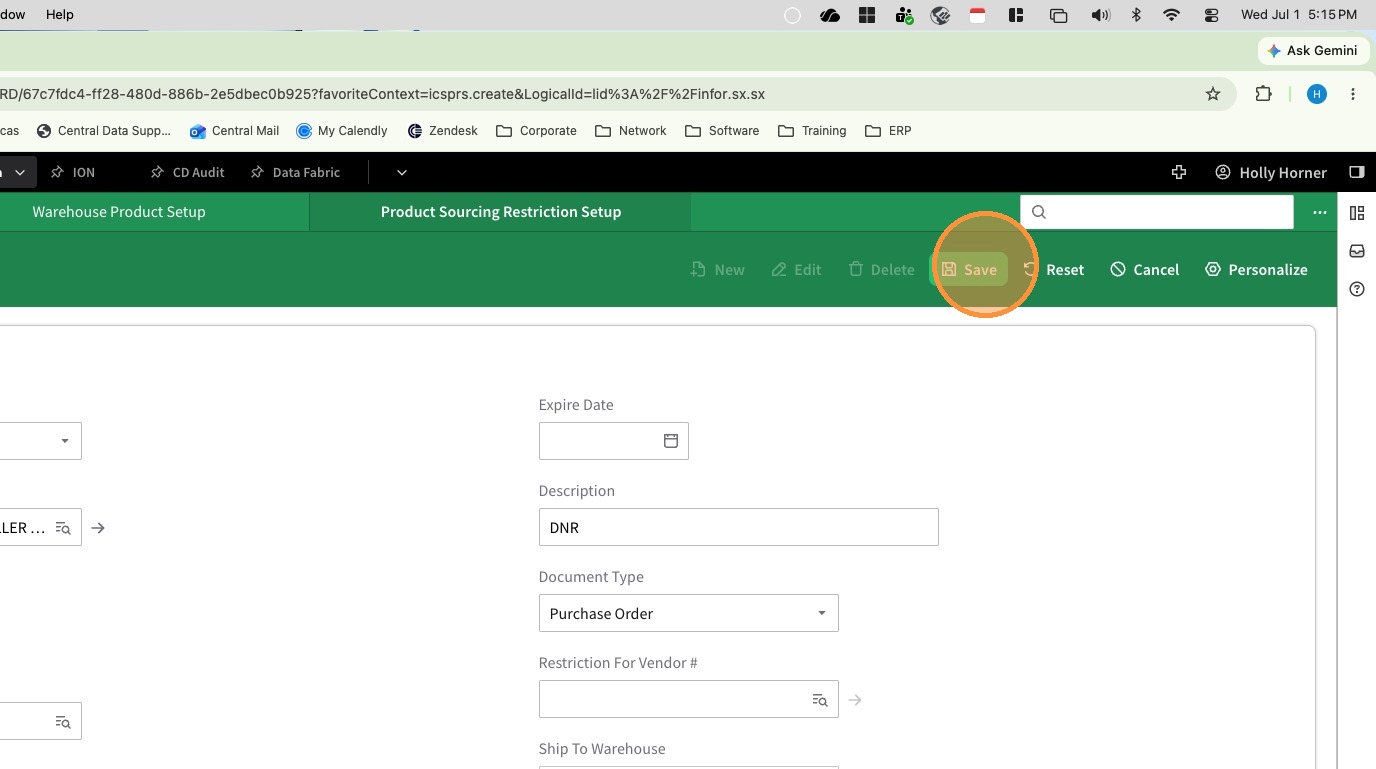
7. Type DNR into the Description field
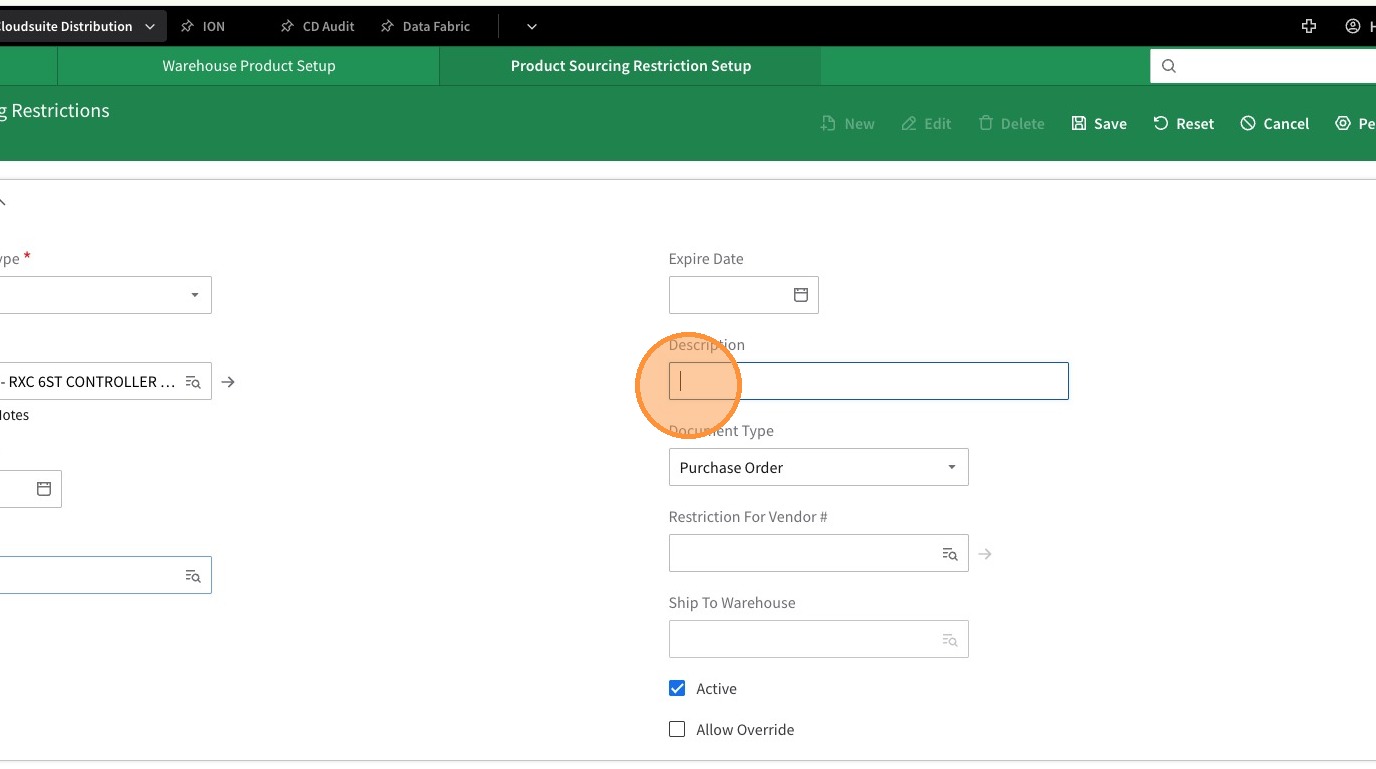
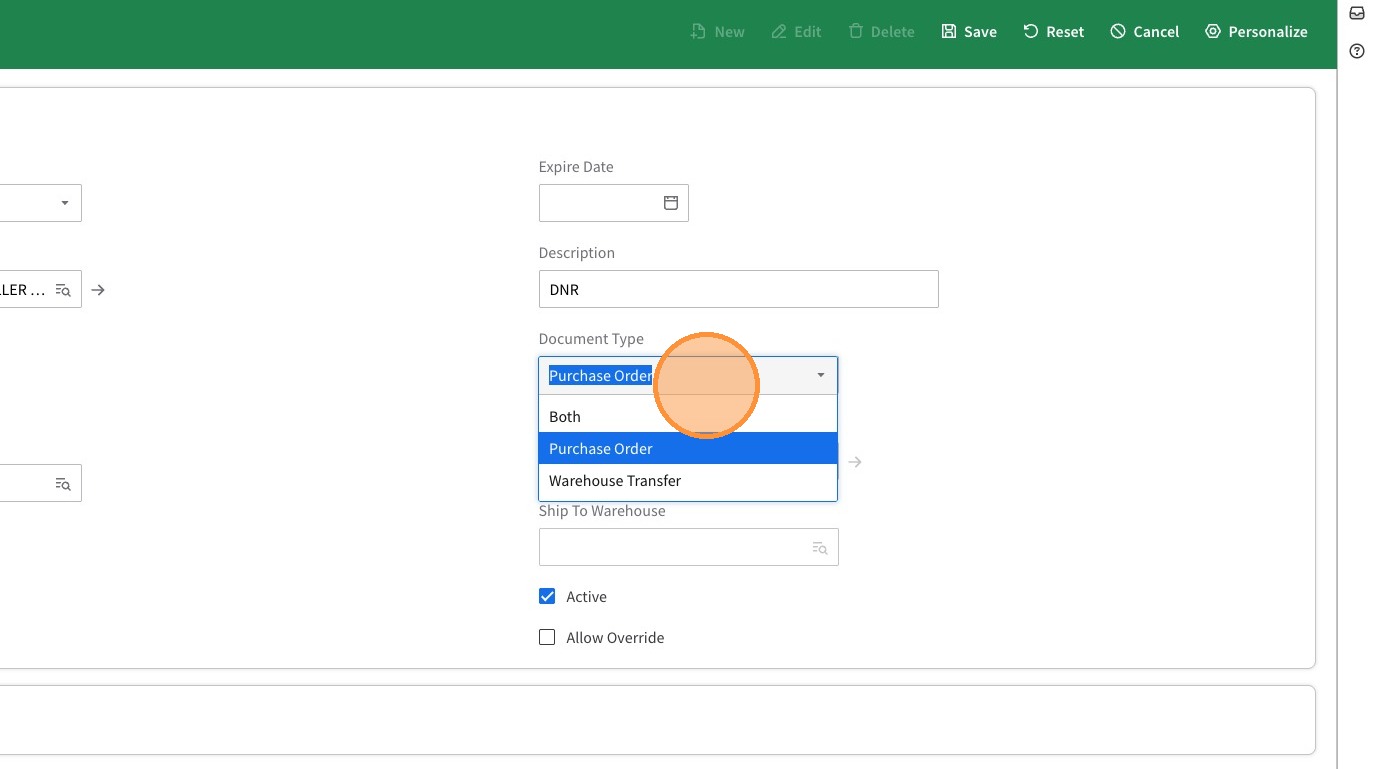
8. Select Purchase Order from the Document Type dropdown to prevent users from writing Purchase Orders for the item.
Select Warehouse Transfer if restricting transferring between branches.
If restricting both Purchase Orders and Transfers between branches, select Both.
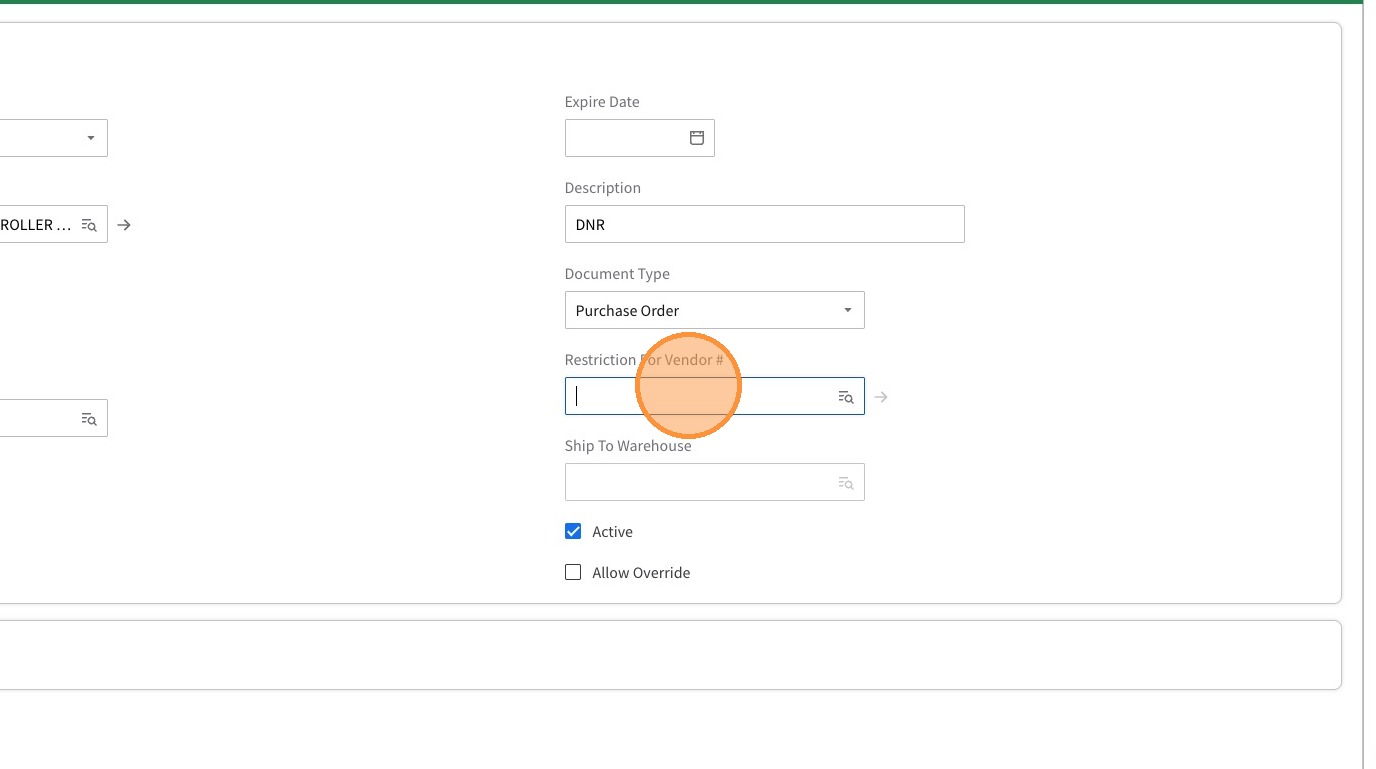
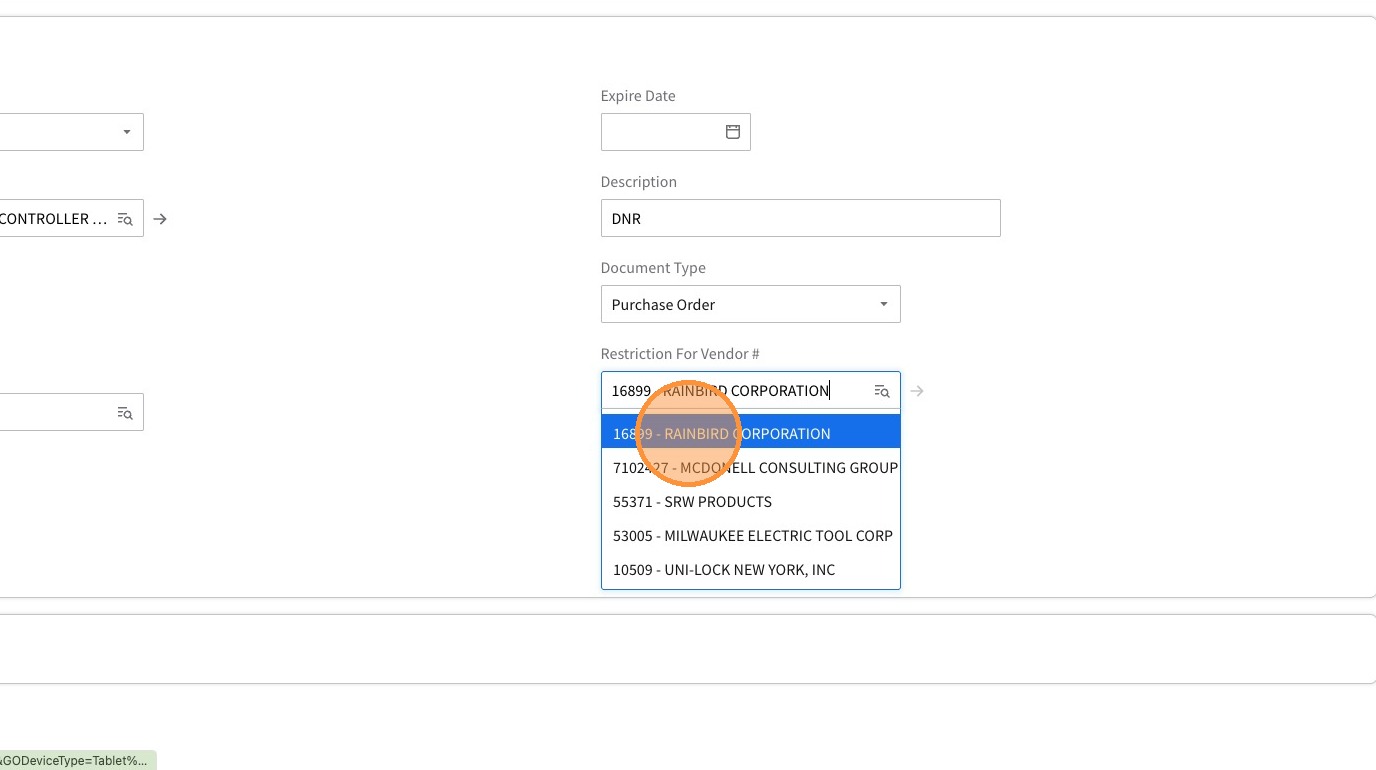
9. Select Vendor the Purchase Orders should be restricted from being purchased from. If Warehouse Transfer or Both were selected you must also fill in Ship to Warehouse.
10. Click Save