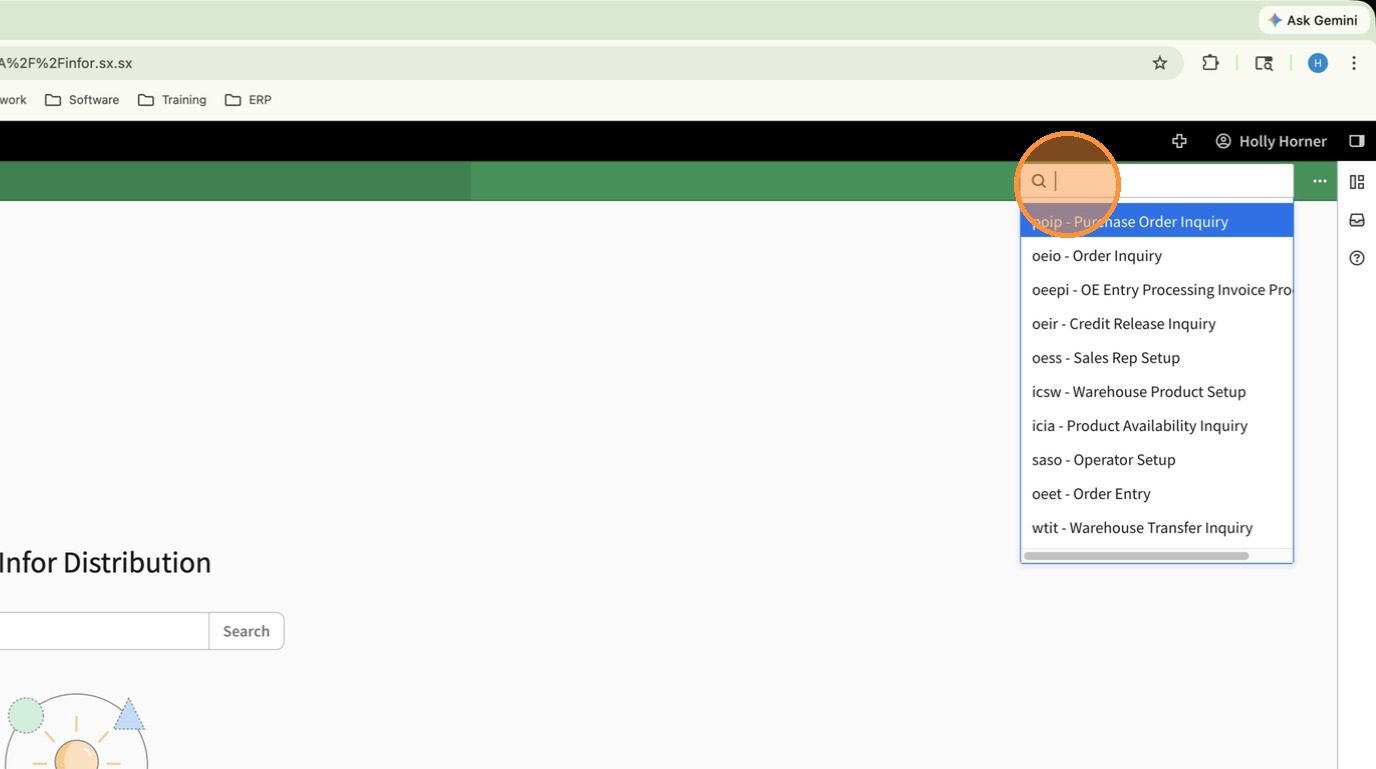
1. Using the Navigation Search open Customer Inquiry (ARIC)
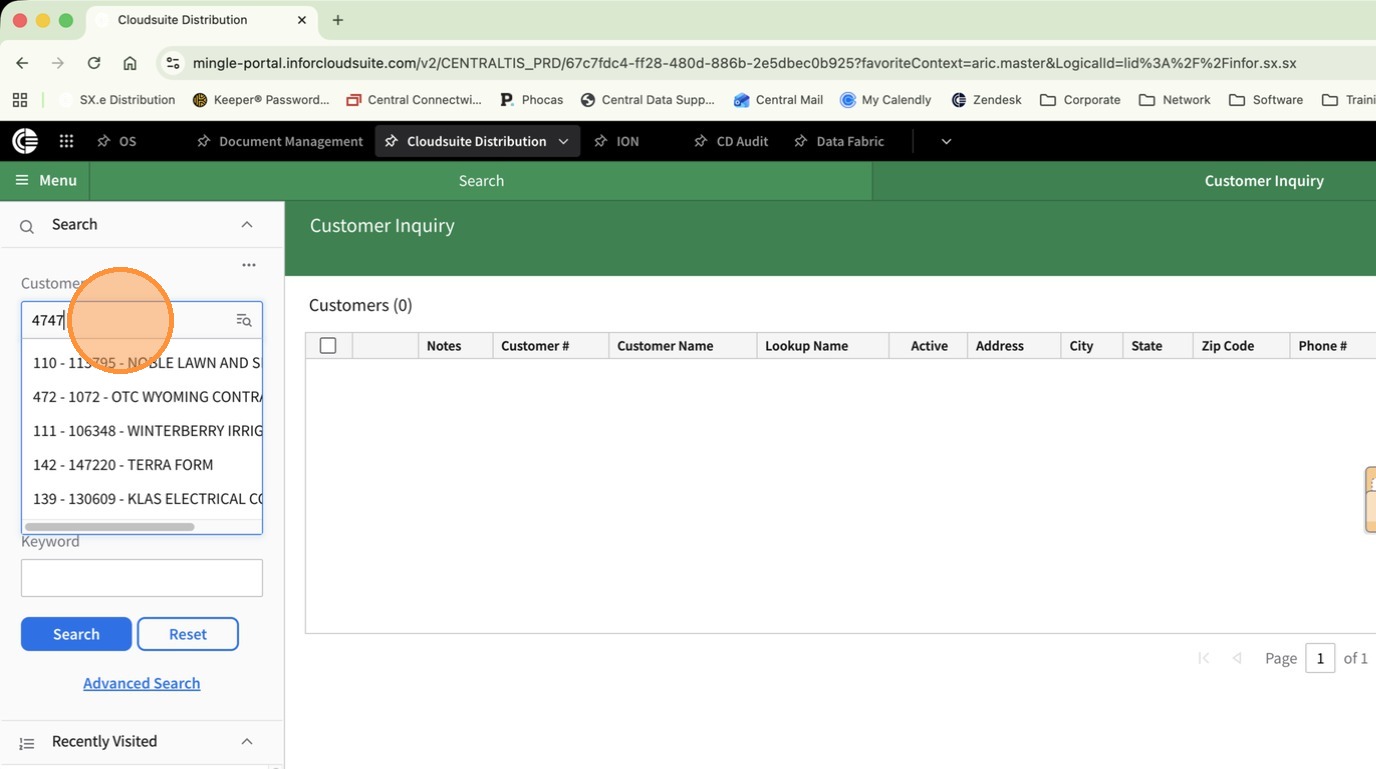
2. Click Customer and search for the customer to update.
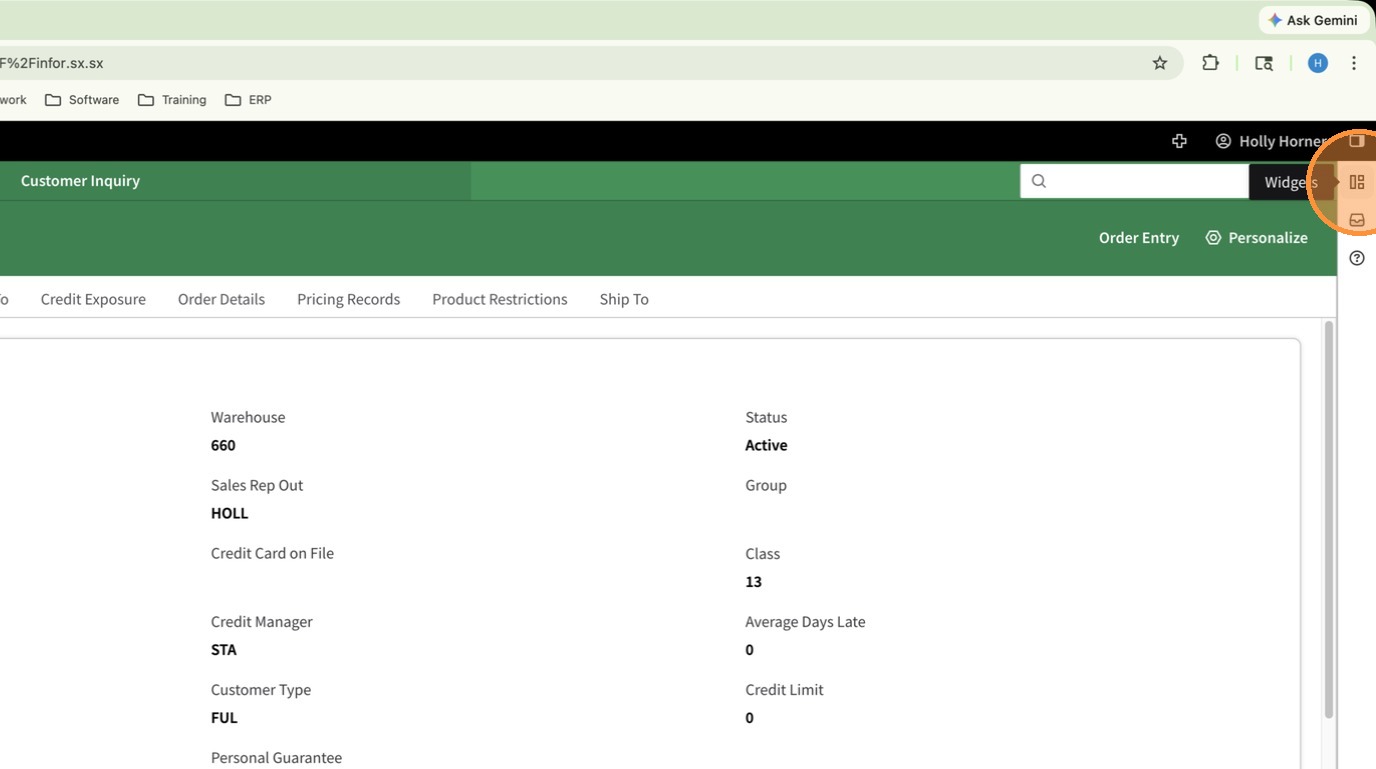
3. Open the Widgets Panel
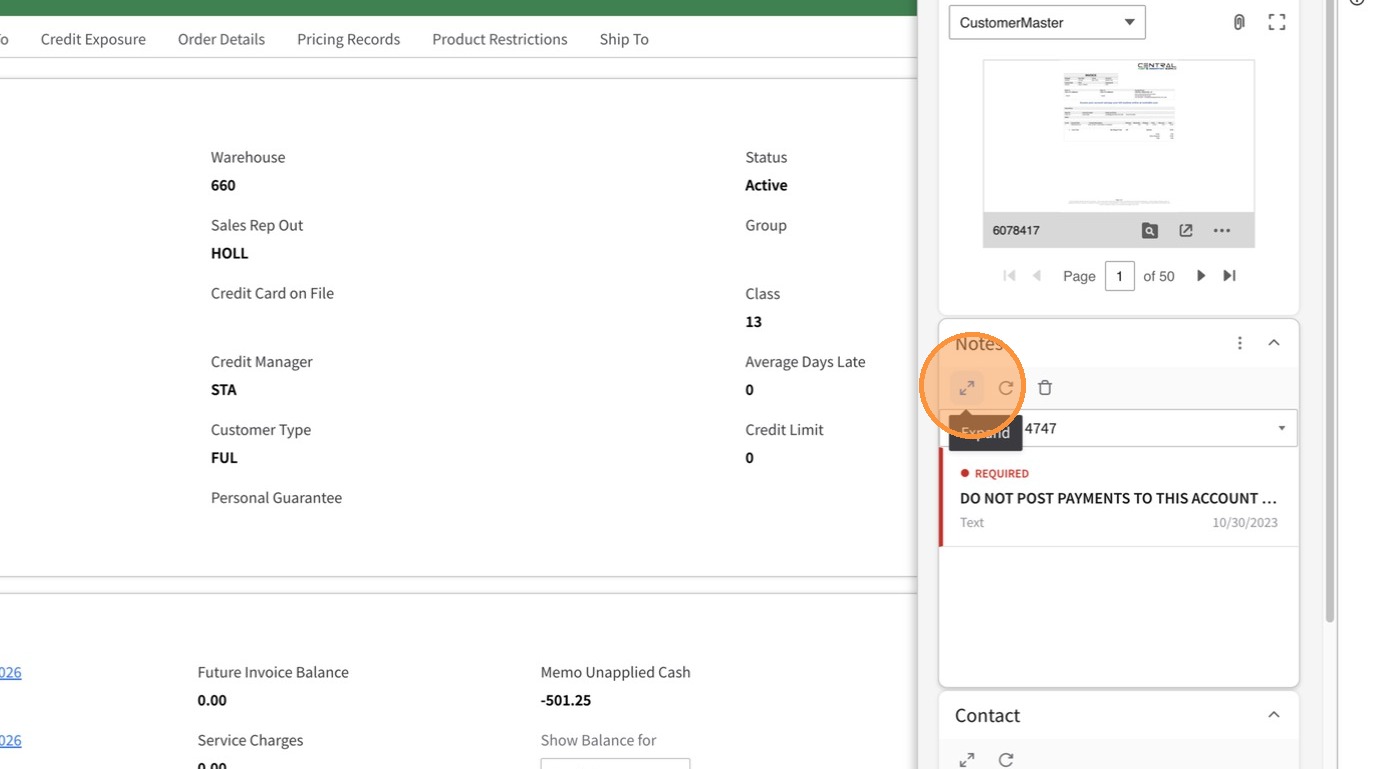
4. Click the double arrow icon by Notes to open the Notes Pane
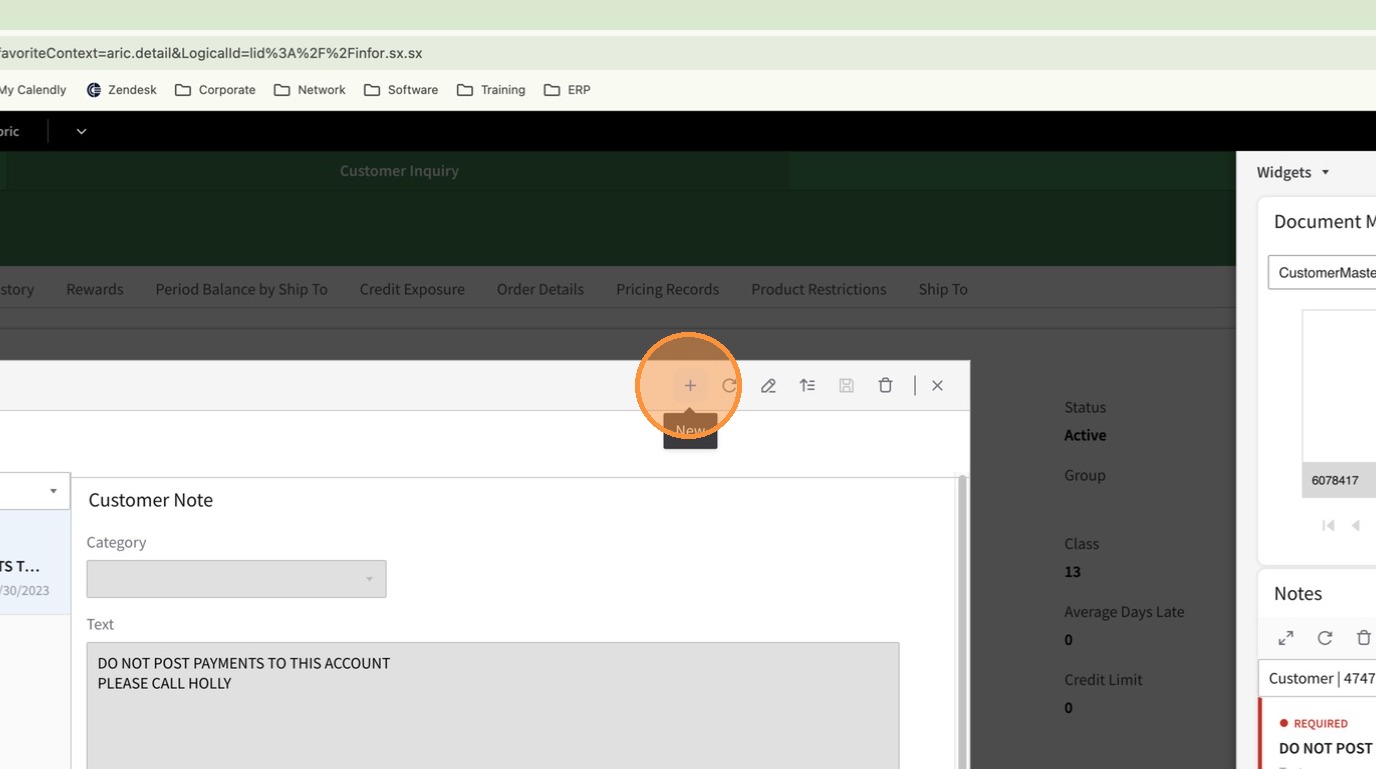
5. Click the + to add a new note
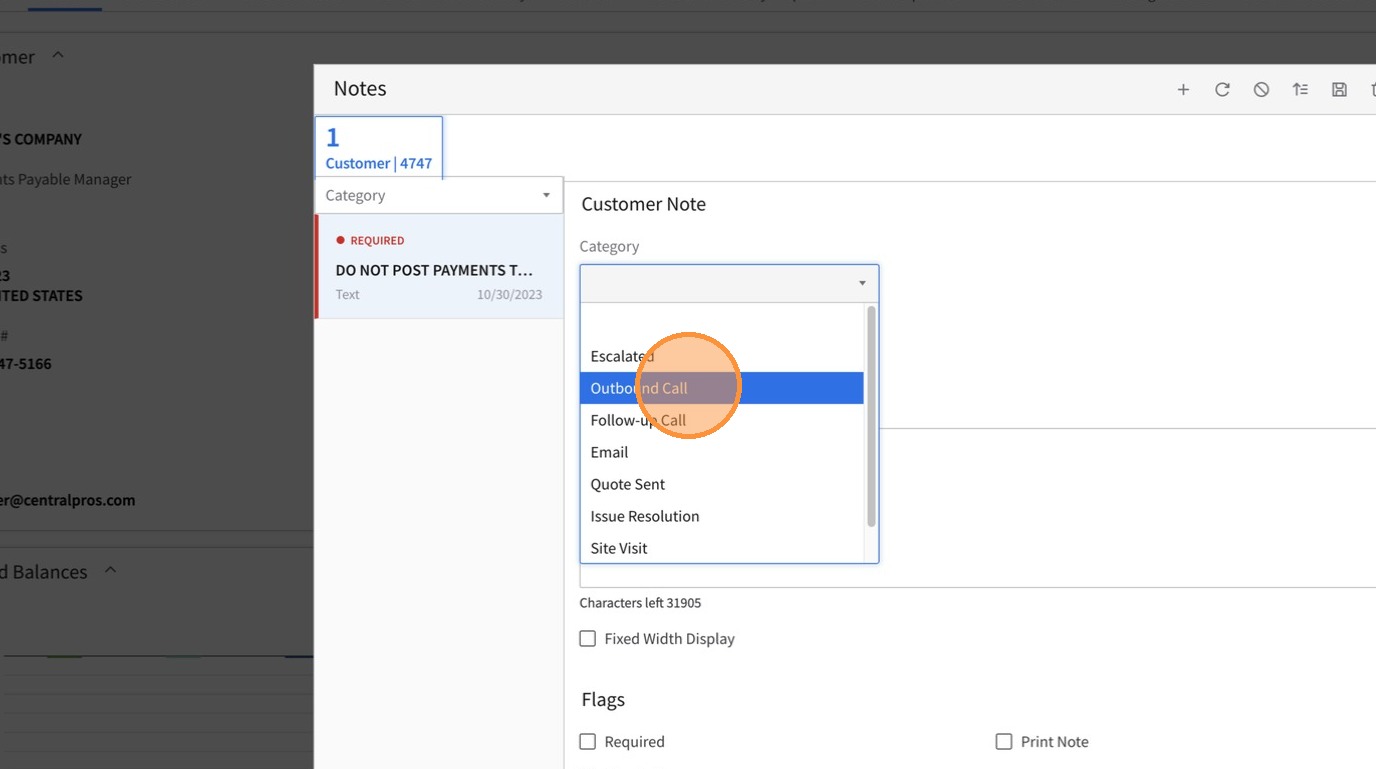
6. From the Category Drop Down Menu, select the appropriate Category for the note.
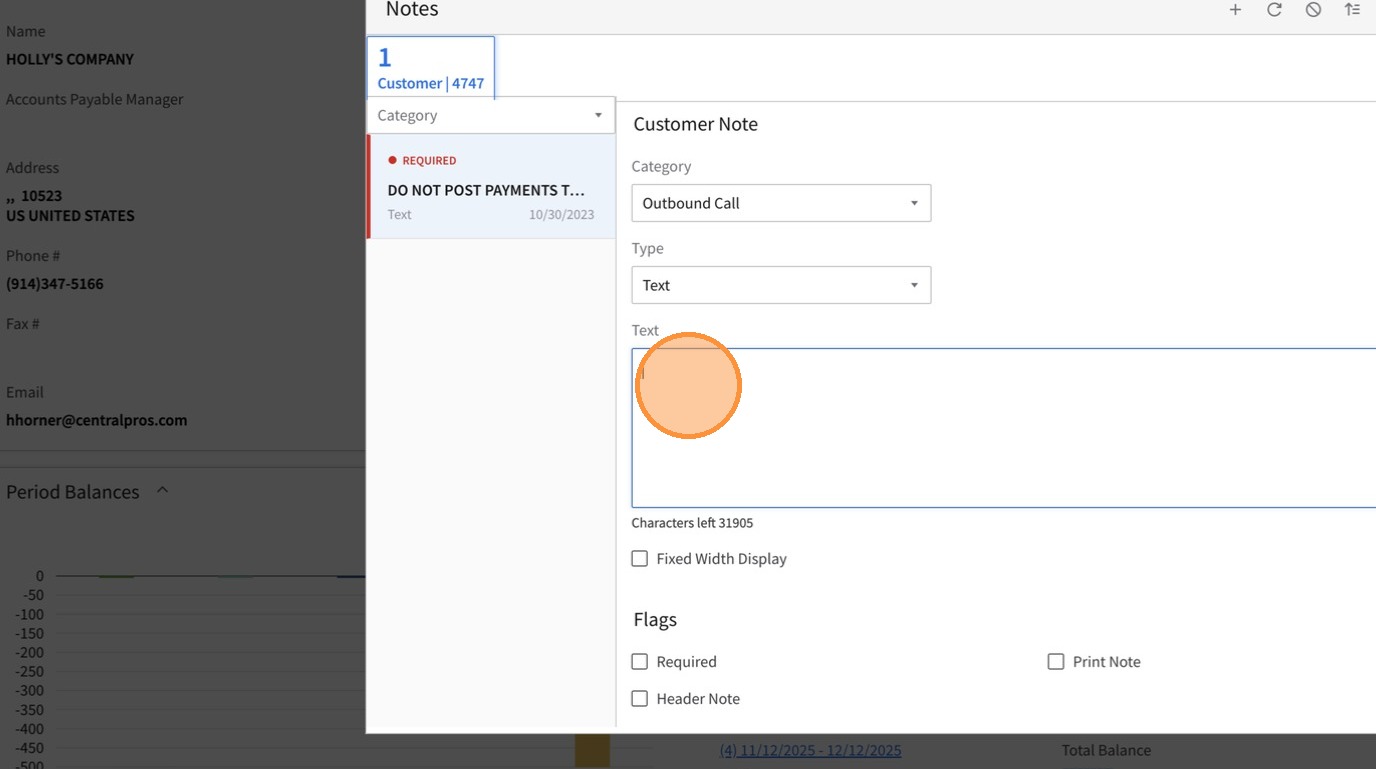
7. In the Text Box enter your comments. Alternatively, if your note needs to contain information copied from an email, or other document, you can copy and paste into this box.
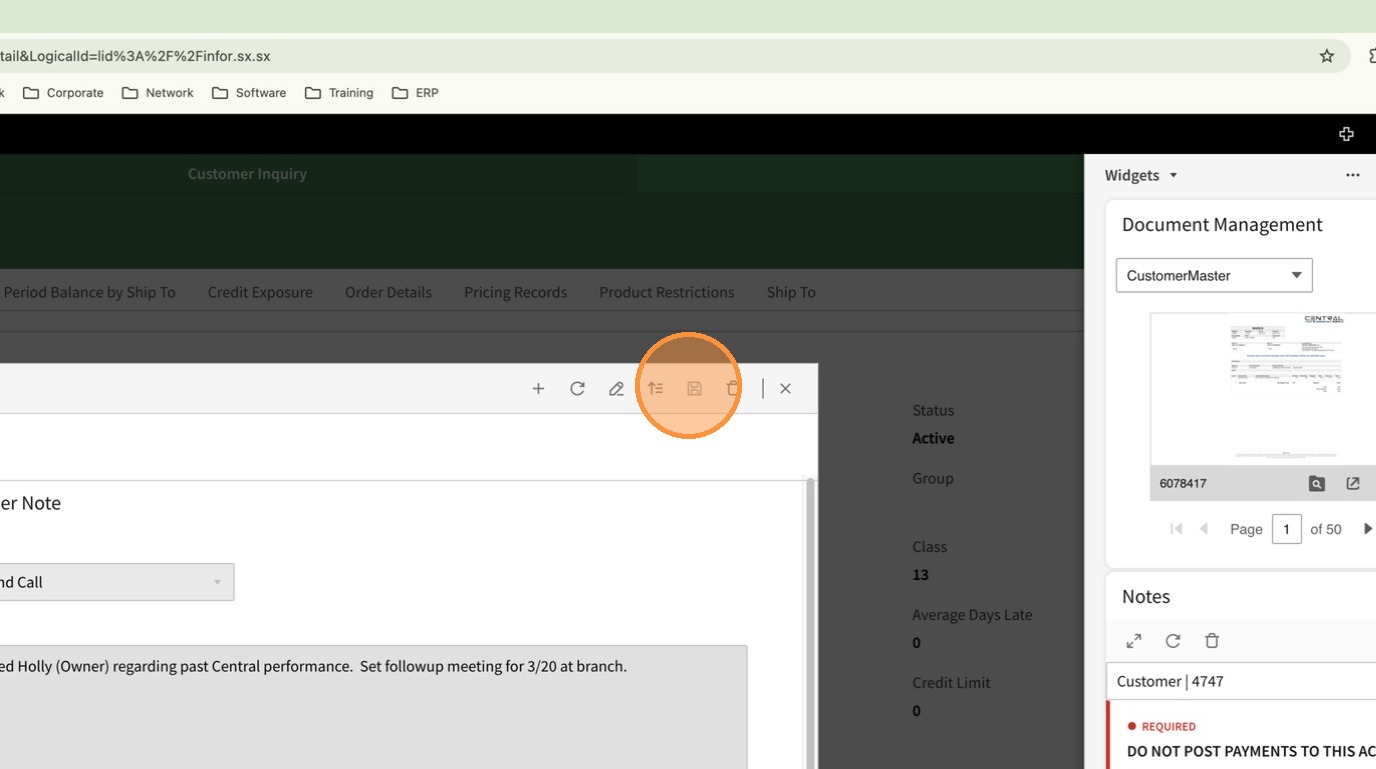
8. Click the Save icon to save the note
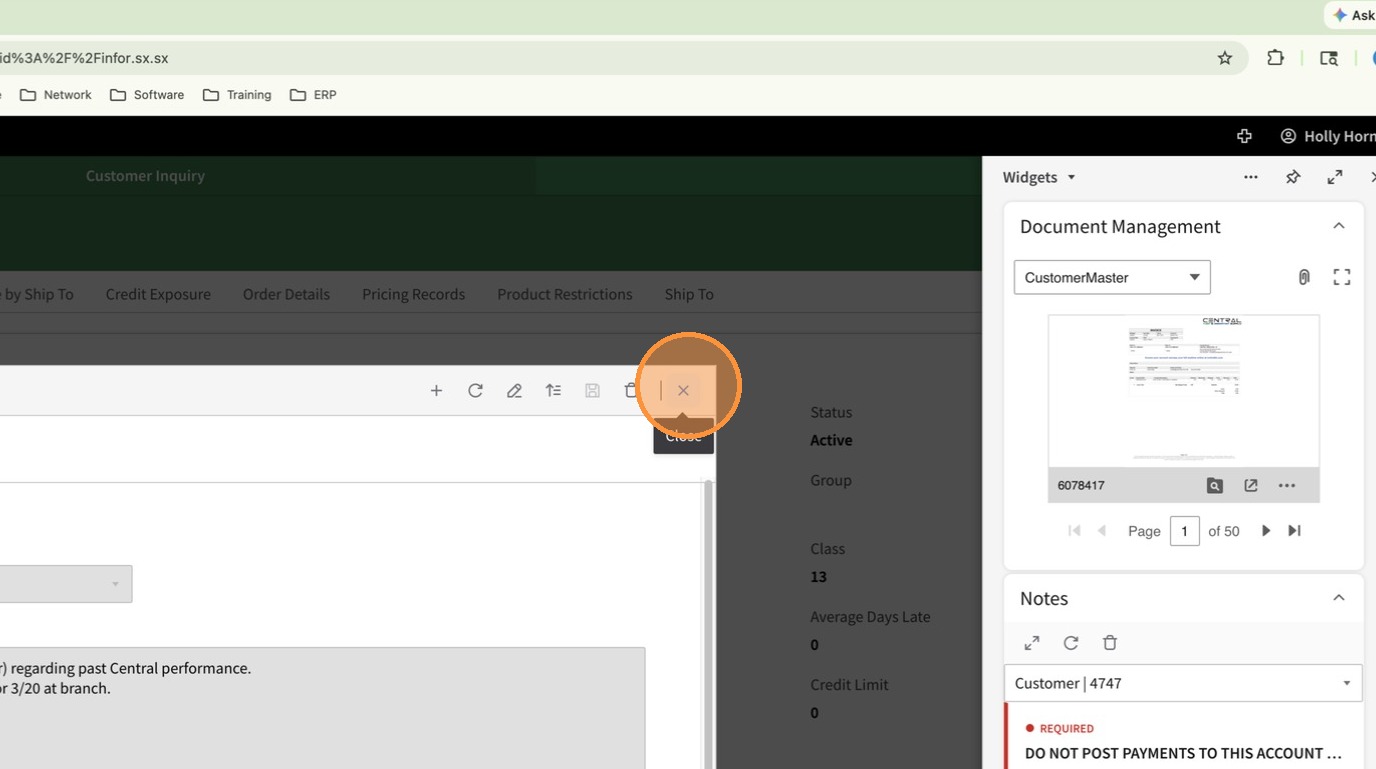
9. Click the X to close the notes.