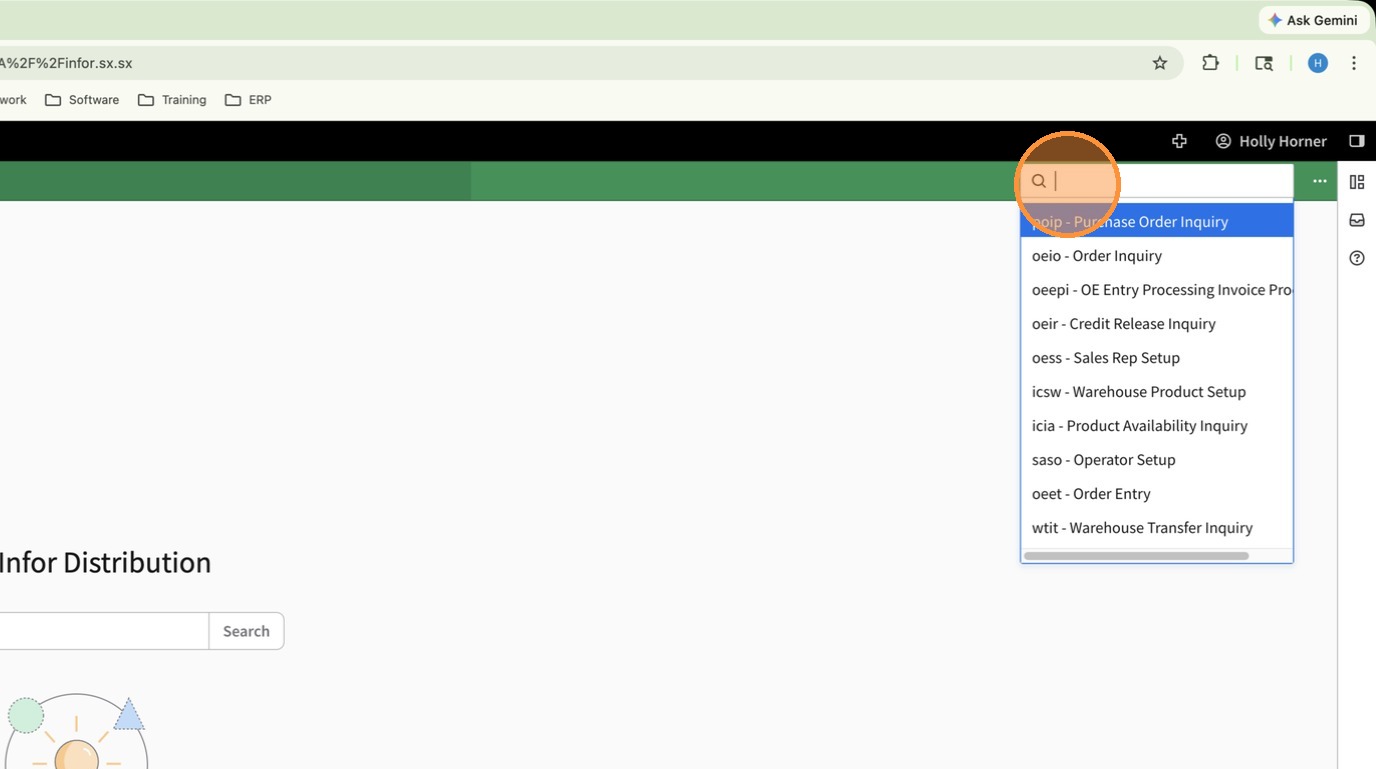
1. Using the Navigation Search open Customer Inquiry (ARIC)
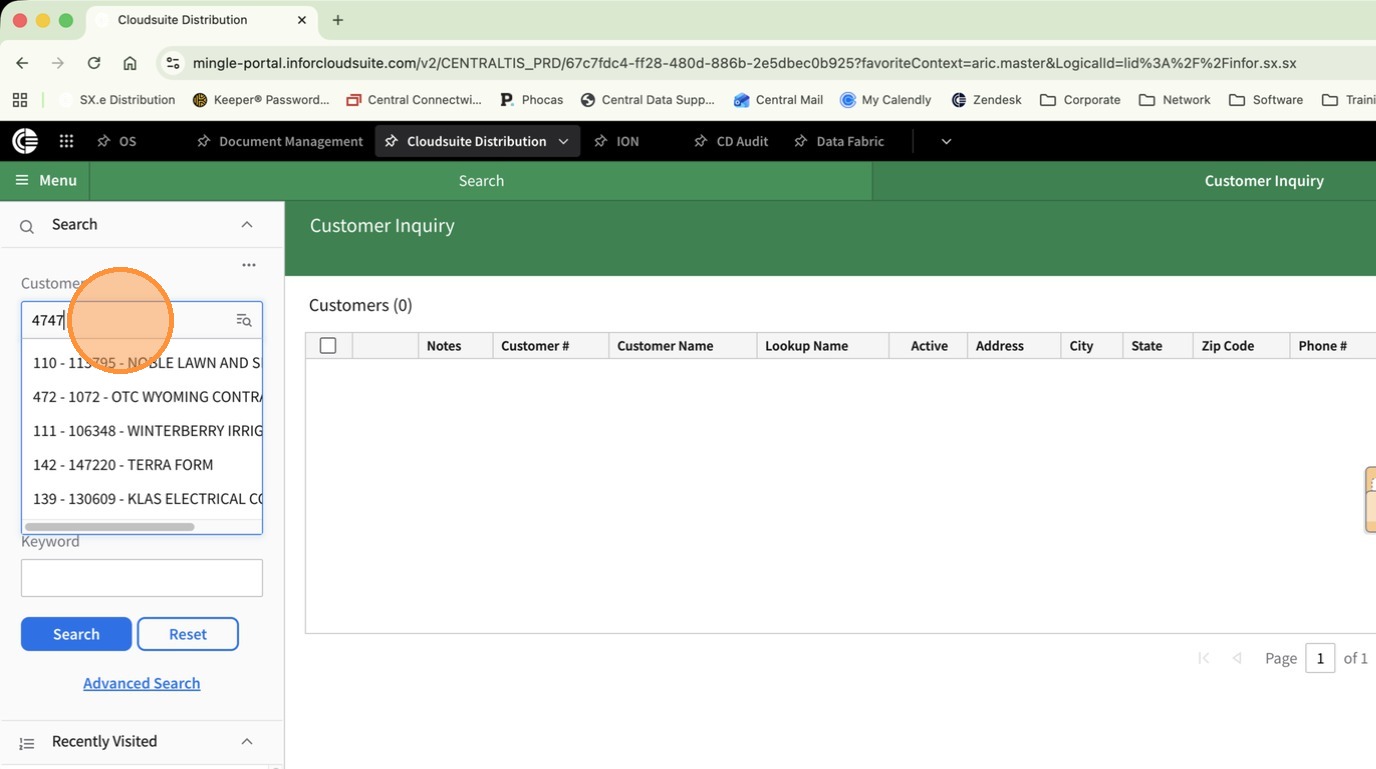
2. Click Customer and search for the customer to update.
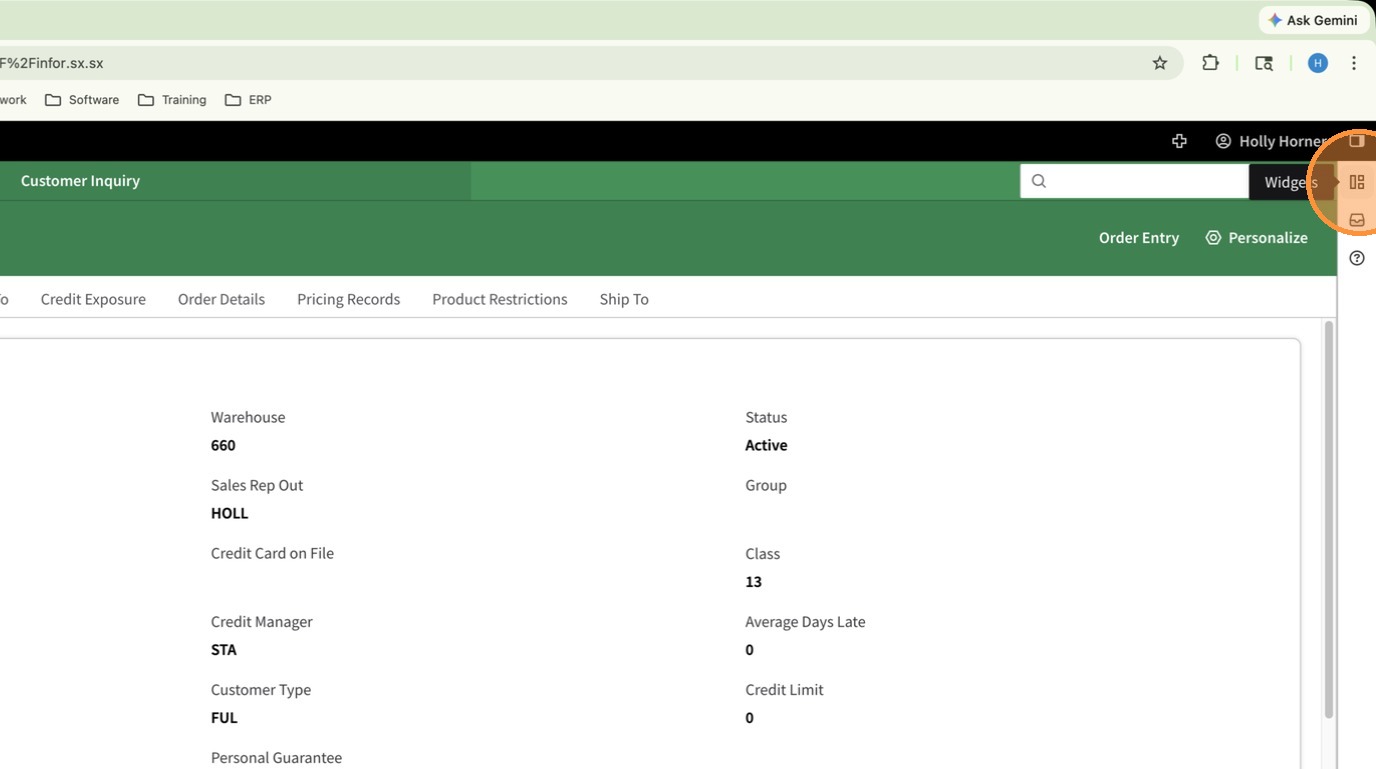
3. Open the Widgets Panel
4. Notes are viewable (but not sortable/filterable) from the main Notes Widget.
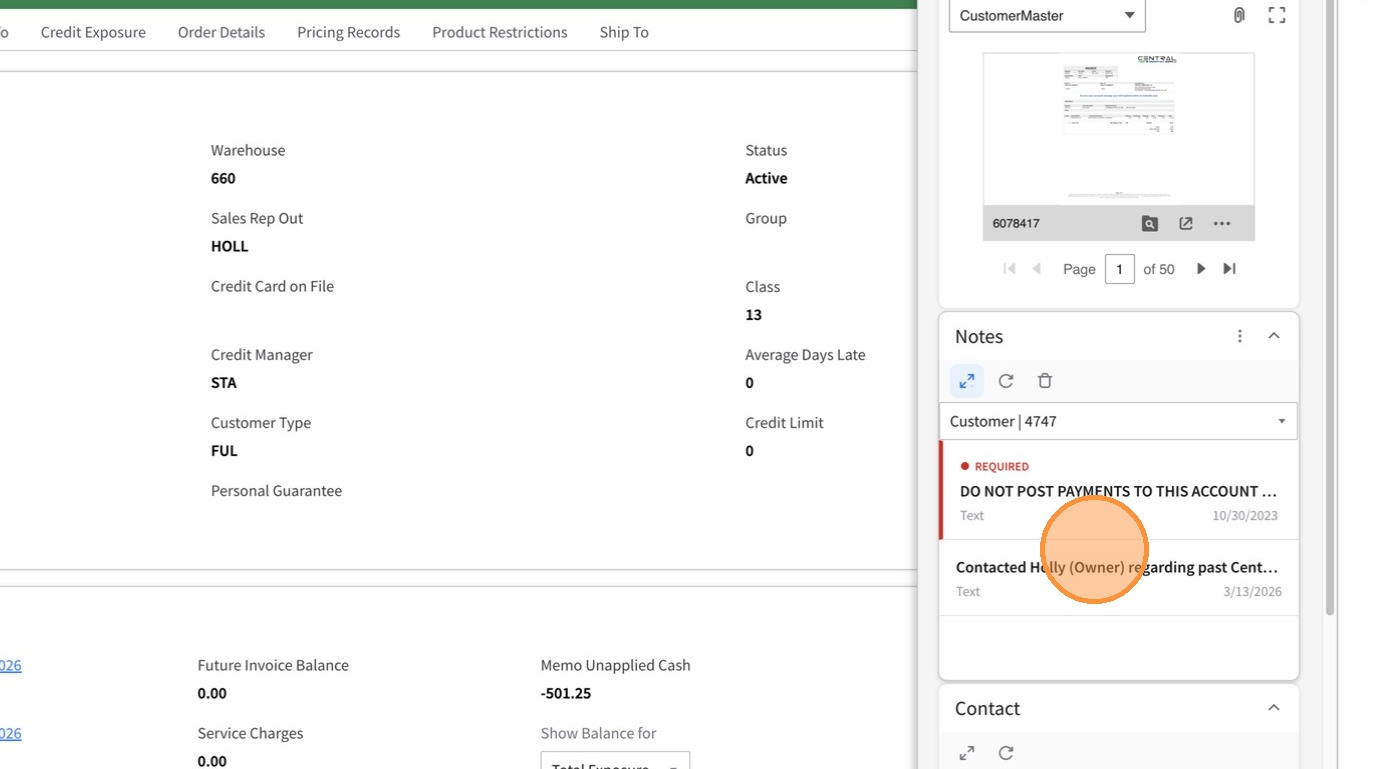
5. Click the double arrow icon by Notes to open the Notes Pane
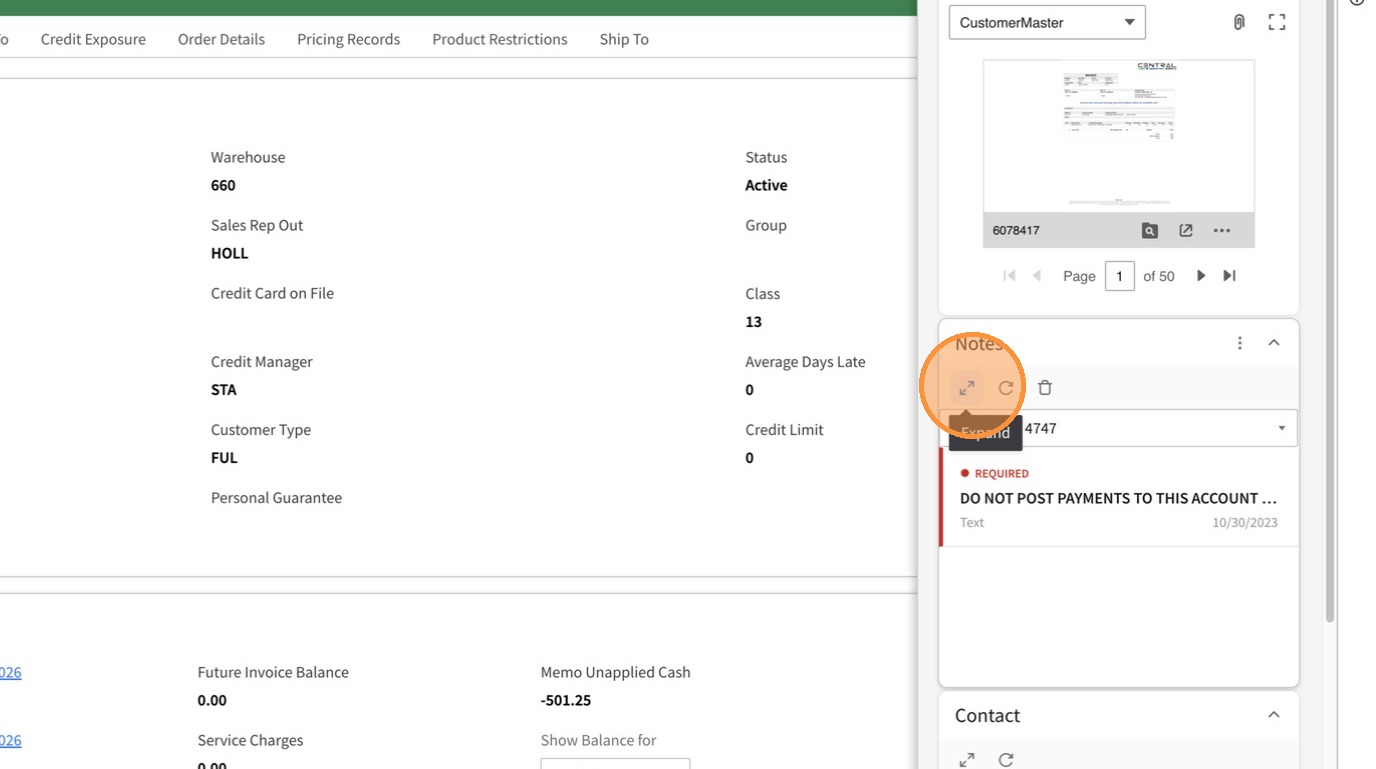
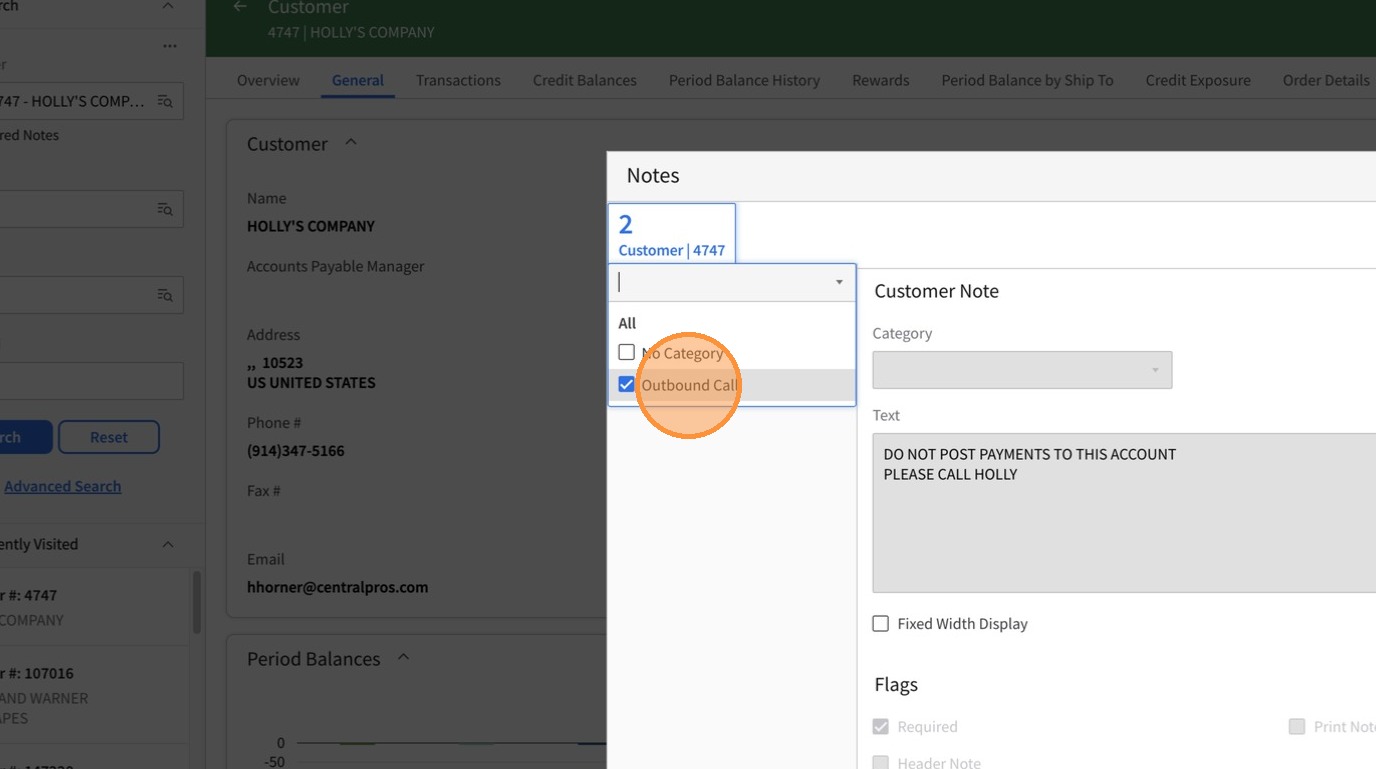
6. From the Category Drop Down, select the category you wish to filter by. Notes for only that category will be displayed.