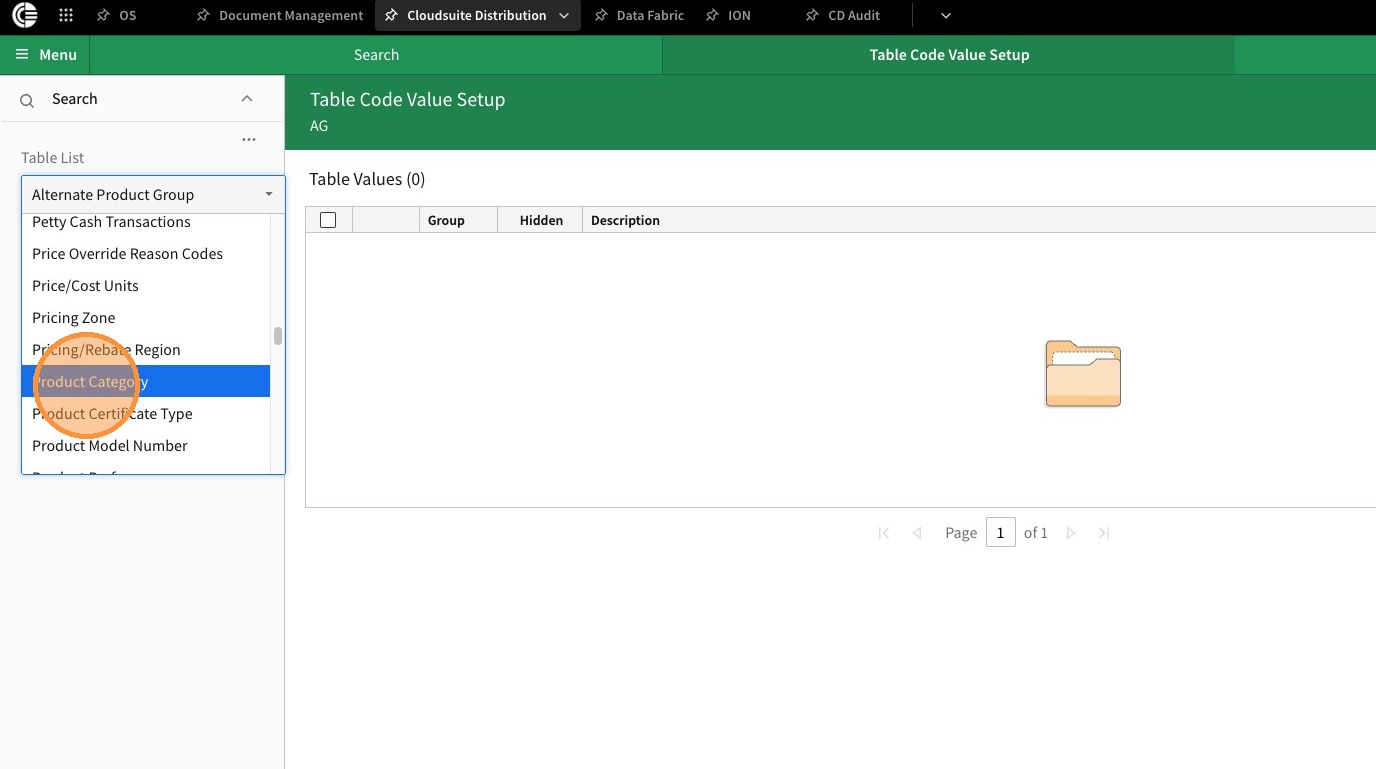
2. From the Table List Drop Down select Product Category
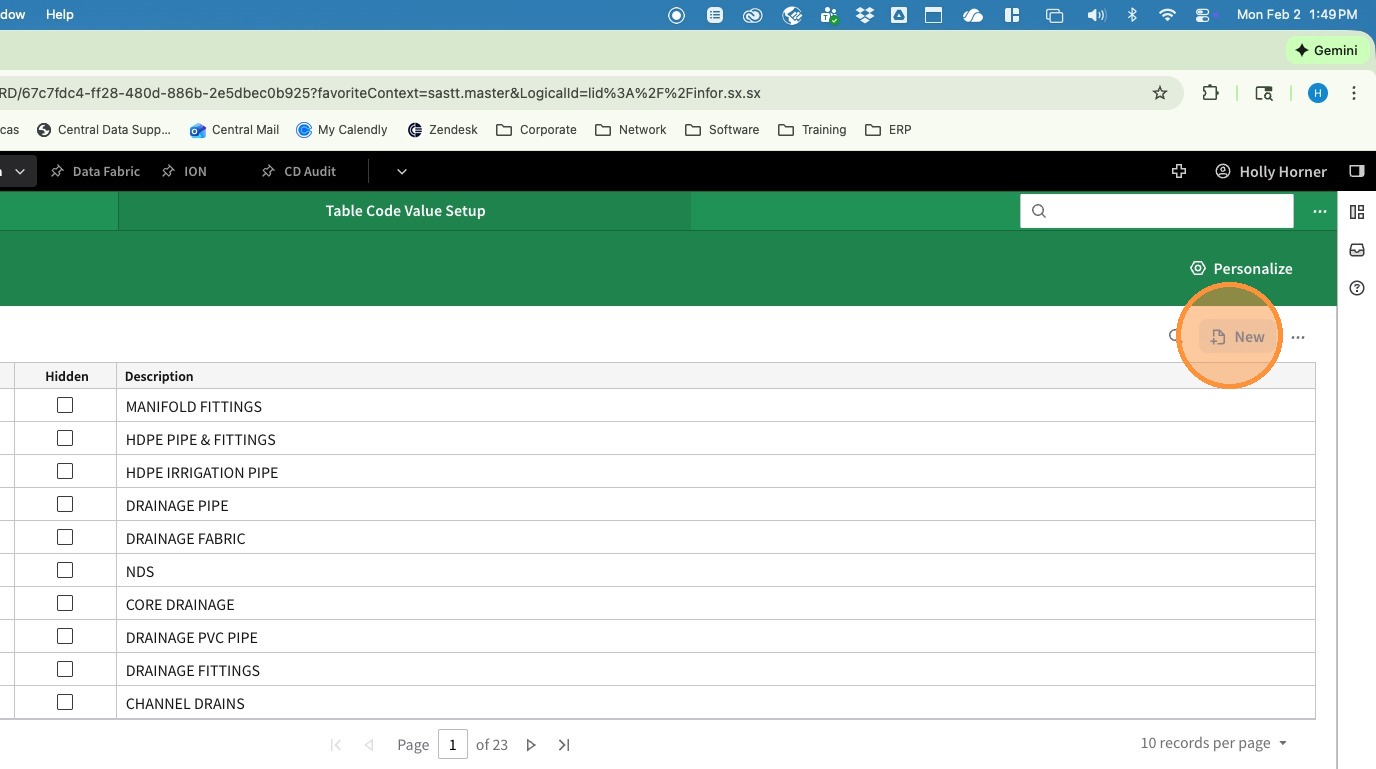
3. Click New
4. Click Category and enter the new category number.
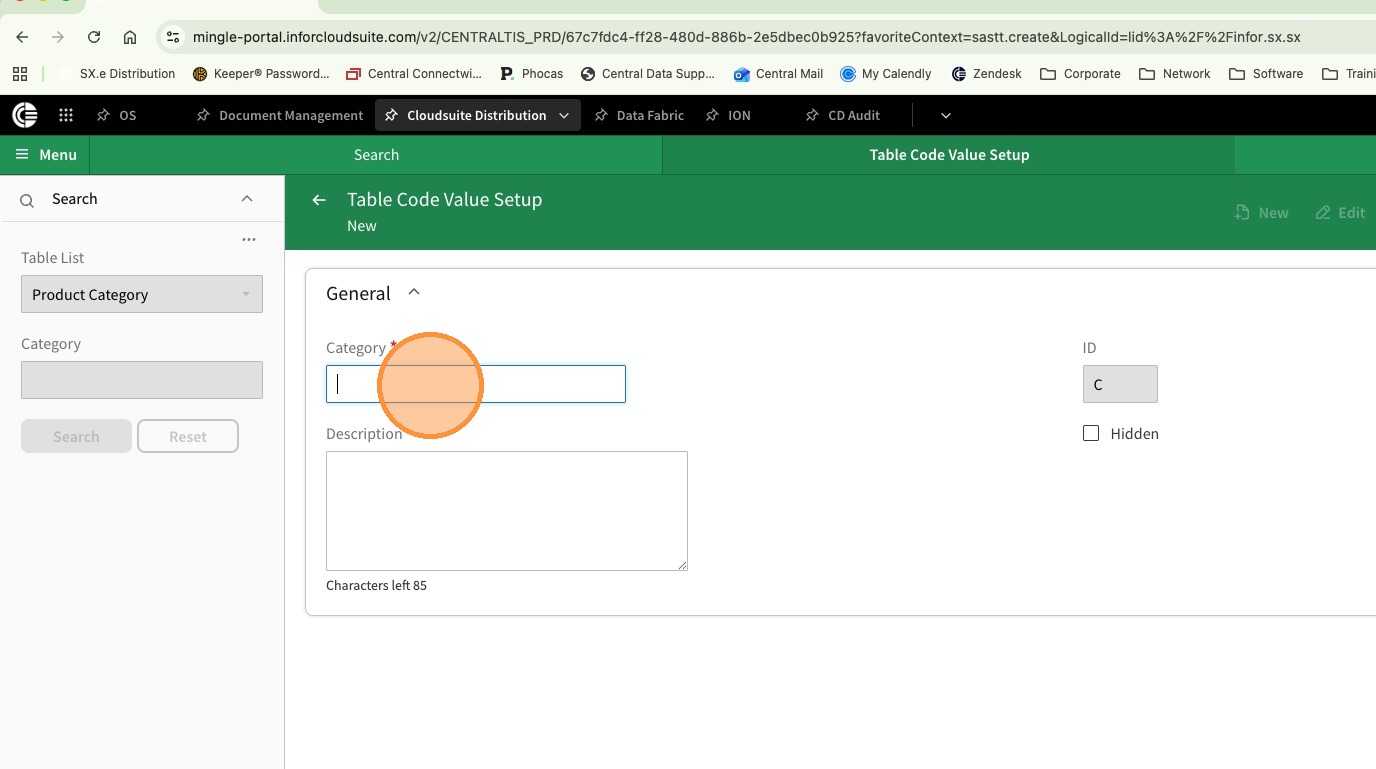
5. In Description enter the name of the Product Category
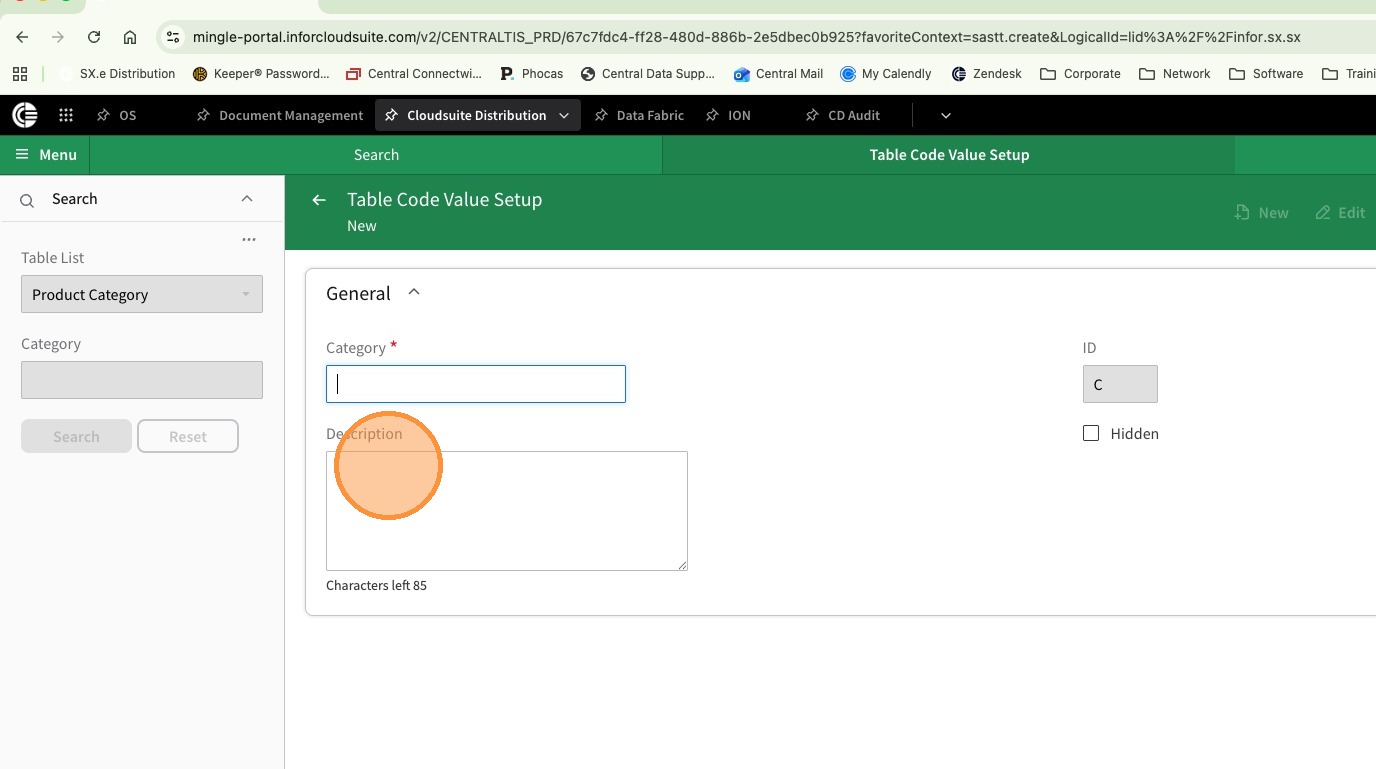
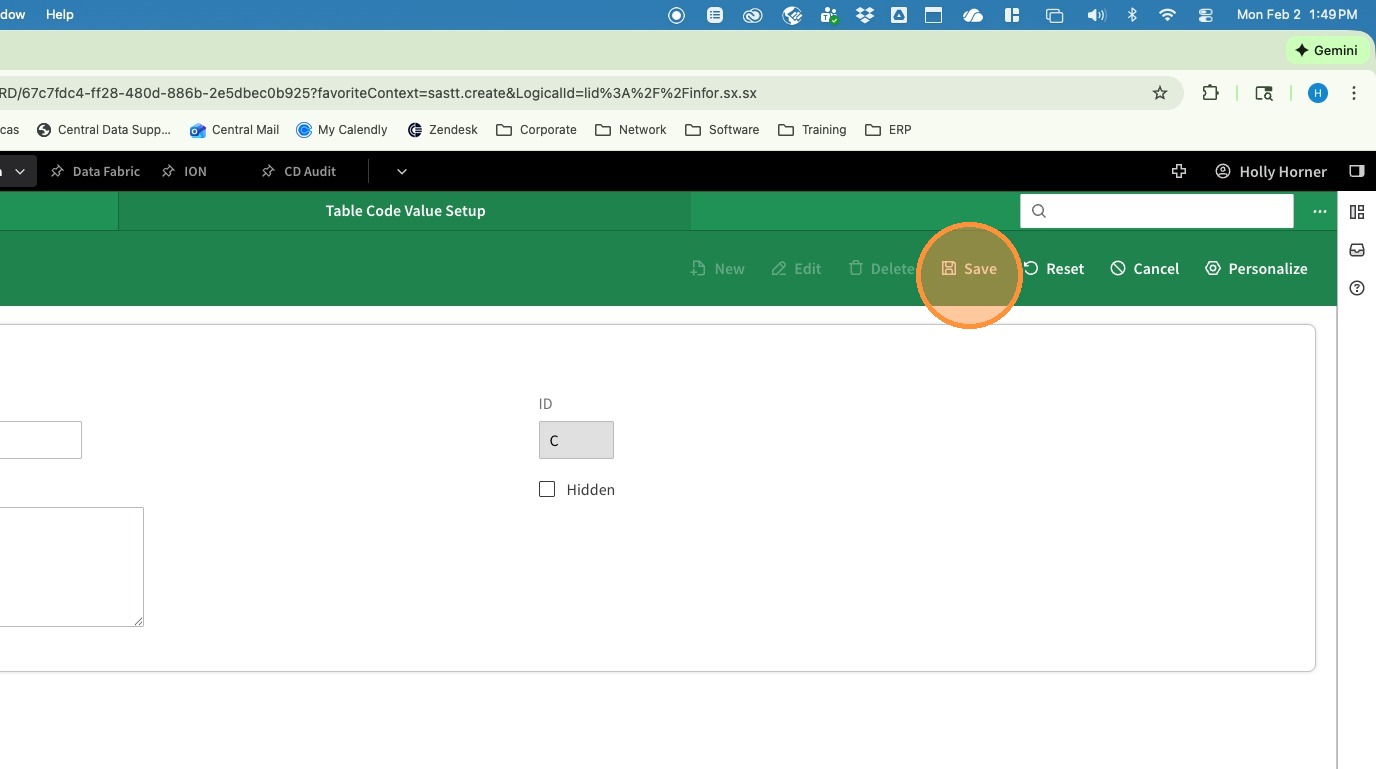
6. Click Save
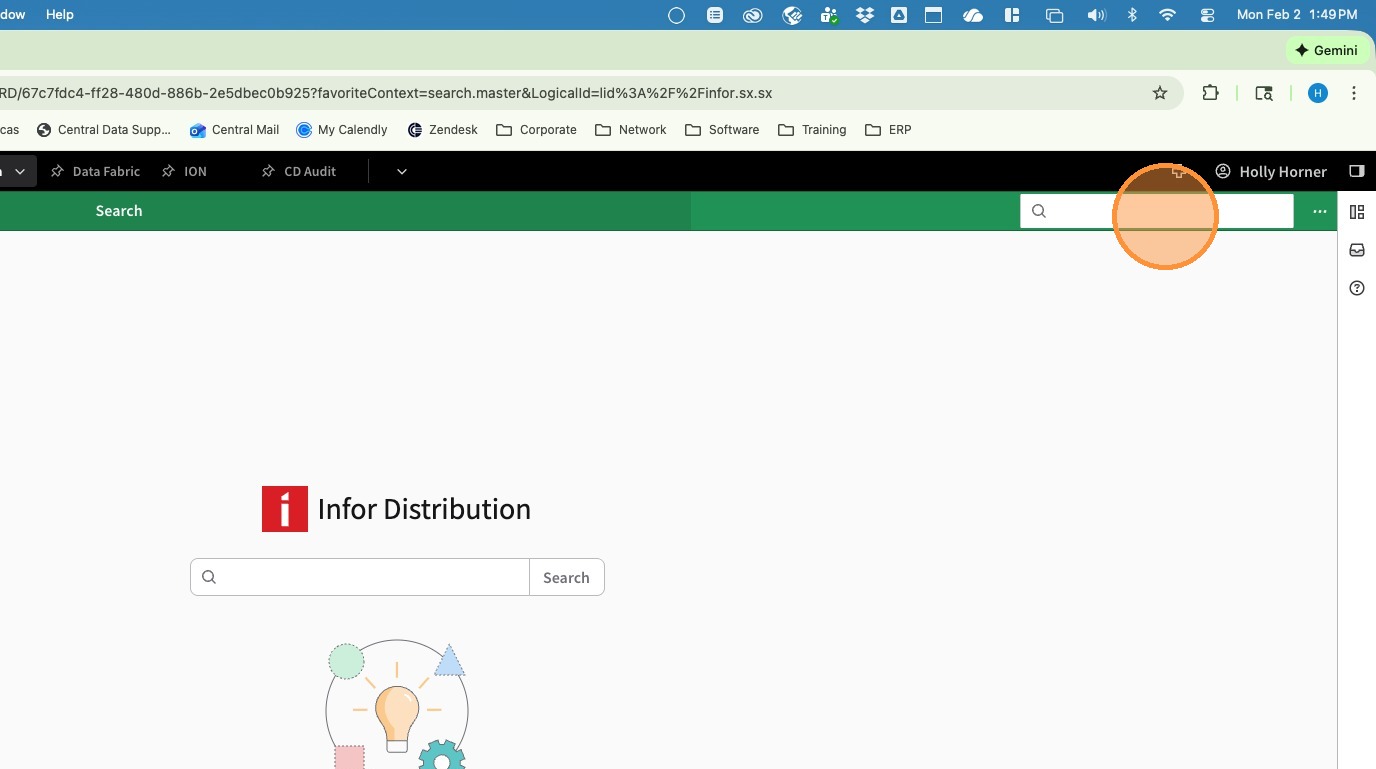
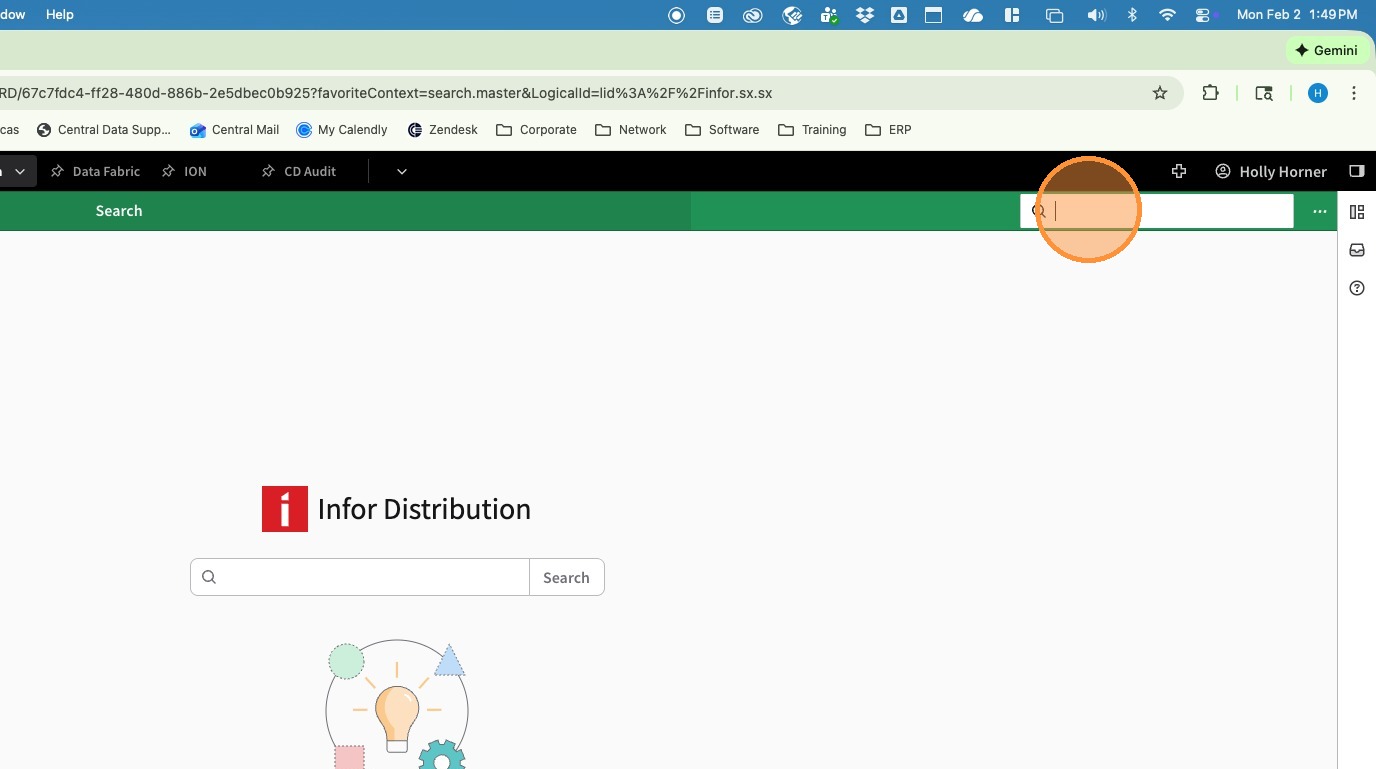
7. Click in the Navigation Search Bar and Enter SASTZ - Custom Table Setup
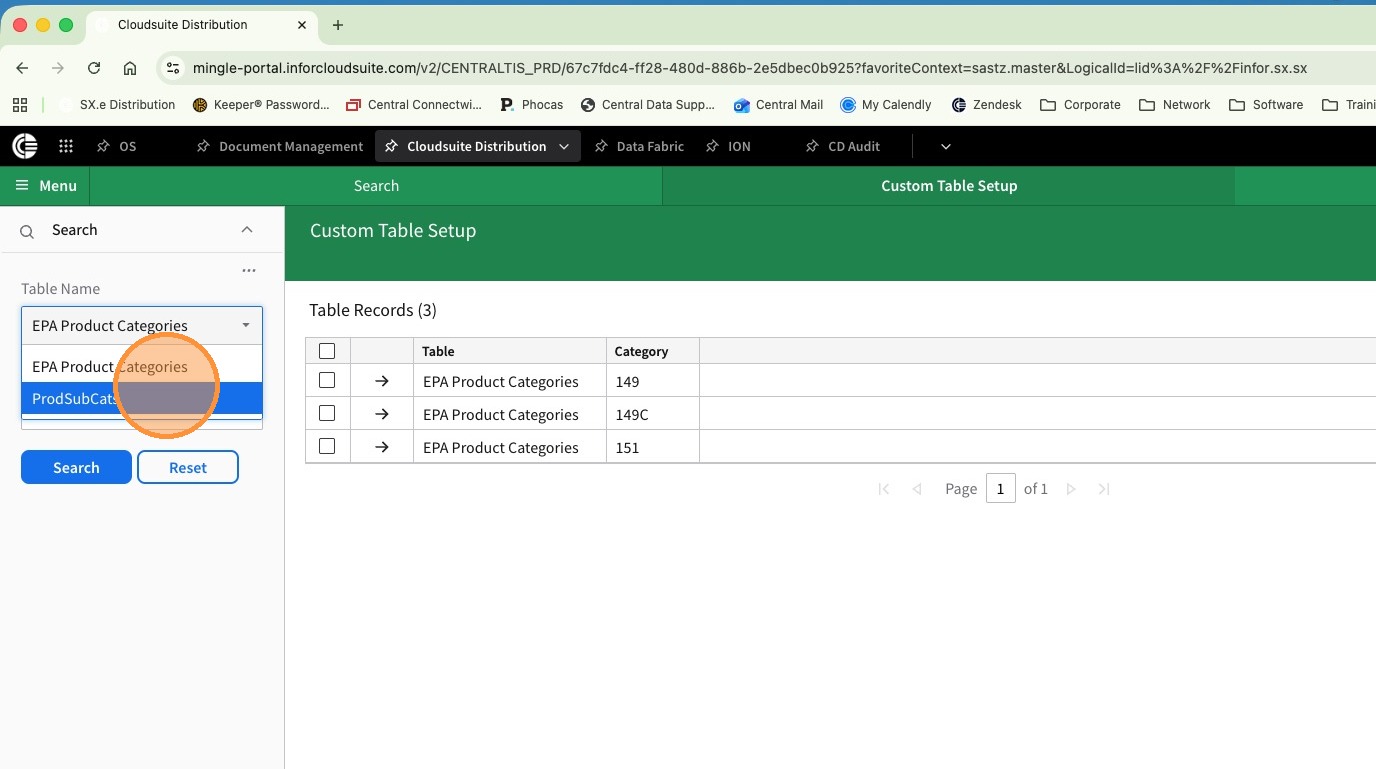
8. From the Table Name Drop Down slect ProdSubCat
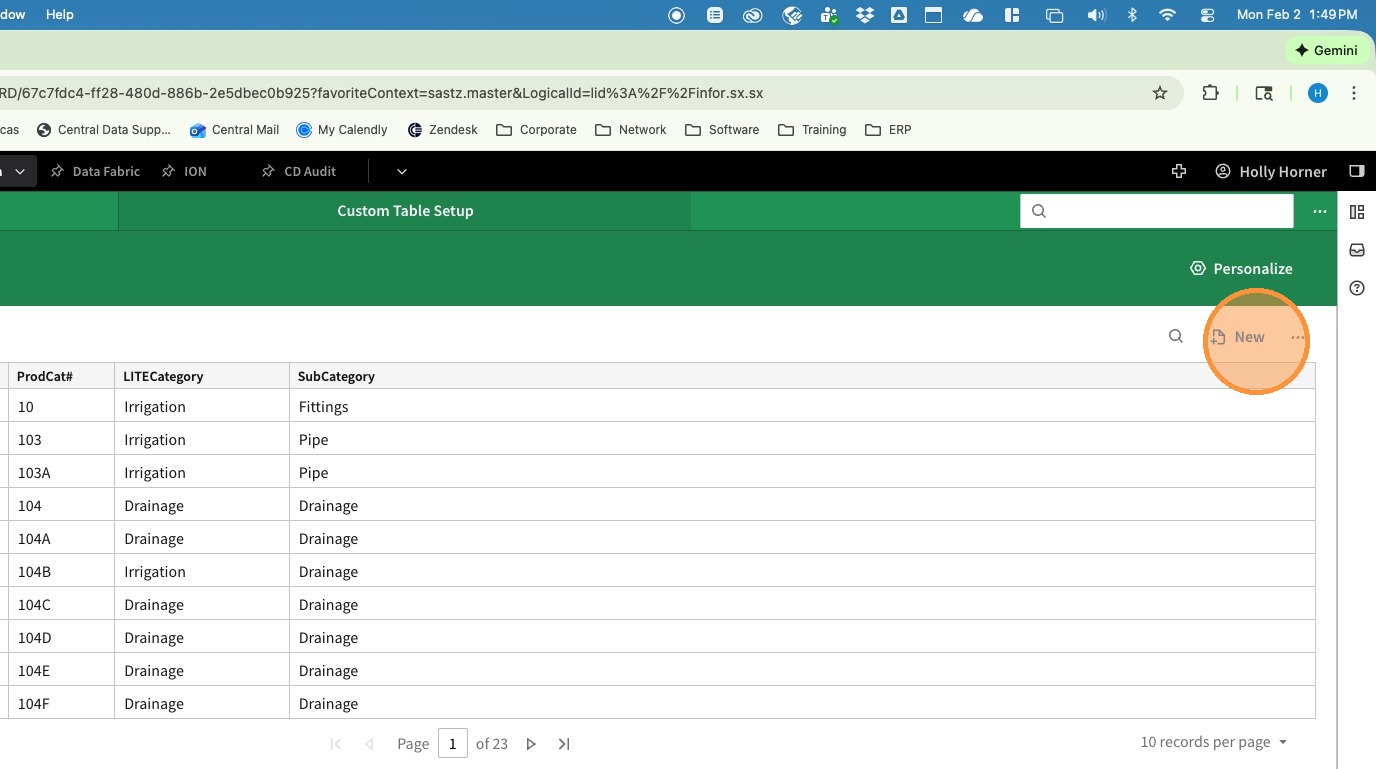
9. Click New
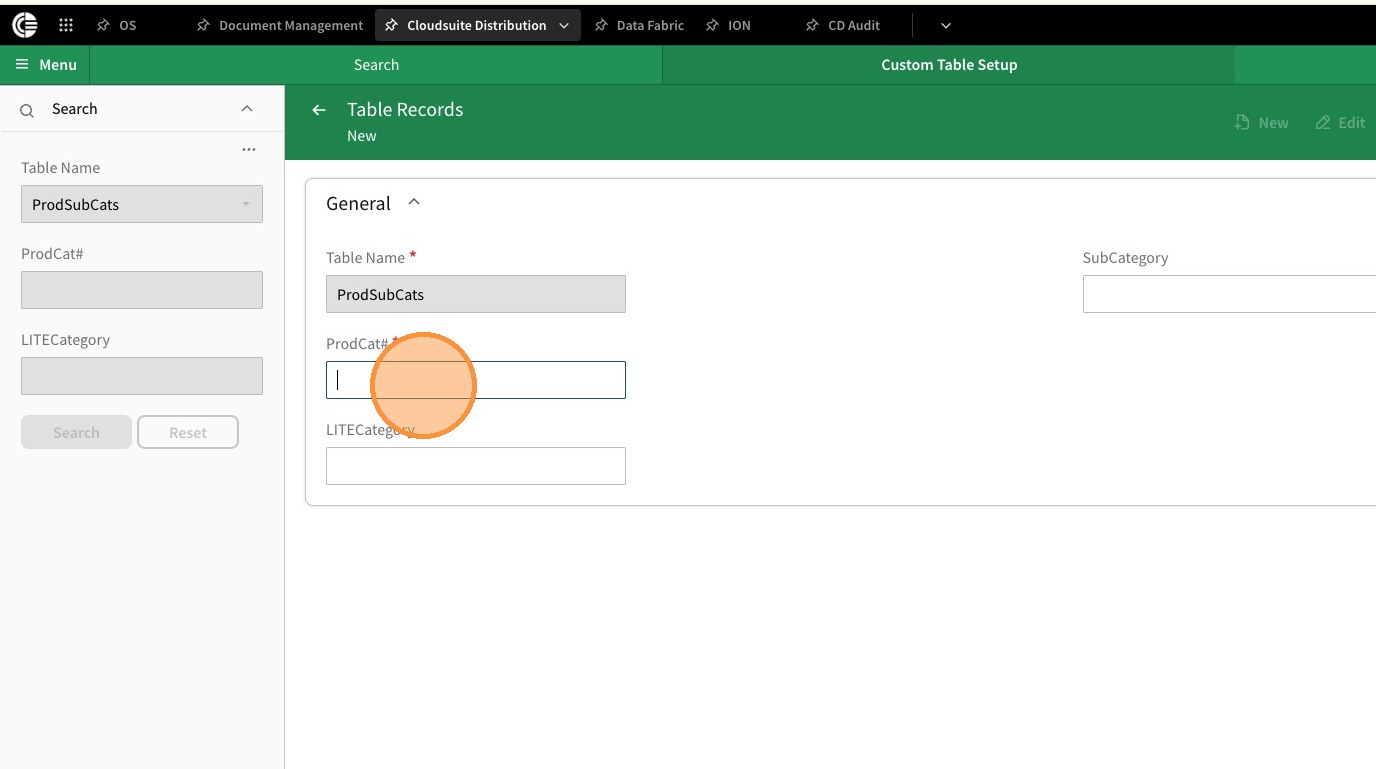
10. Click ProdCat# and enter the Product Category
11. Click LITE Category and enter the Correct LITE Category
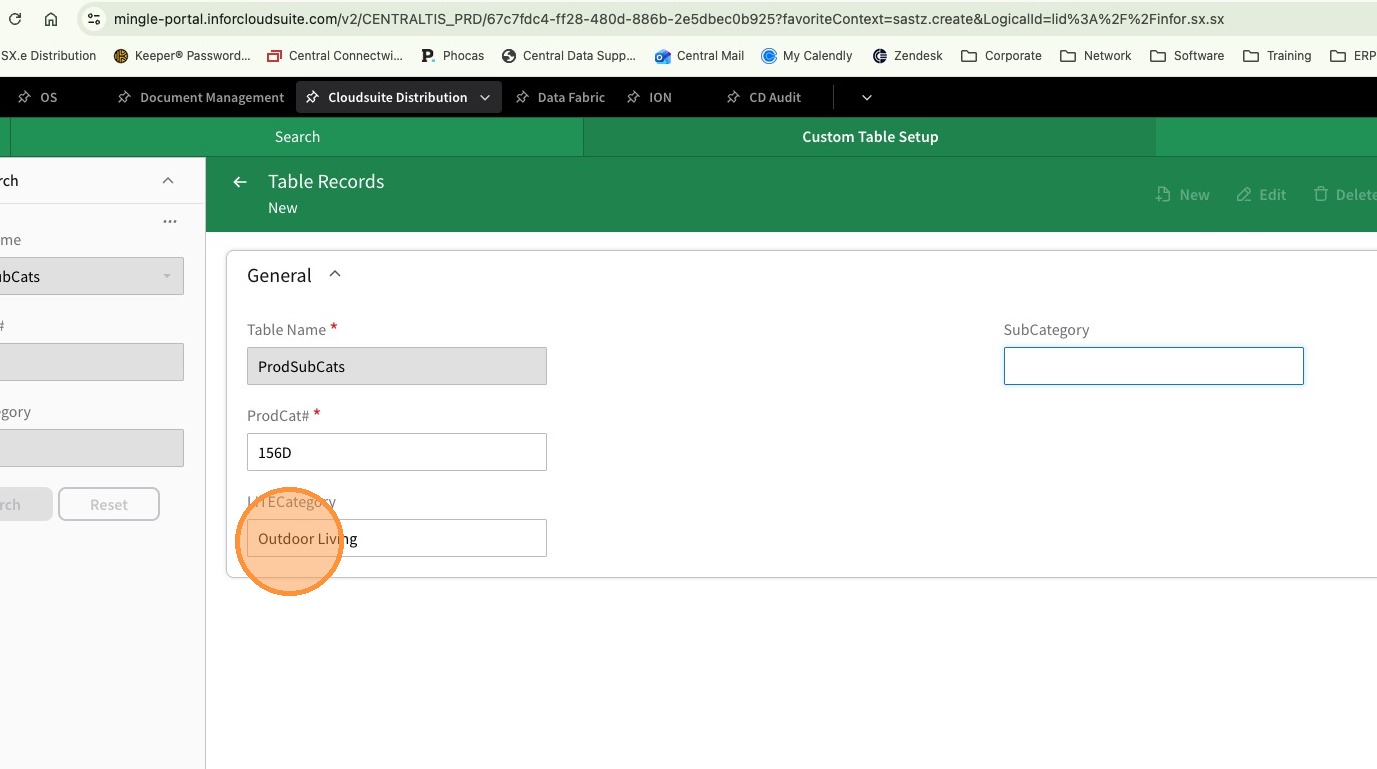
12. Click SubCategory and Enter the appropriate Sub Category
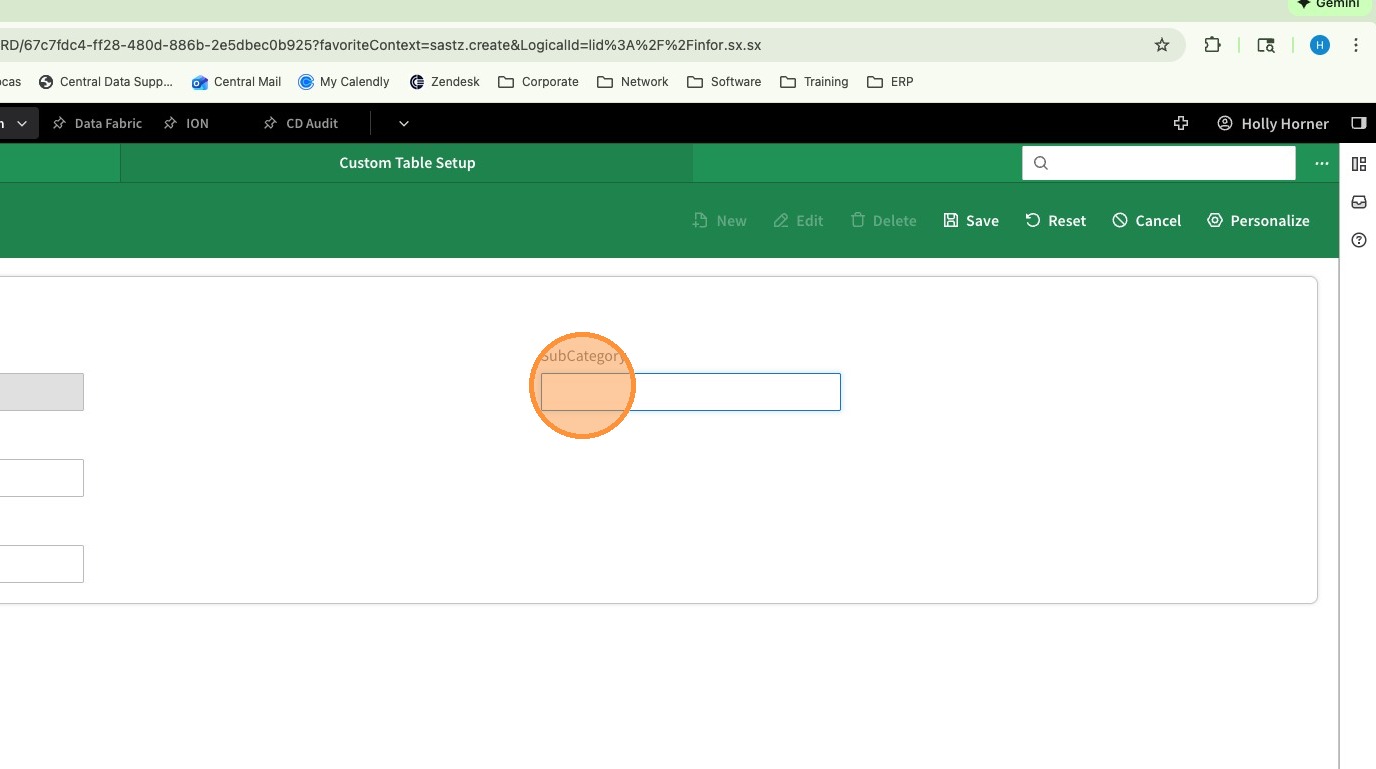
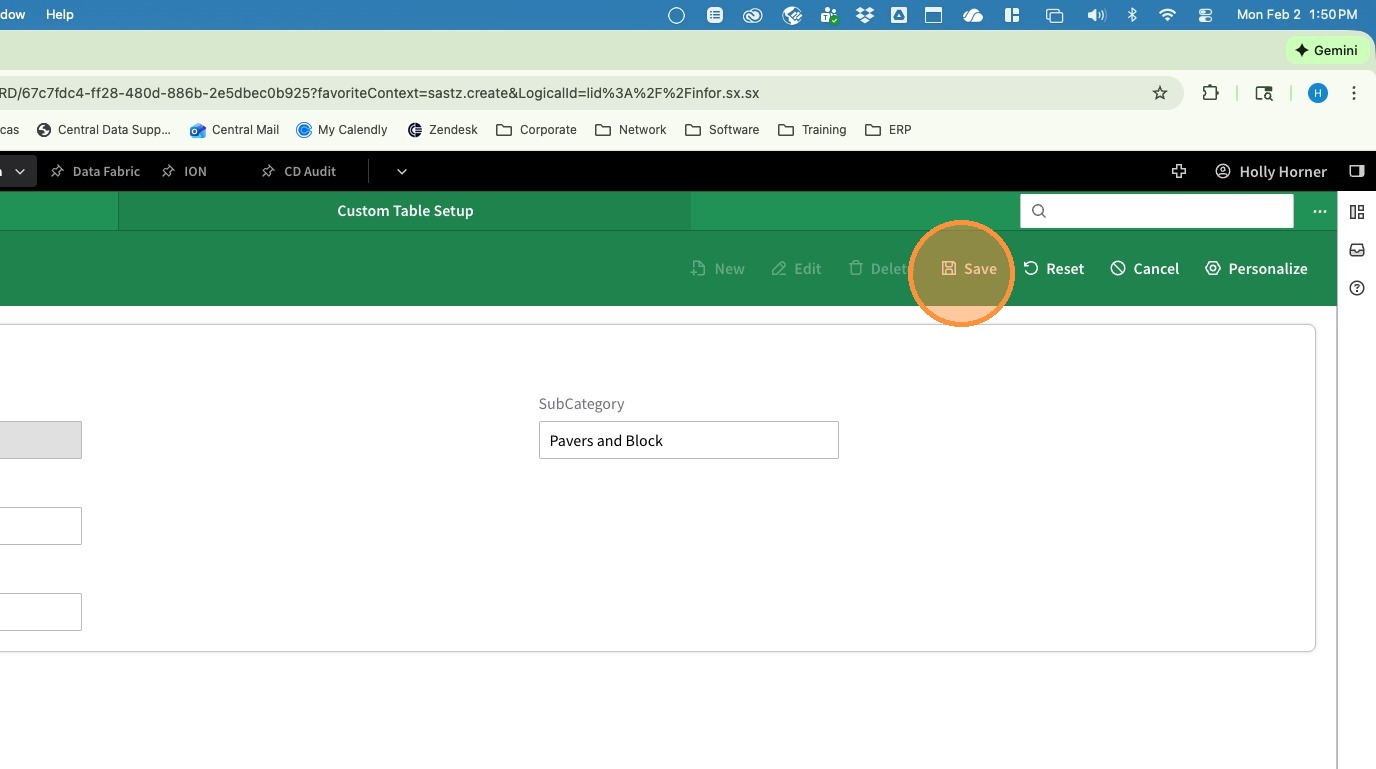
13. Click Save
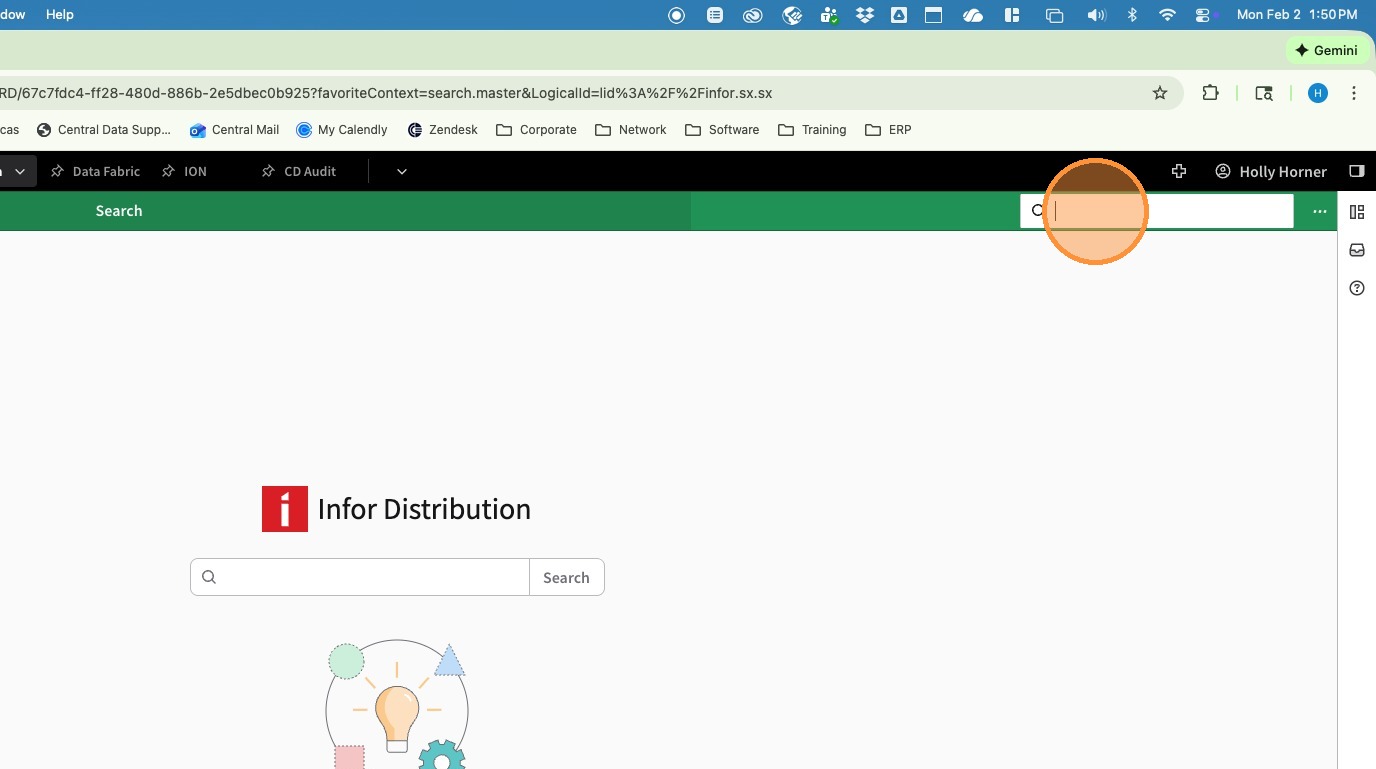
14. Click in the Navigation Search Bar and Enter ICSEG - Product General Ledger Distribution Setup
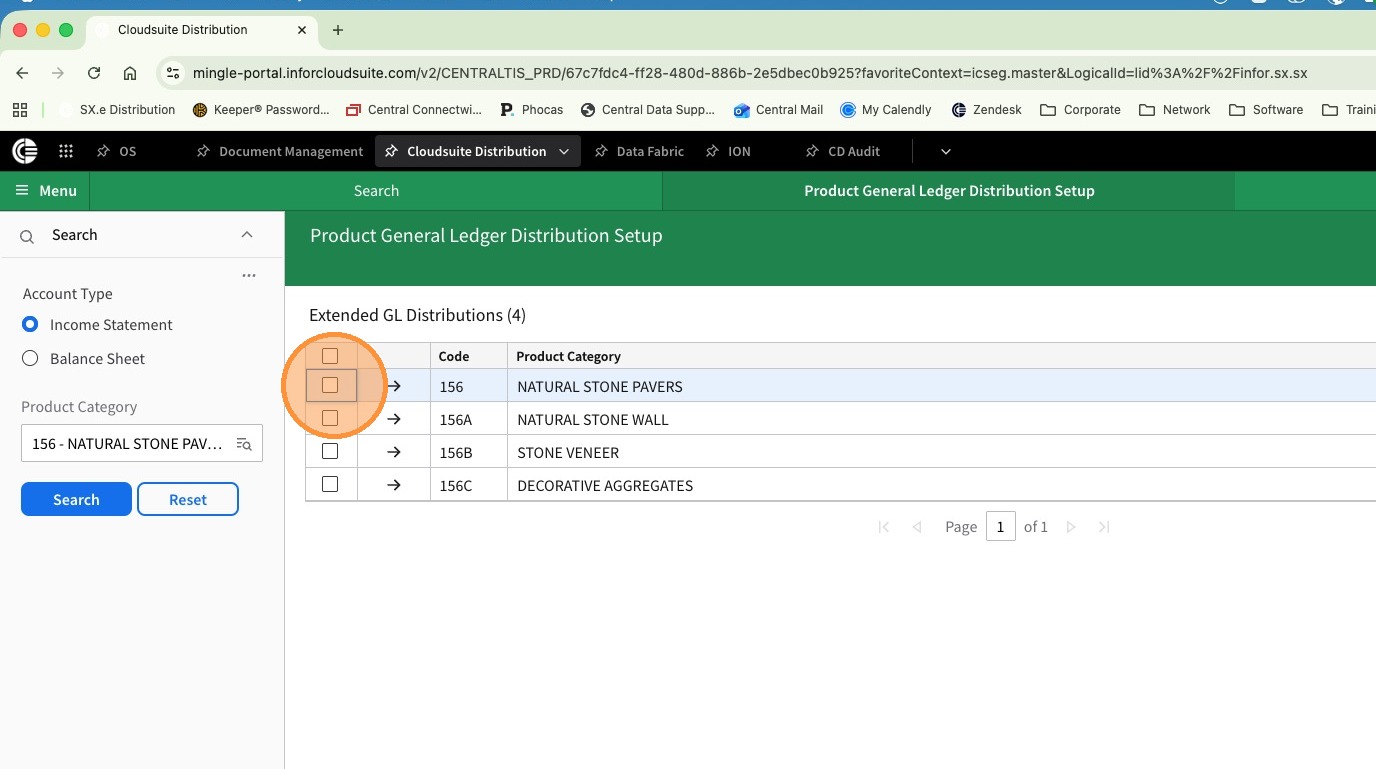
15. Click Product Category and search for another product category in the same LITE Category
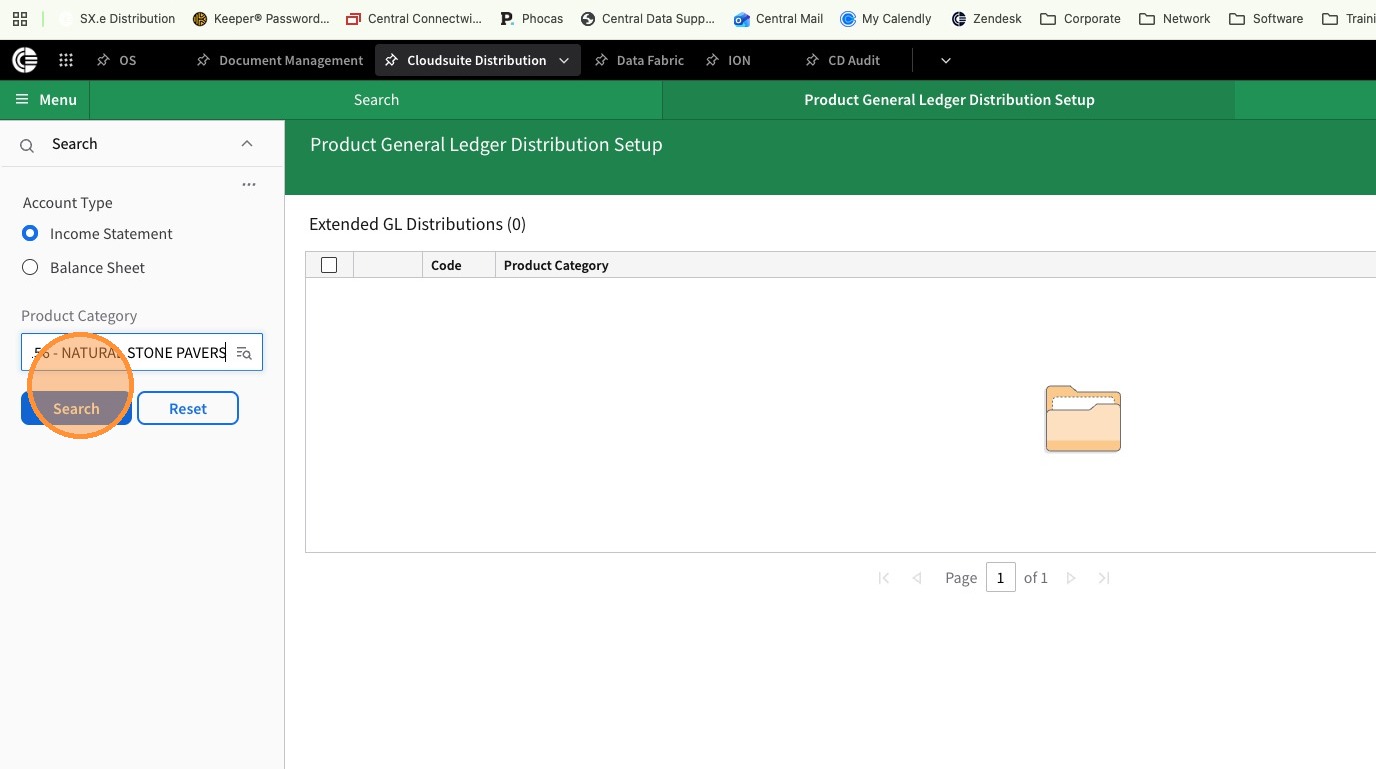
16. Check the box to select the "like" category
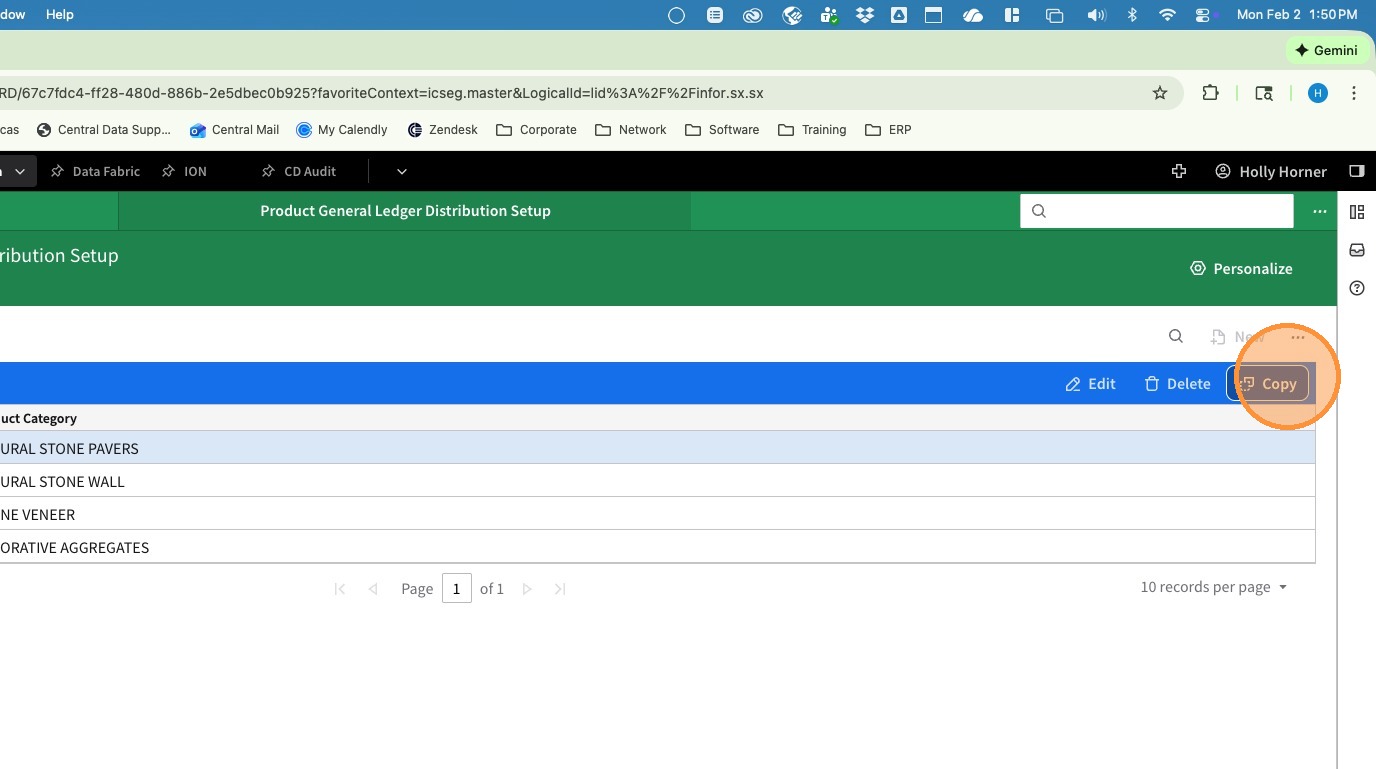
17. Click Copy
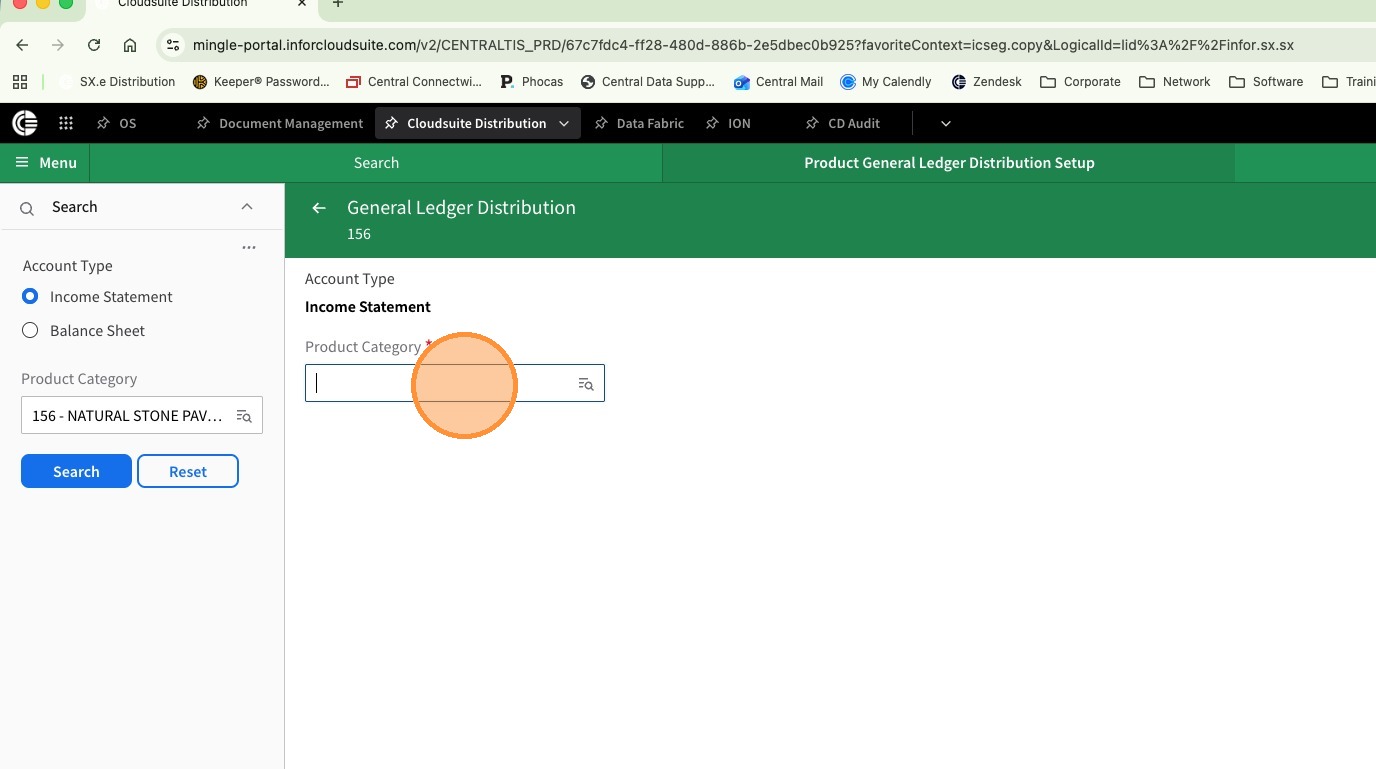
18. Click Product Category and enter the newly created Product Category
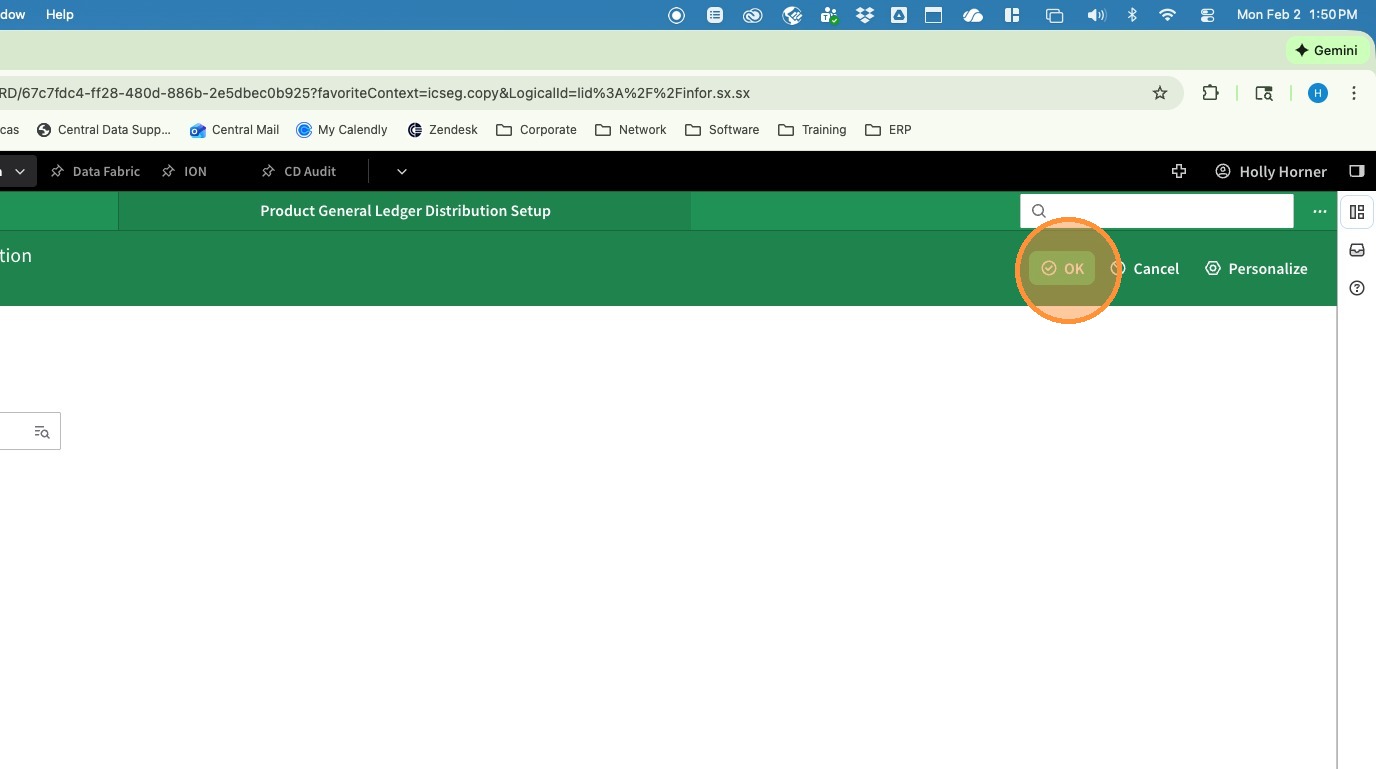
19. Click OK
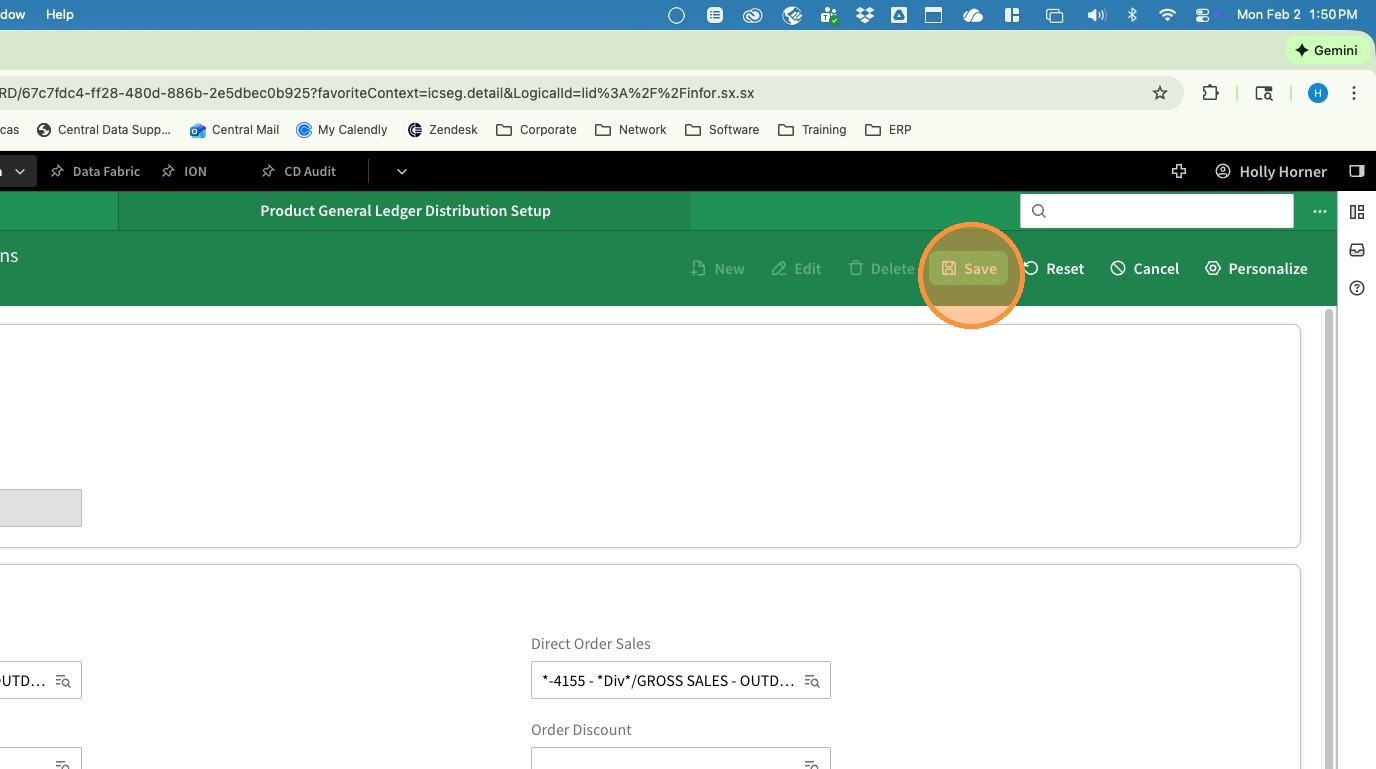
20. Click Save