1. In the Search Box type "Pricing" and select PDRMC - [[PD Customer Pricing Master List Report]]

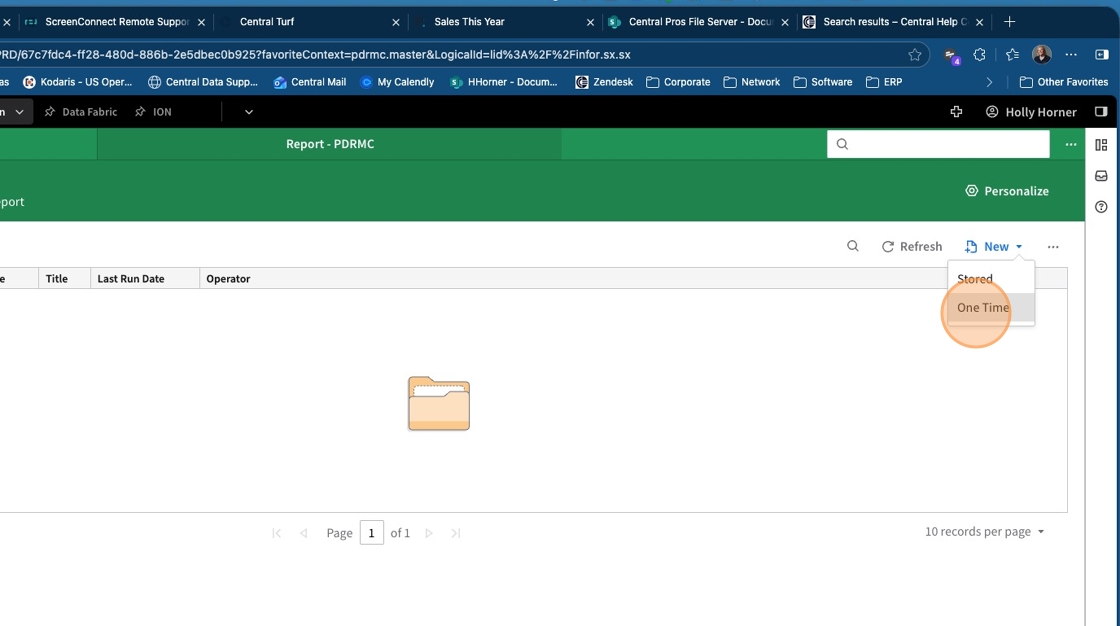
2. Click " New "

3. Click "One Time"
4. Click "Print Type" and select the desired output for the report from the dropdown box

5. Click " Next "

6. Click "4. Customer #" and enter the customer number you need the report for

7. Click " Next "

8. Click " Next "

9. Click " Save "

10. Type indicates whether it is item specific or price type.
Margin is in Price #1 field
