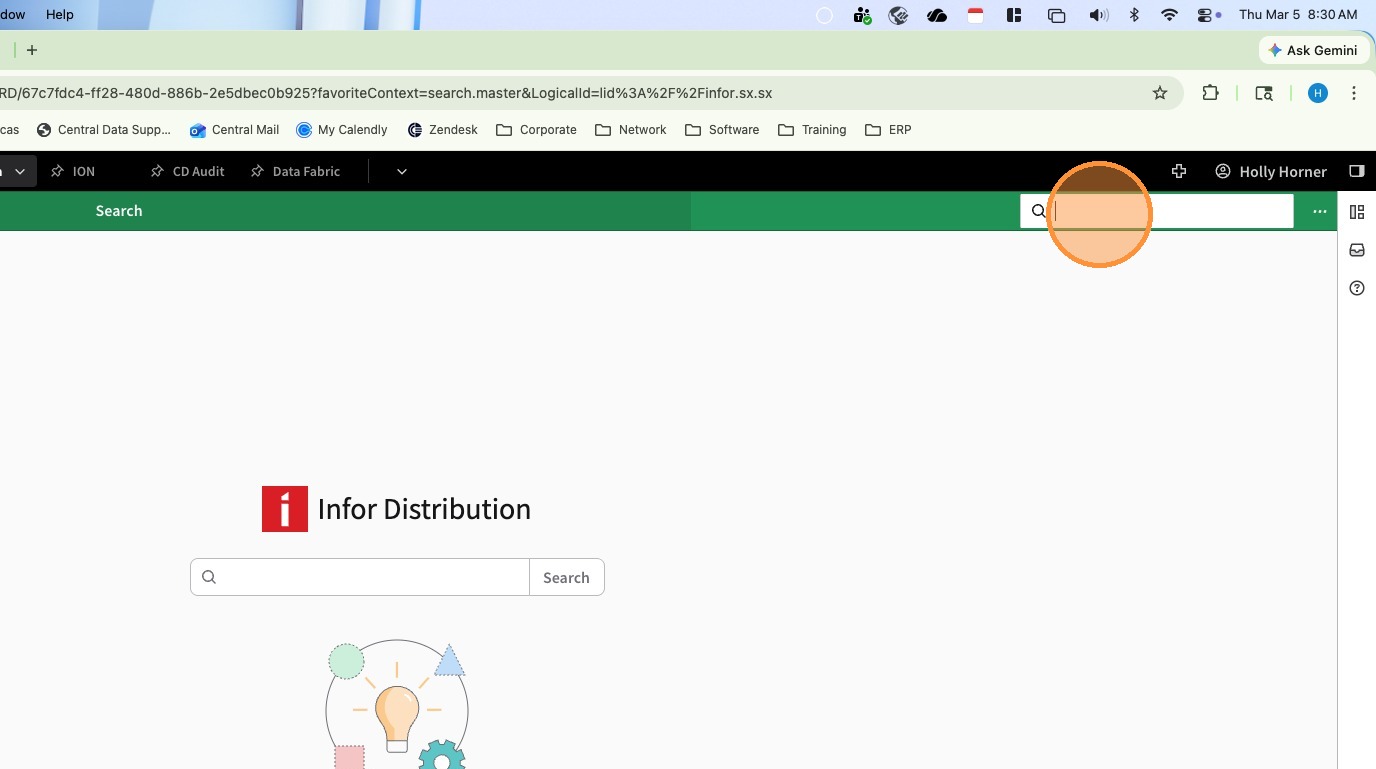
1. Click in the Navigation Search Bar and Enter Customer Inquiry (ARIC)
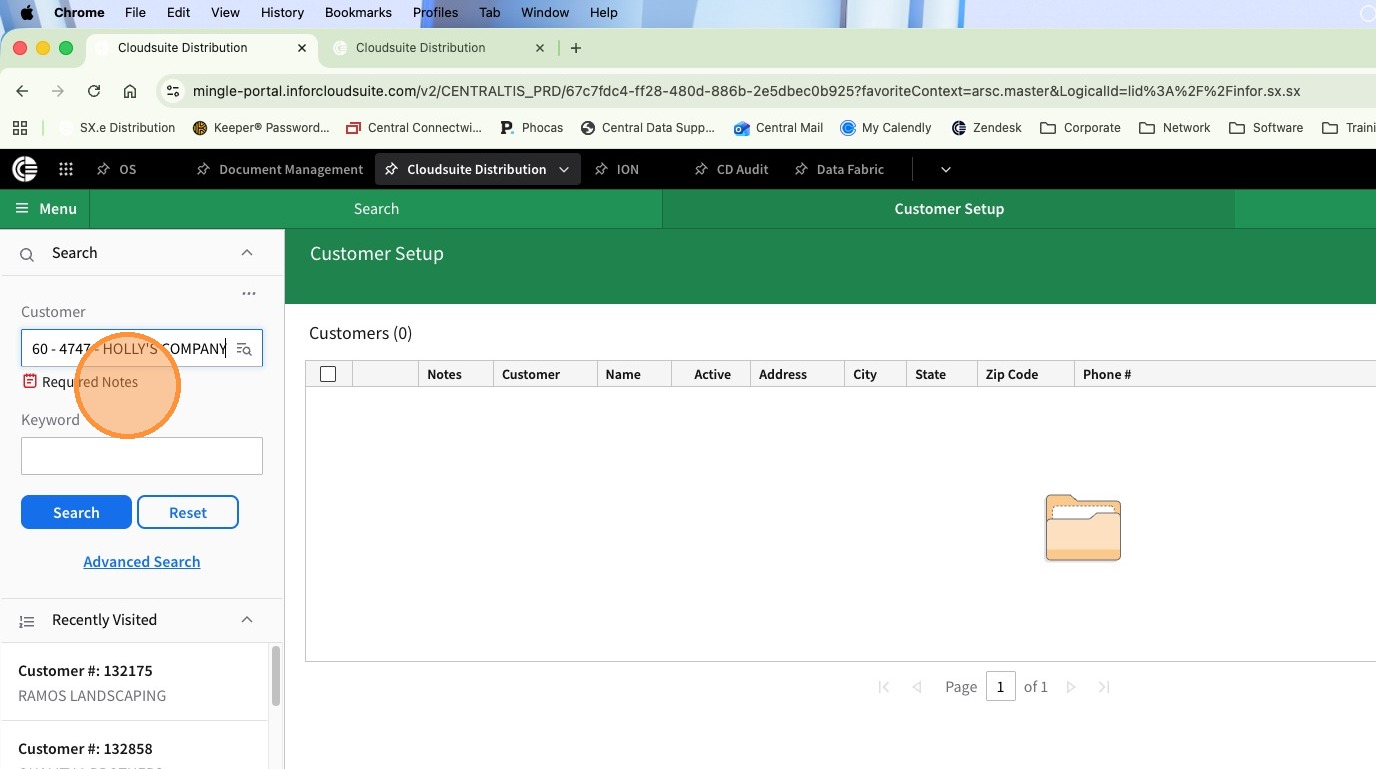
2. Search for the customer
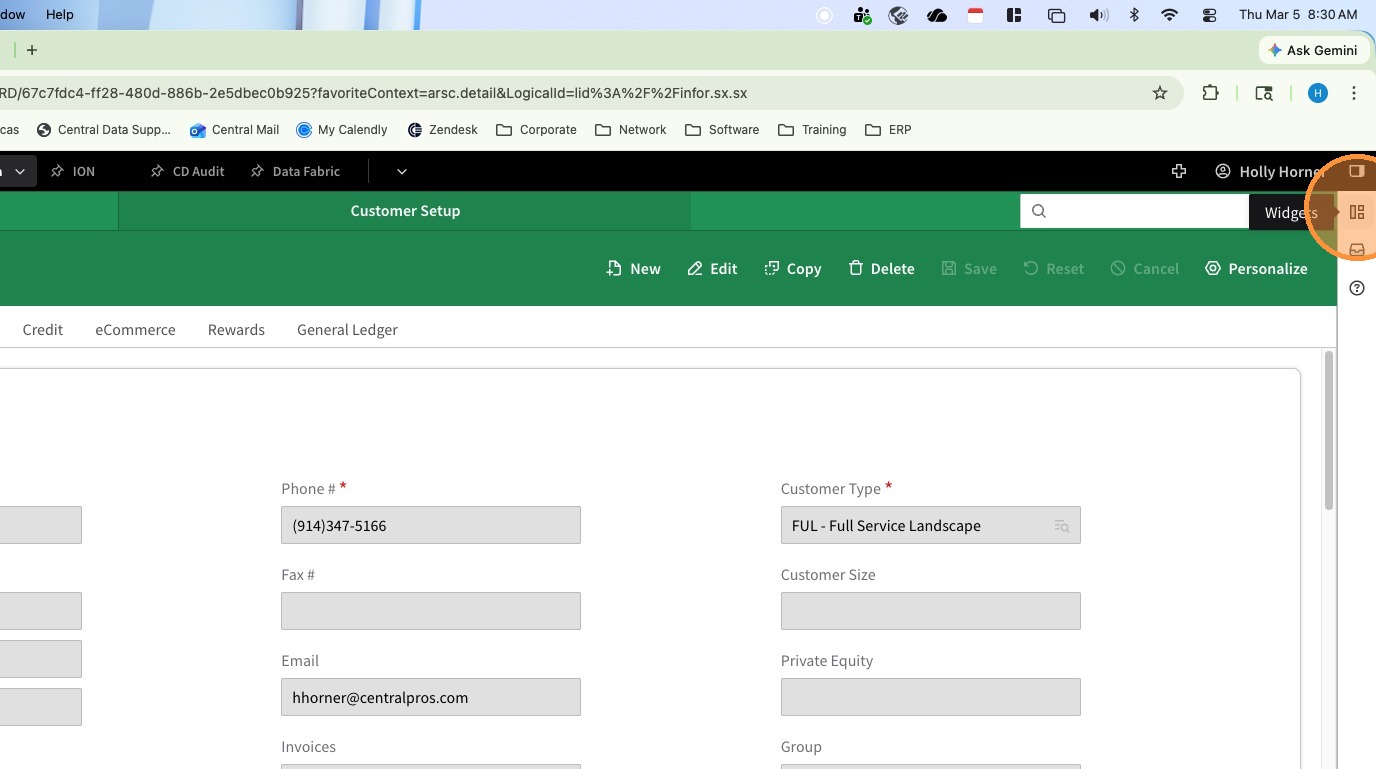
3. Open the Widgets on the left side if not already open
4. Scroll down to the Contacts Widget
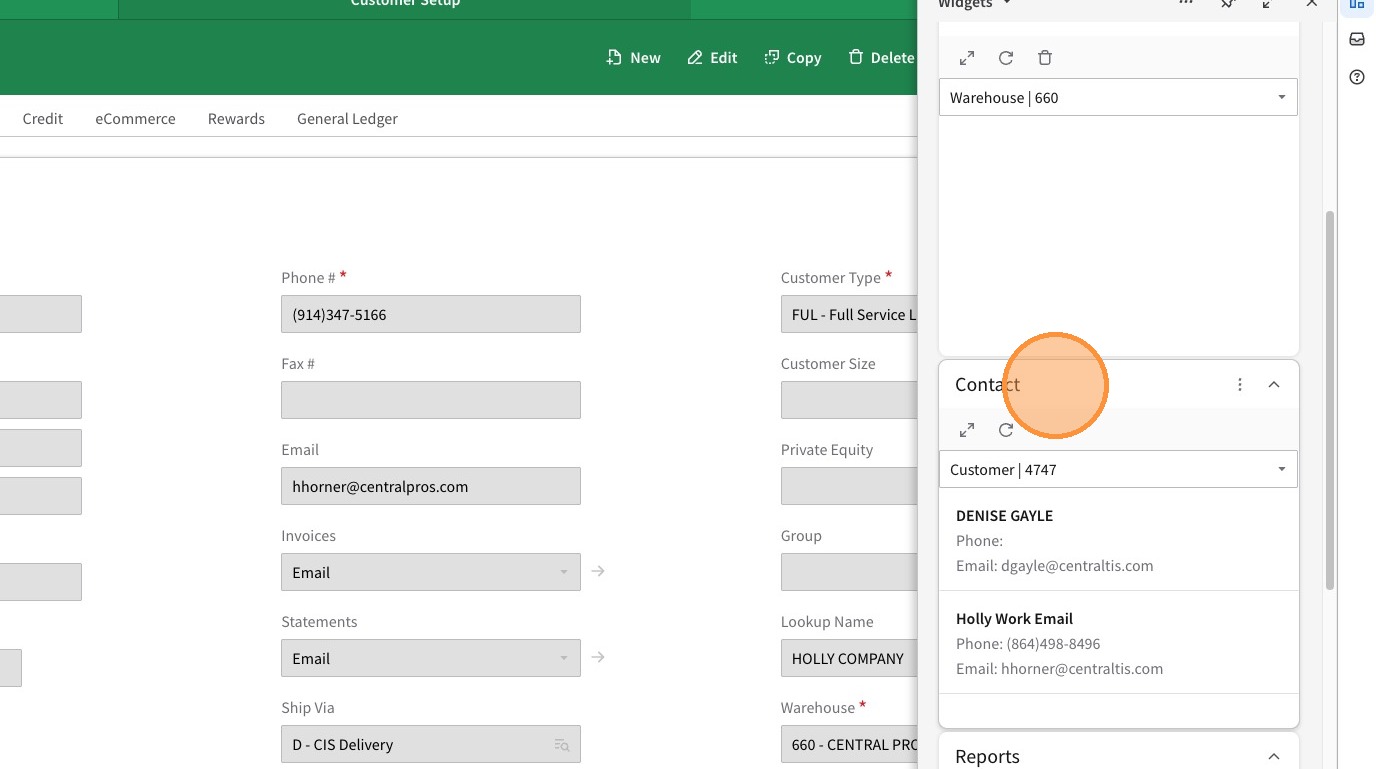
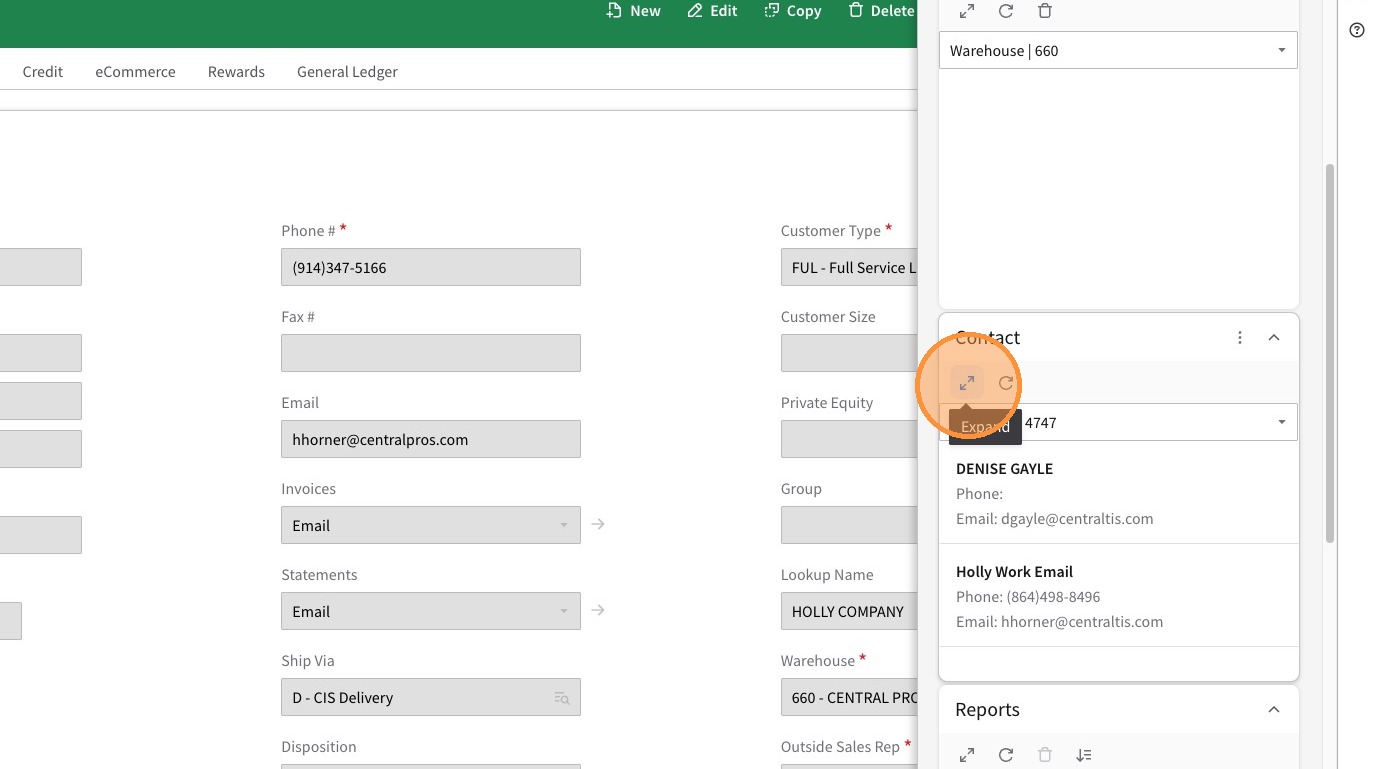
5. Click the double arrow to expand the Contacts Widget
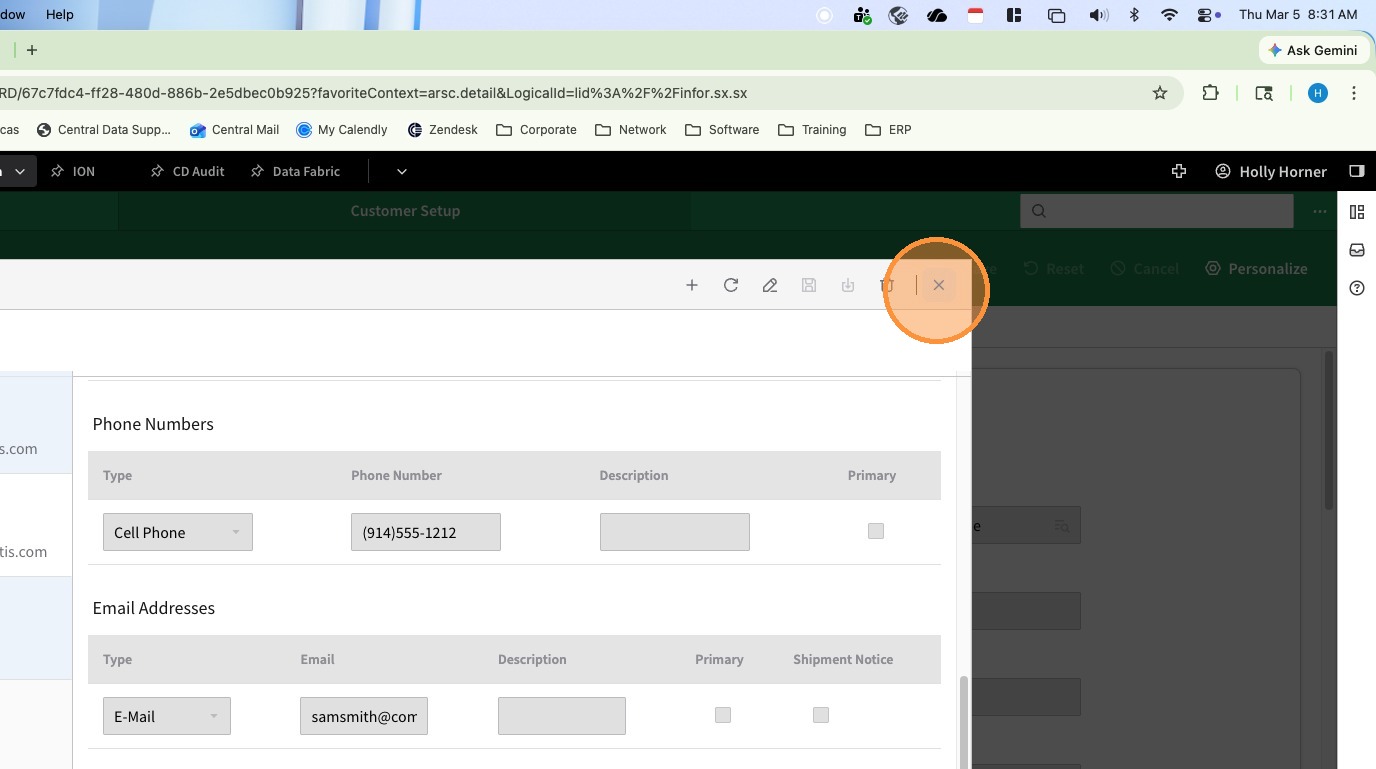
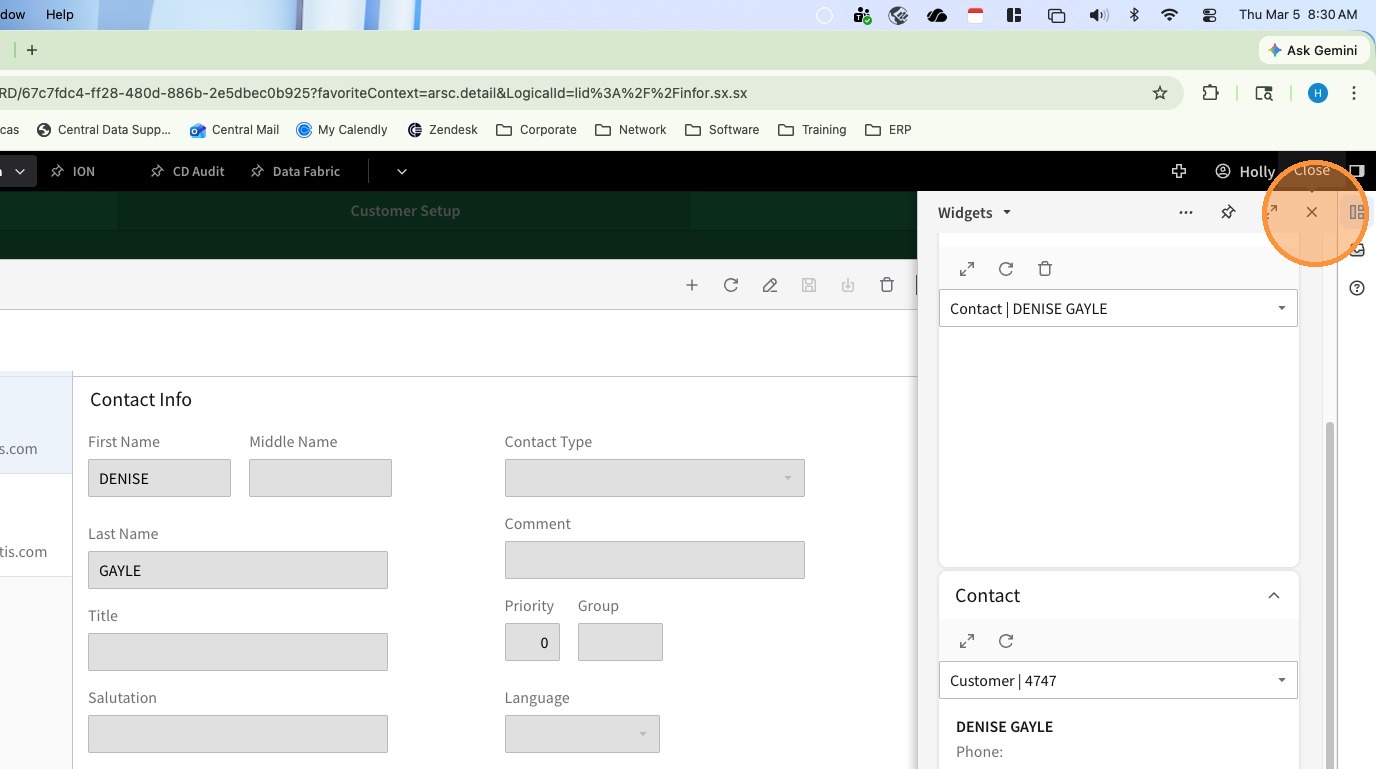
6. Click the X to close the Widgets Panel
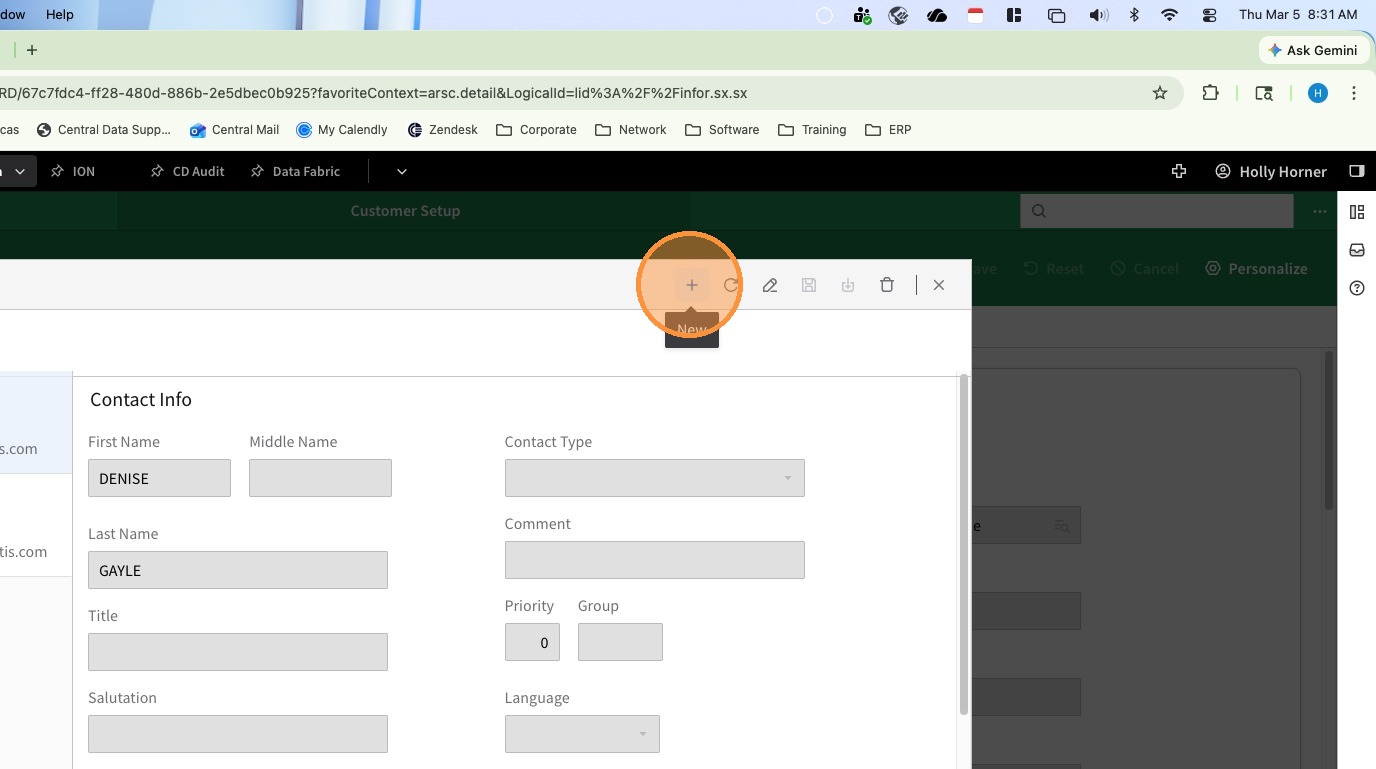
7. Click the Plus Sign (New) to add a new contact
8. Enter the First Name
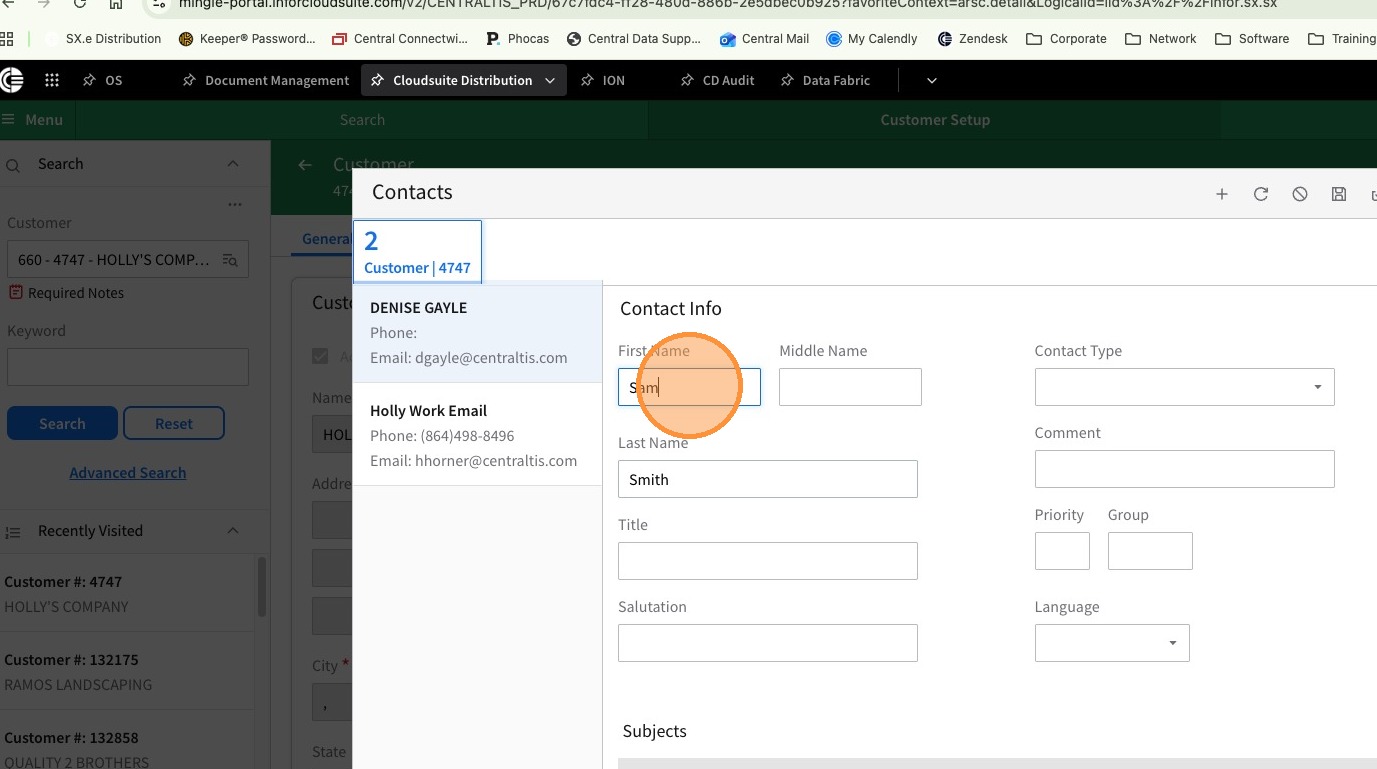
9. Enter the Last Name
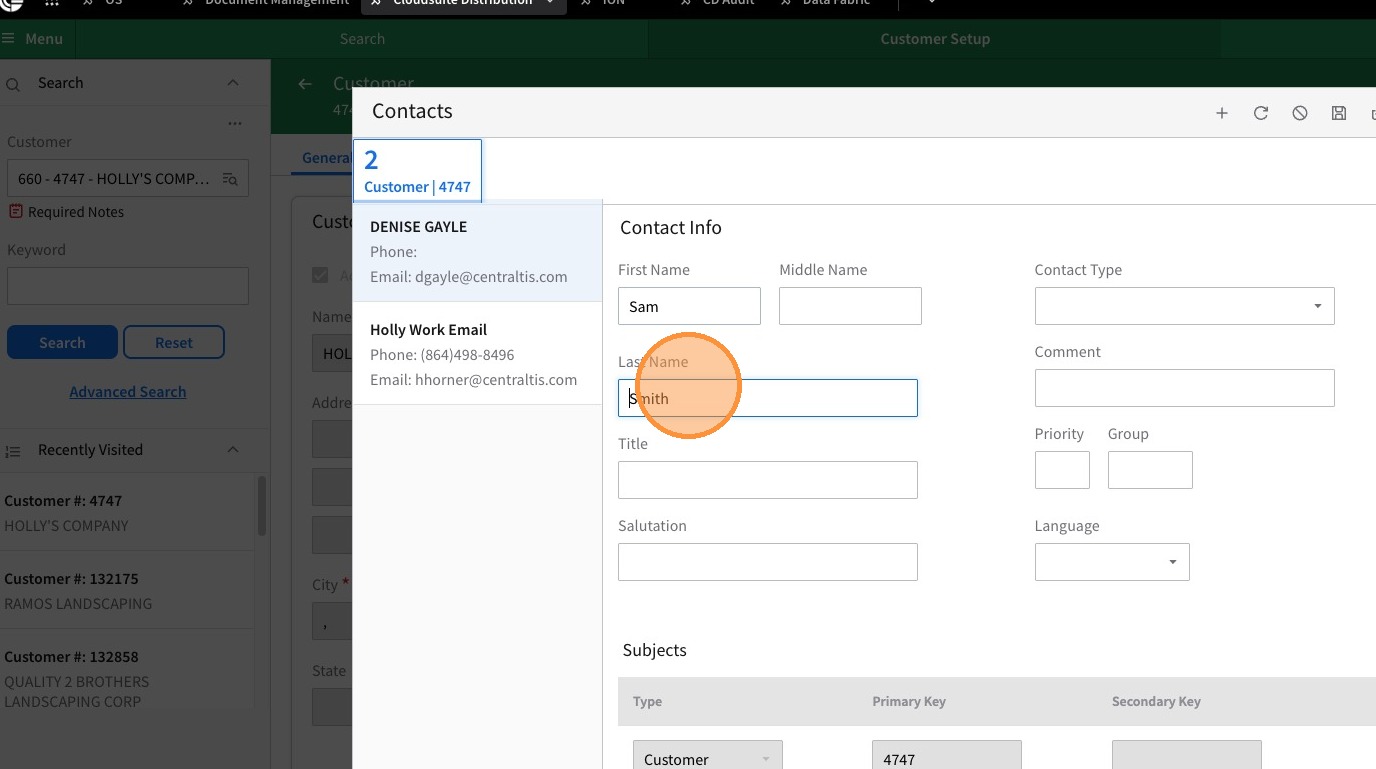
10. Enter the Title
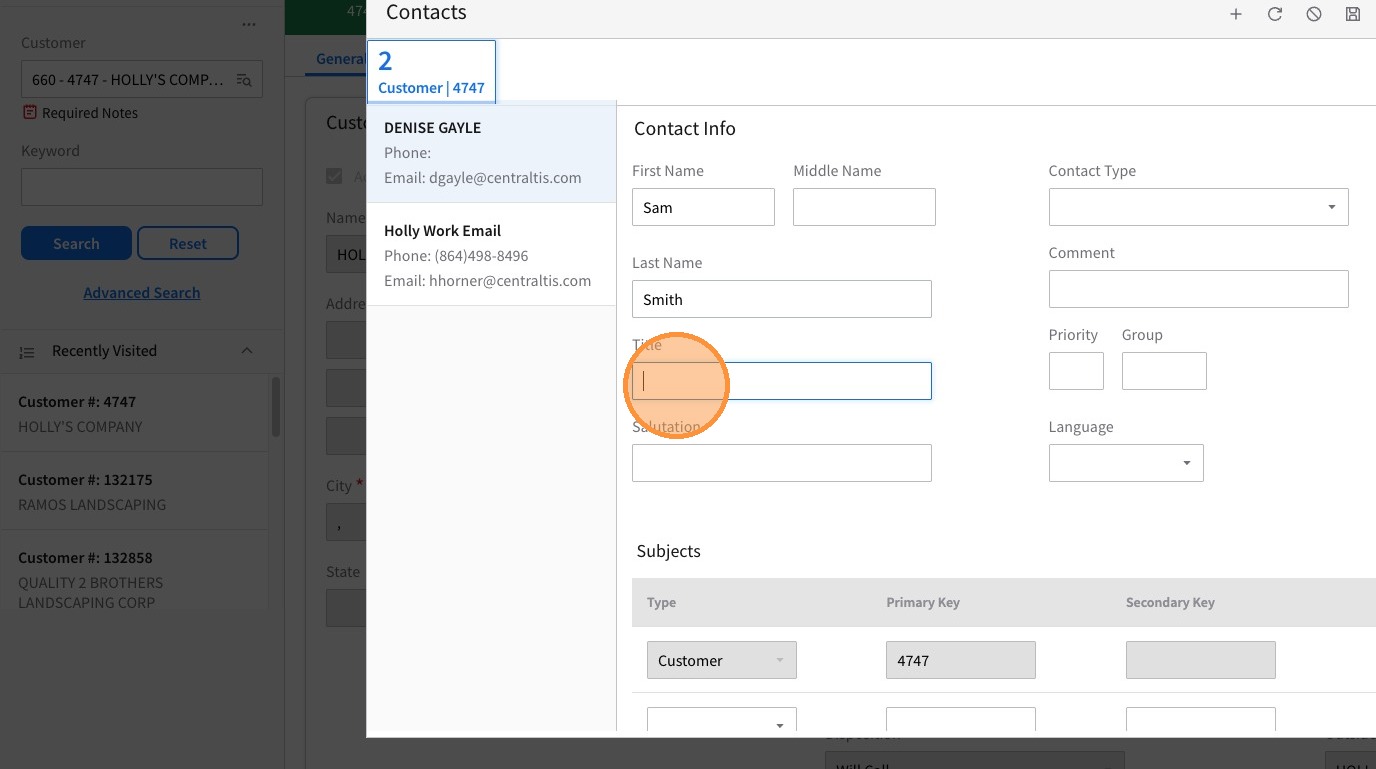
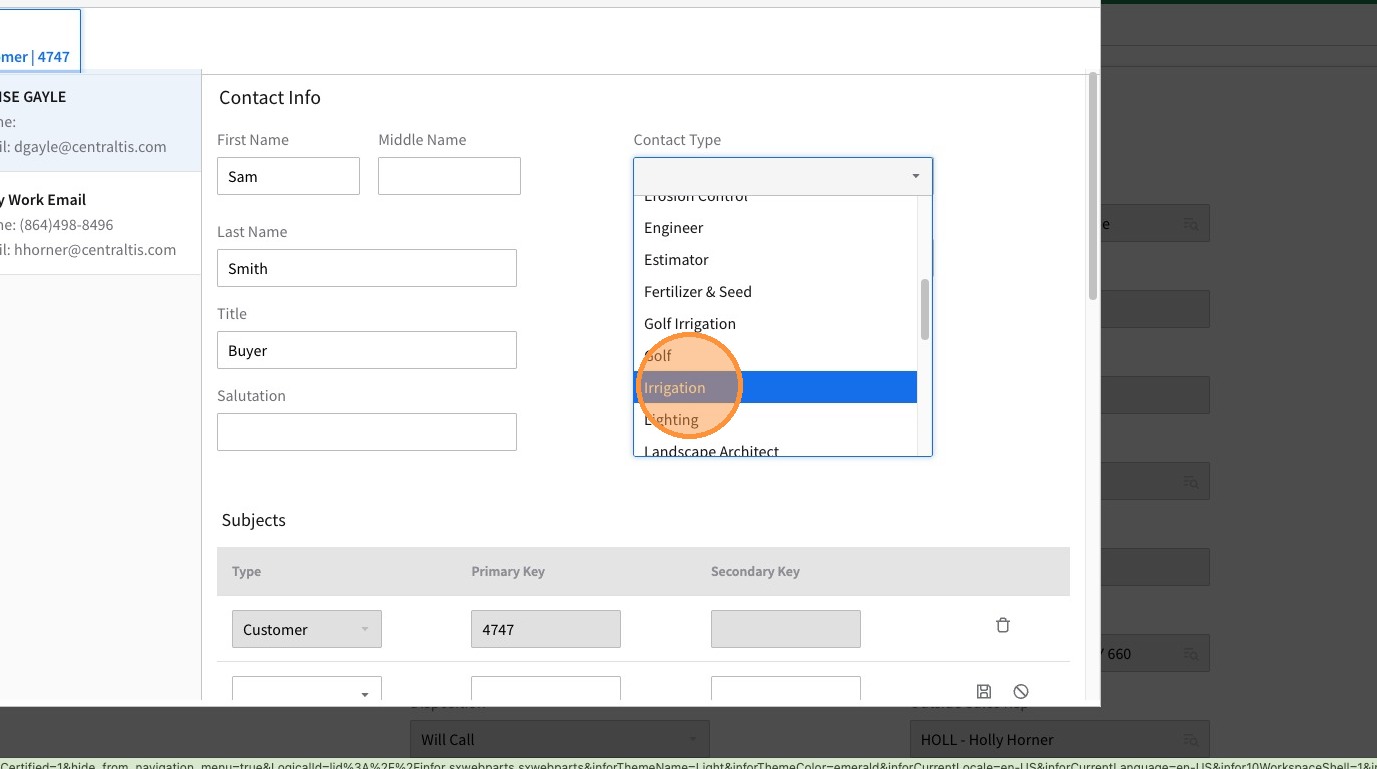
11. Select the correct Contact Type from the drop down menu. This helps marketing (and others) determine the area of influence.
Tip: In each section fill in the applicable information.
12. Use the Drop Down for Type to select the type of Phone Number
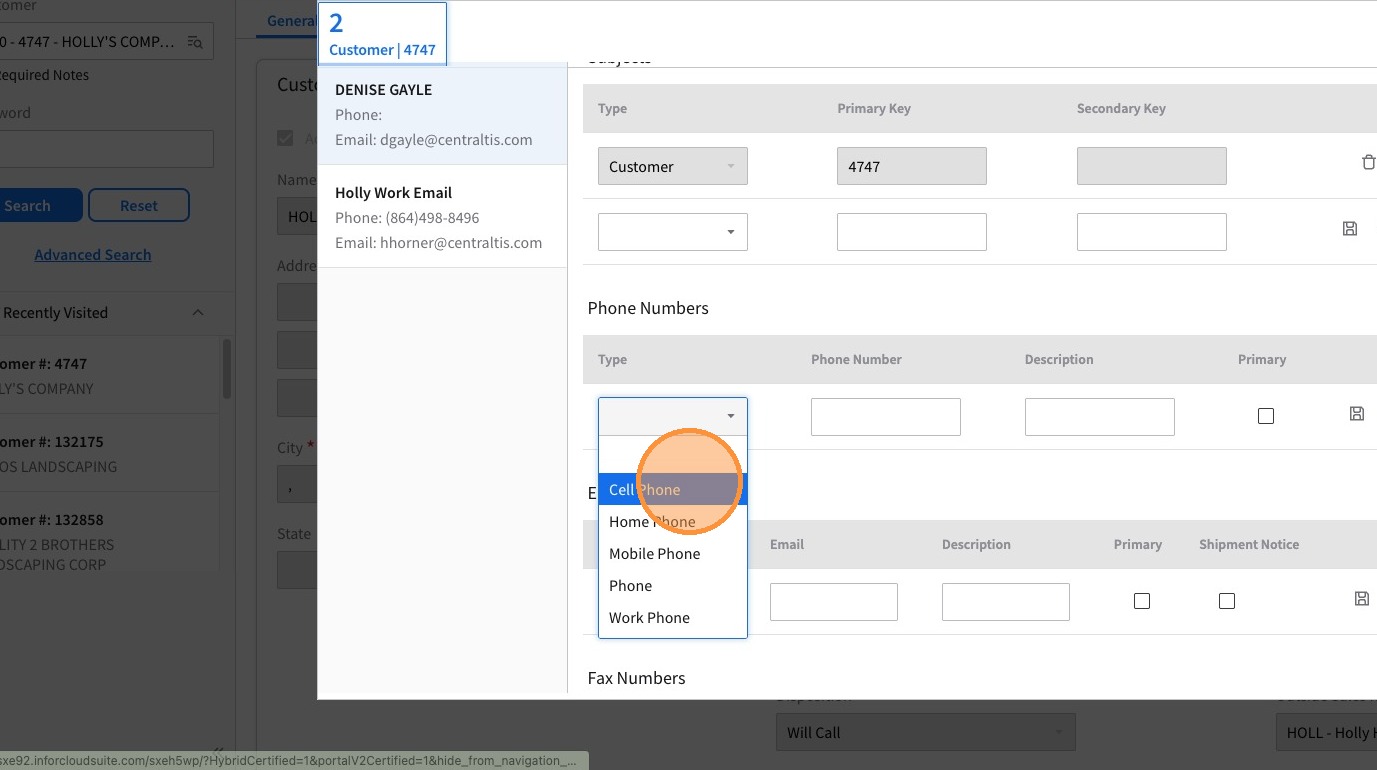
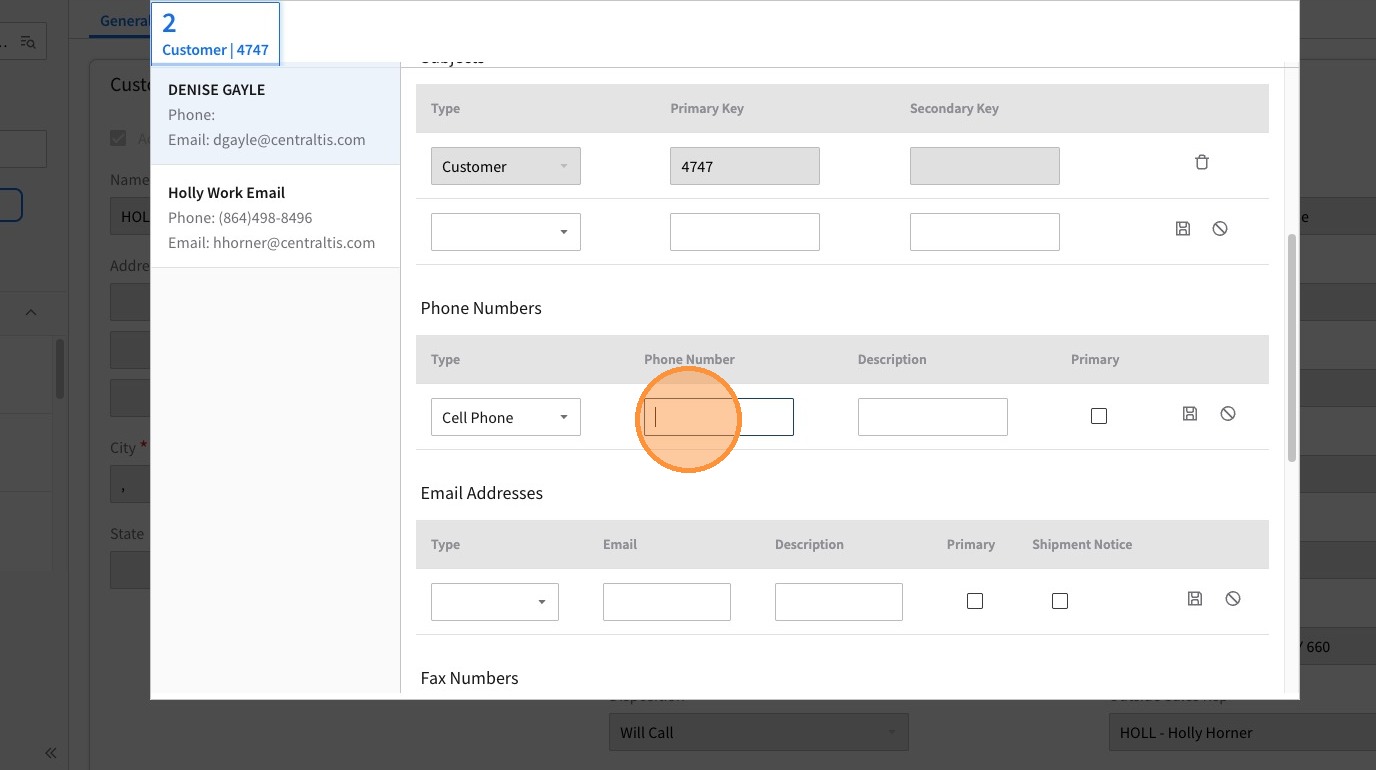
13. Enter the Phone Number
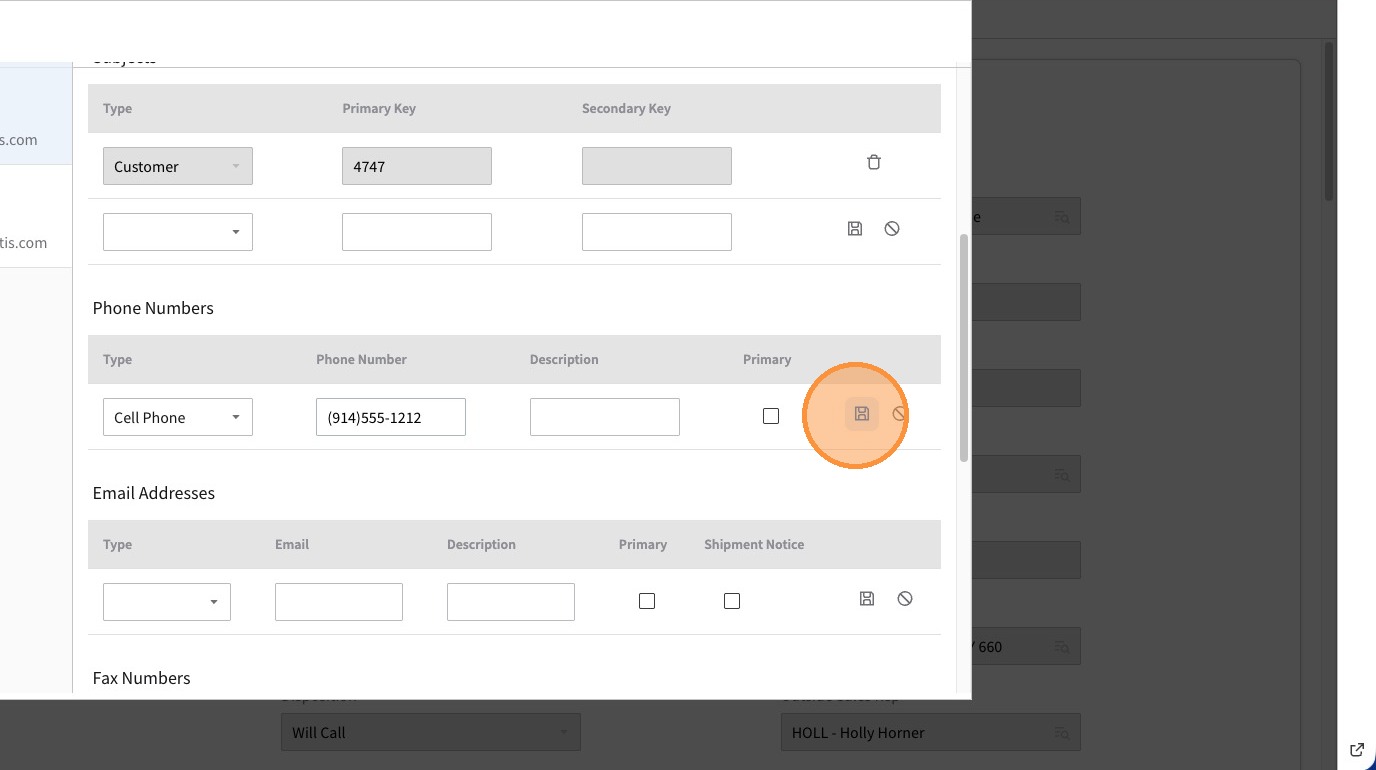
14. Click Save
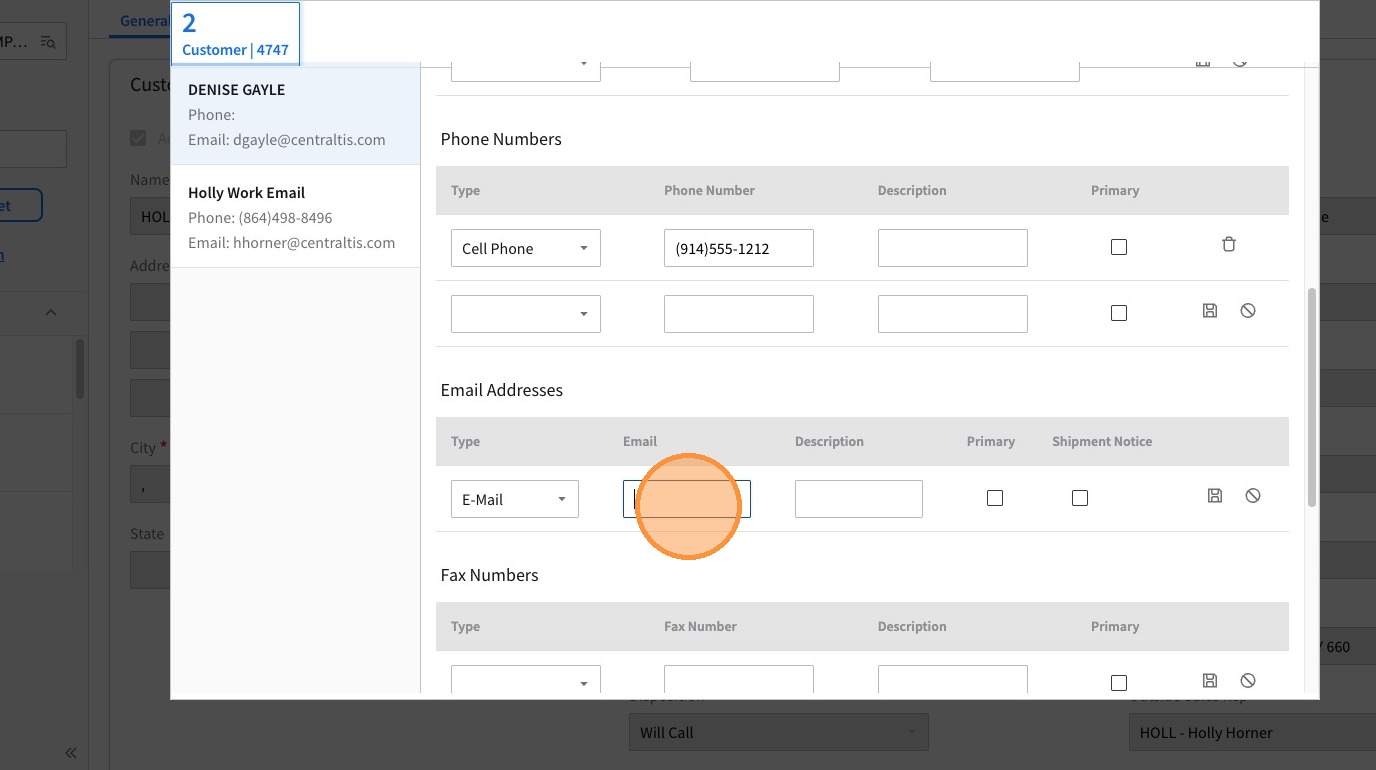
15. Select the type of Email address from the Type Drop Down Menu. Email is the default, but if the contact provides you with more than one you can select another type for the secondary email.
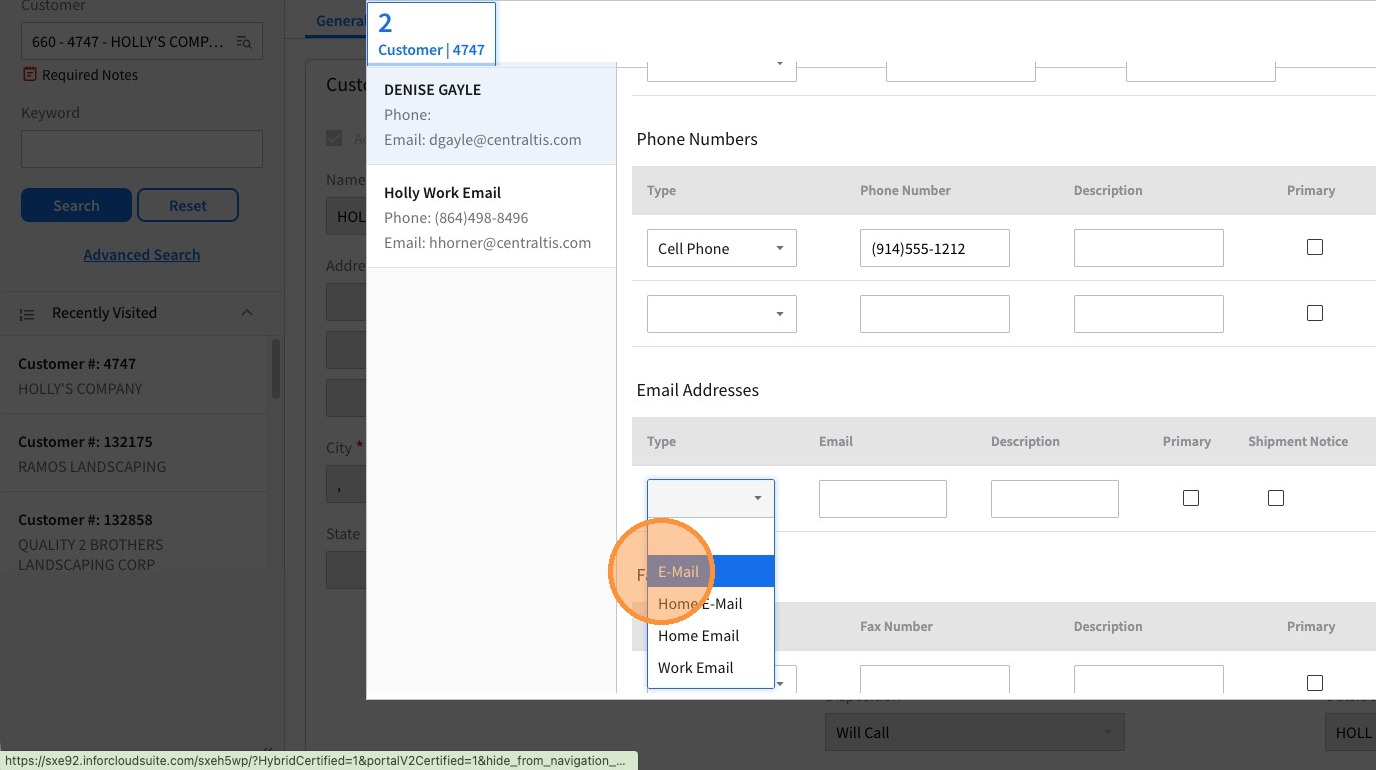
16. Enter the Emal Address
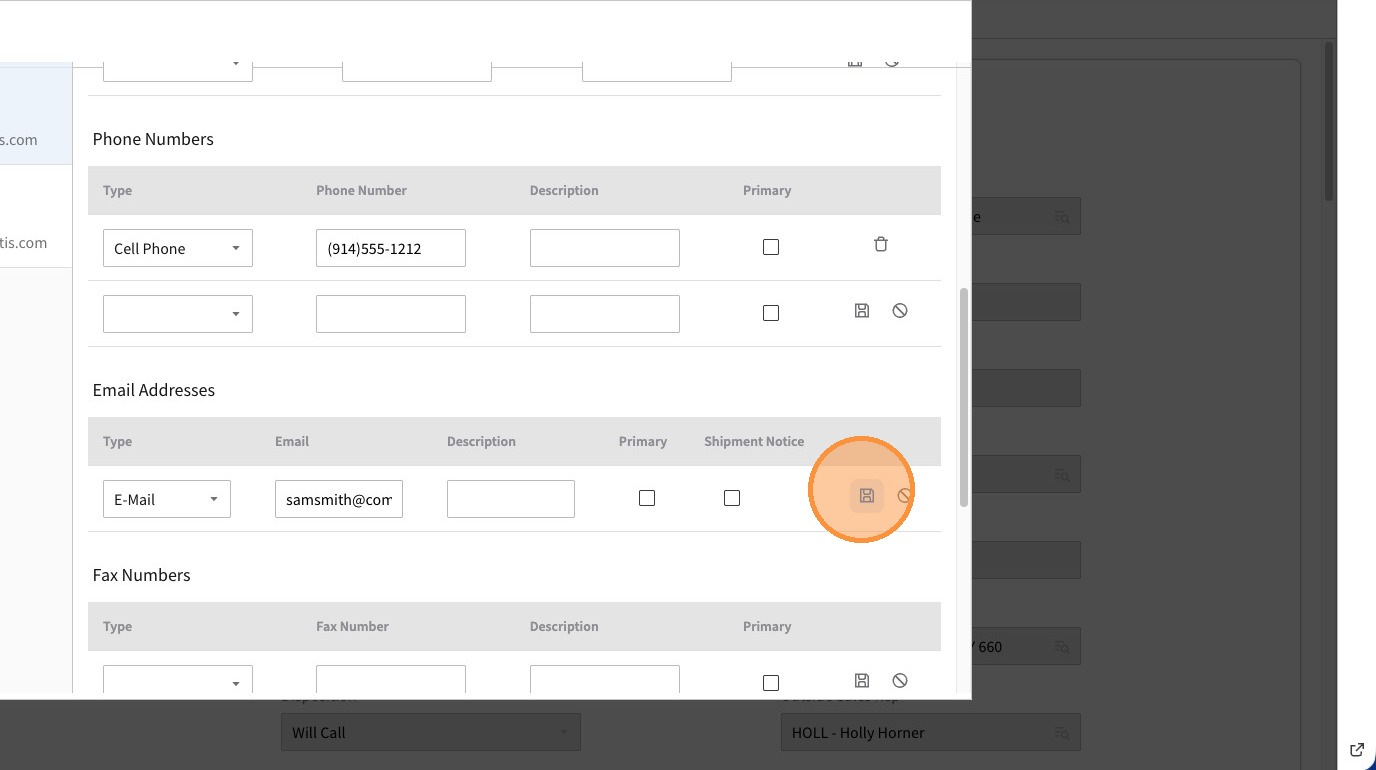
17. Click Save
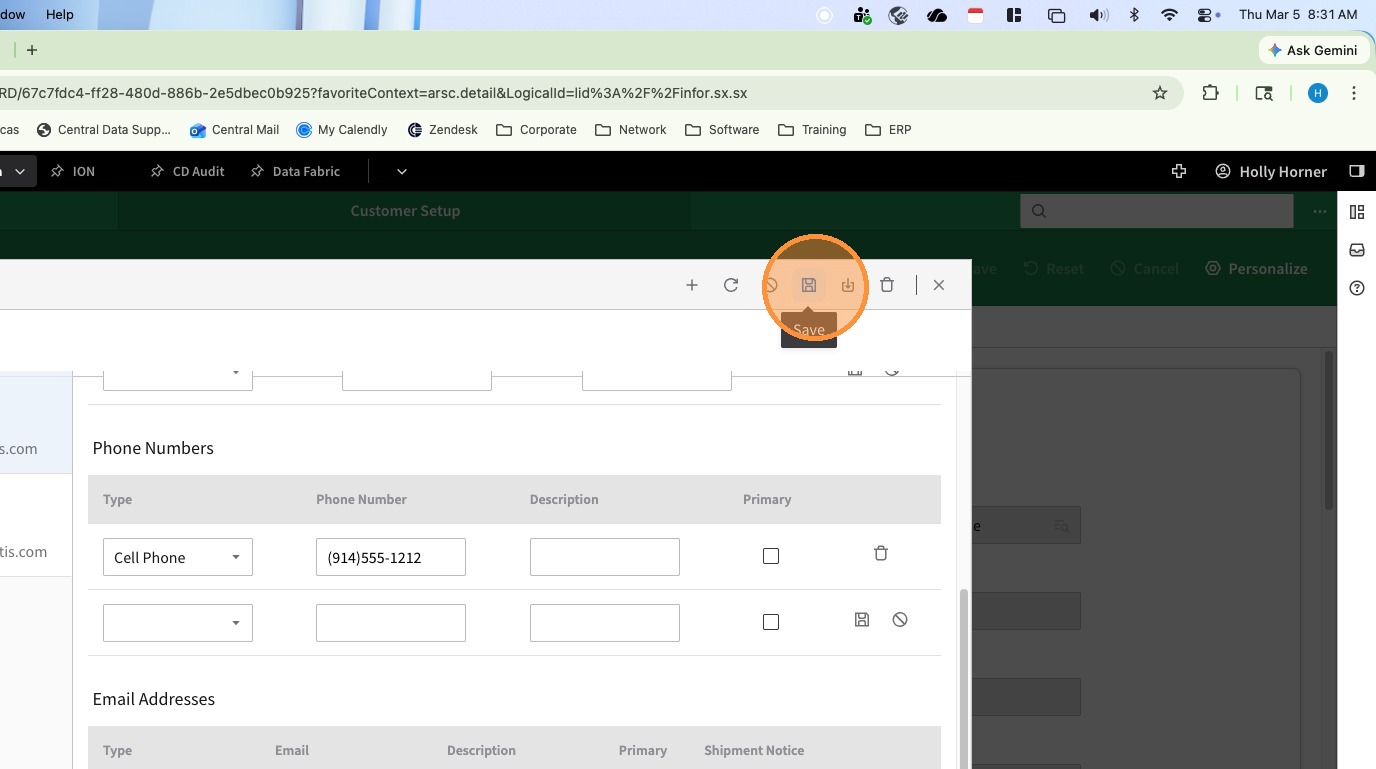
18. When all entries are made, click the Save Icon at the top of the contact window
19. Click Close