Video Link
Profile Navigation
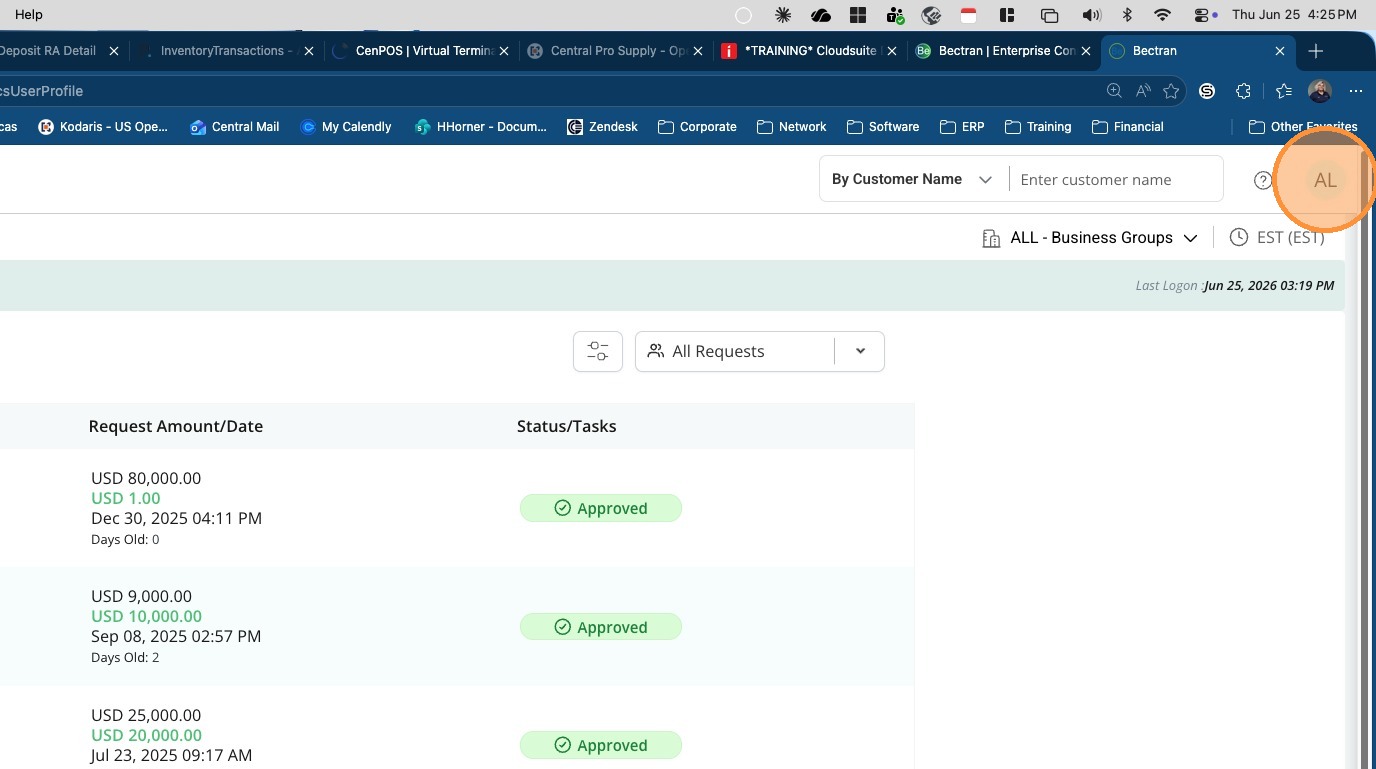
1. Click the user profile icon
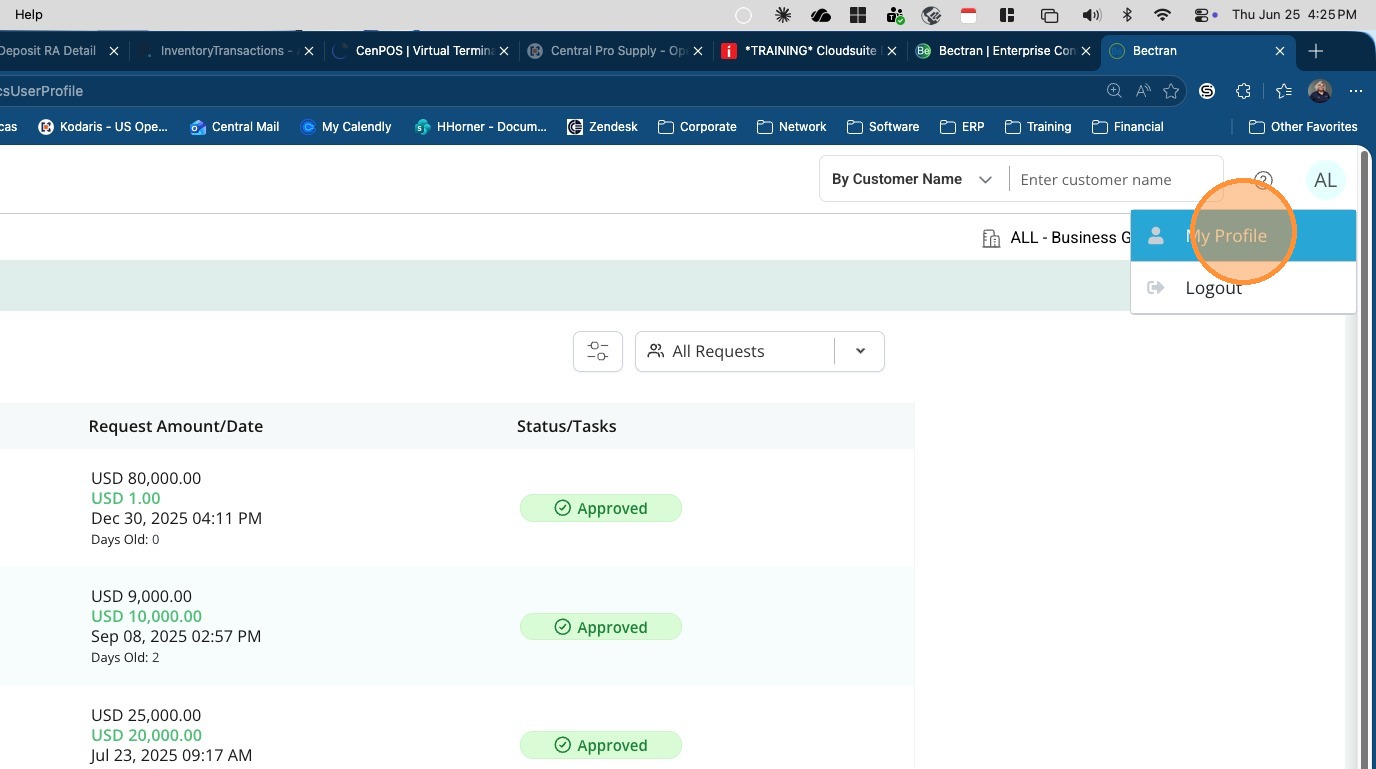
2. Select 'My Profile'
Link Generation
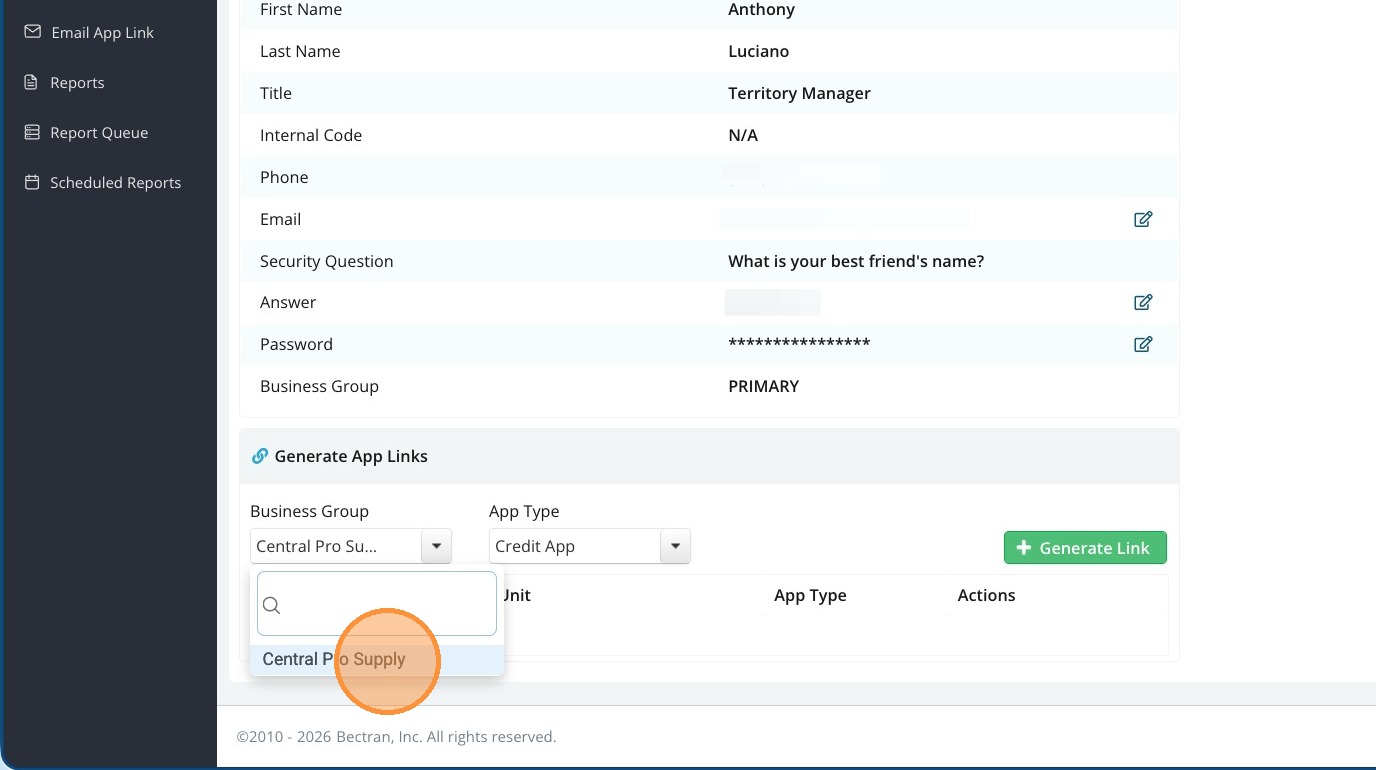
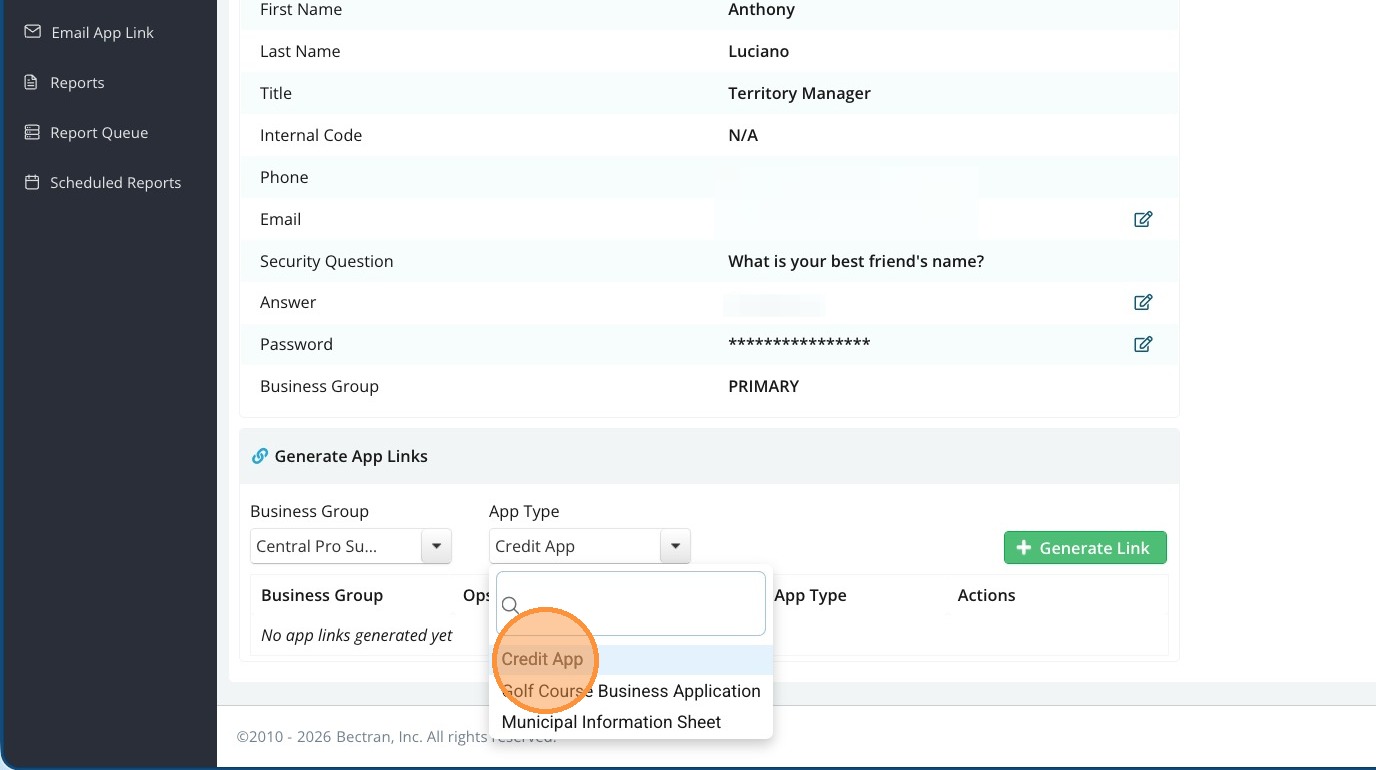
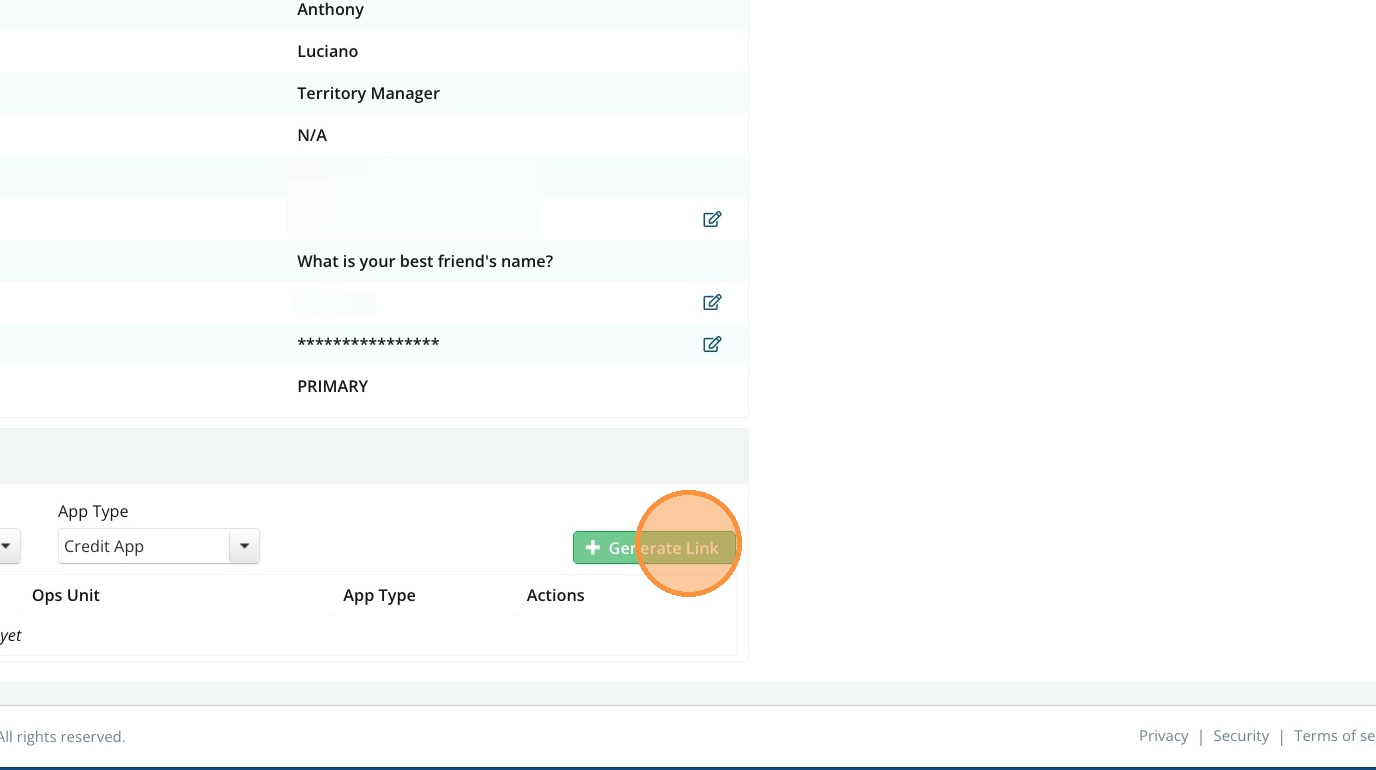
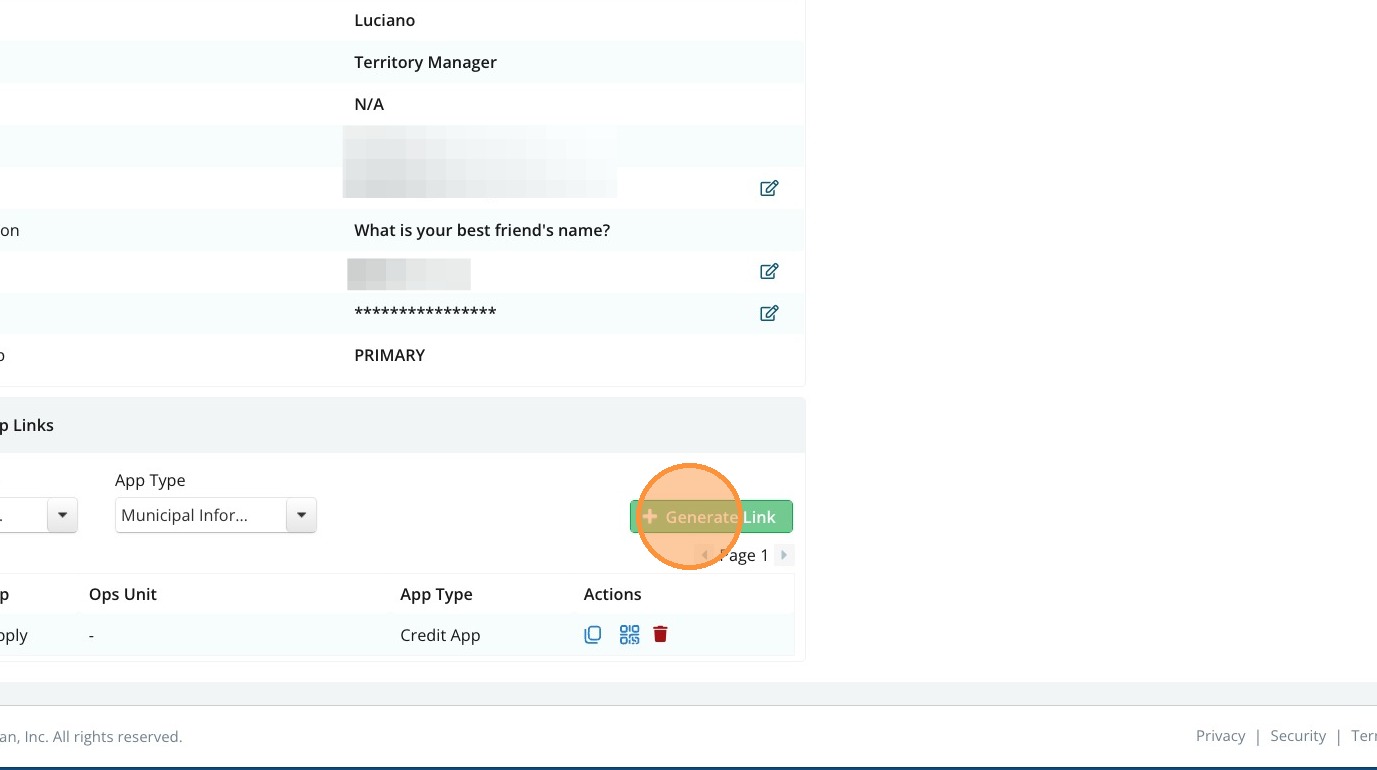
3. Select the Business Group and App Type, then click 'Generate Link'
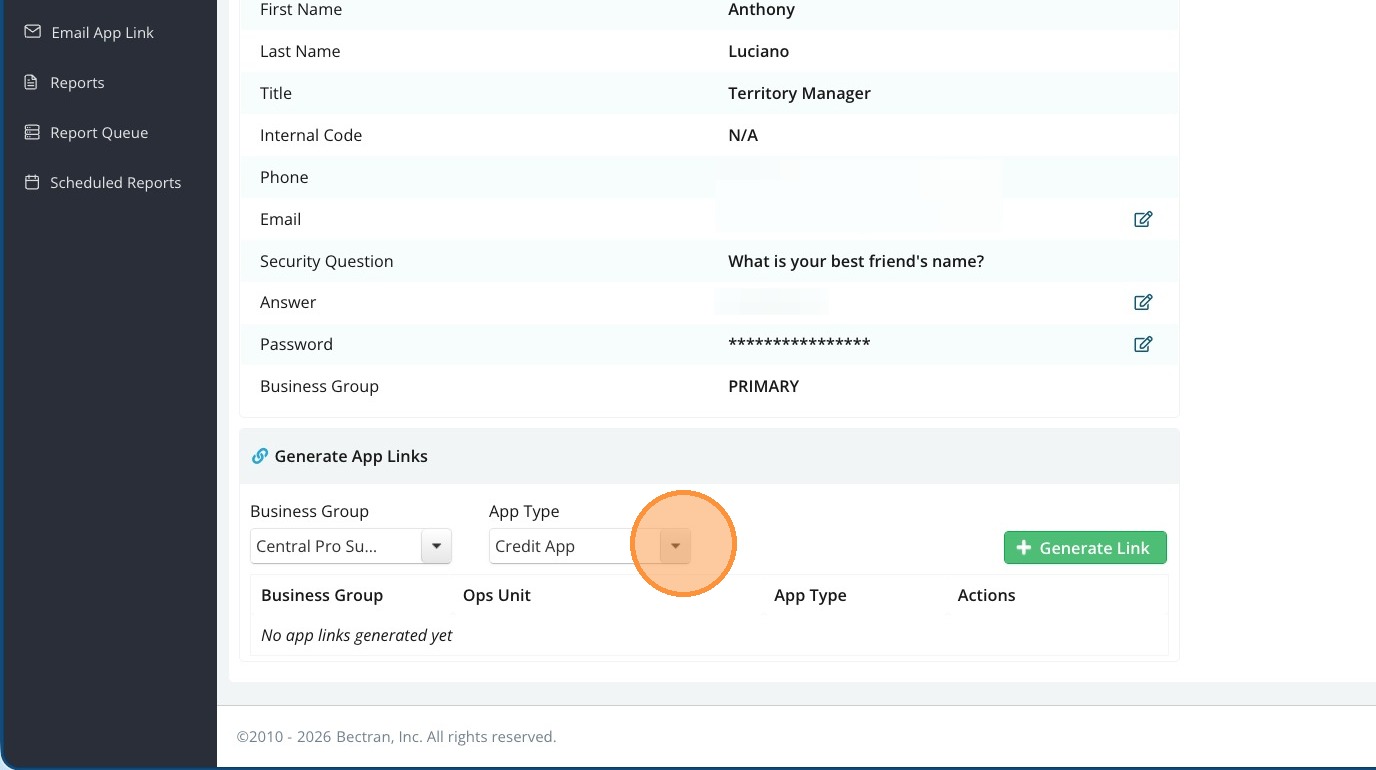
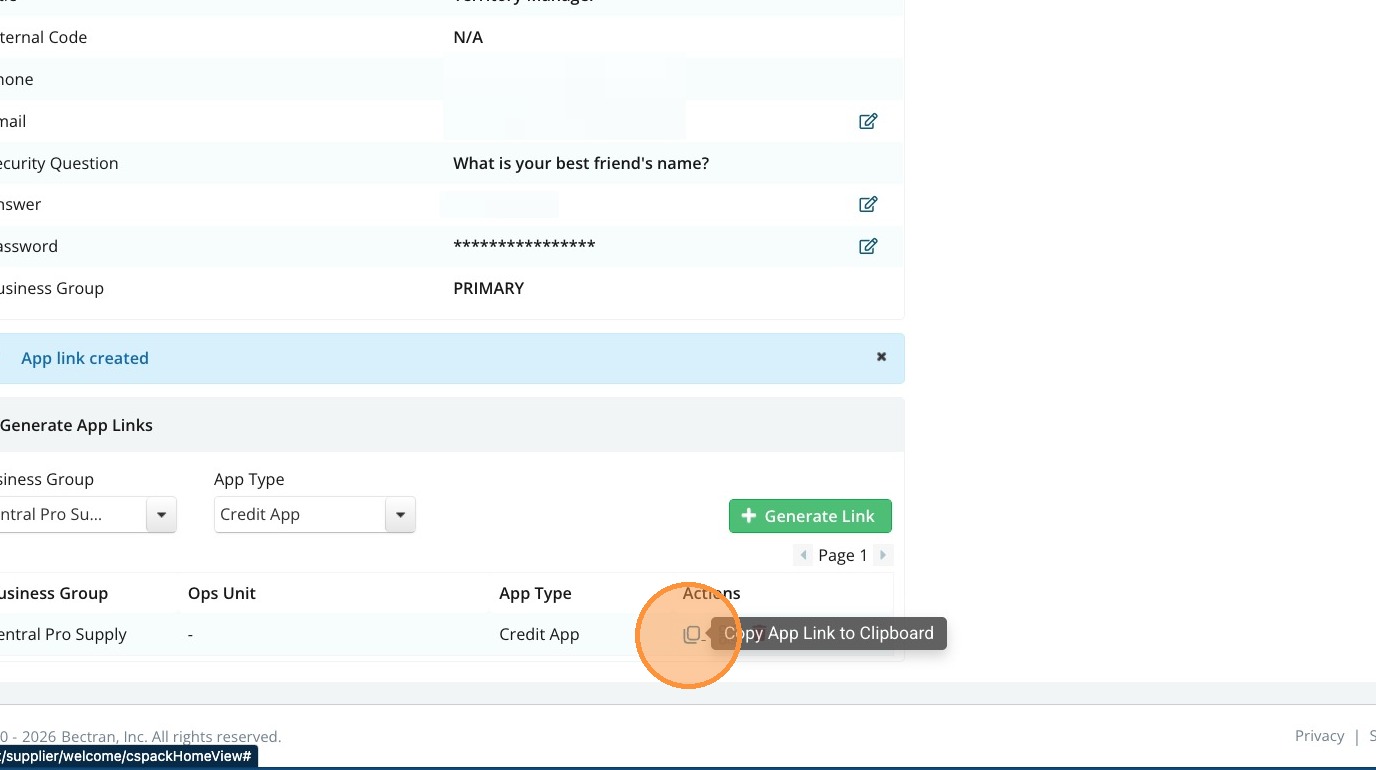
4. Click 'Copy App Link to Clipboard' icon
Email Sharing
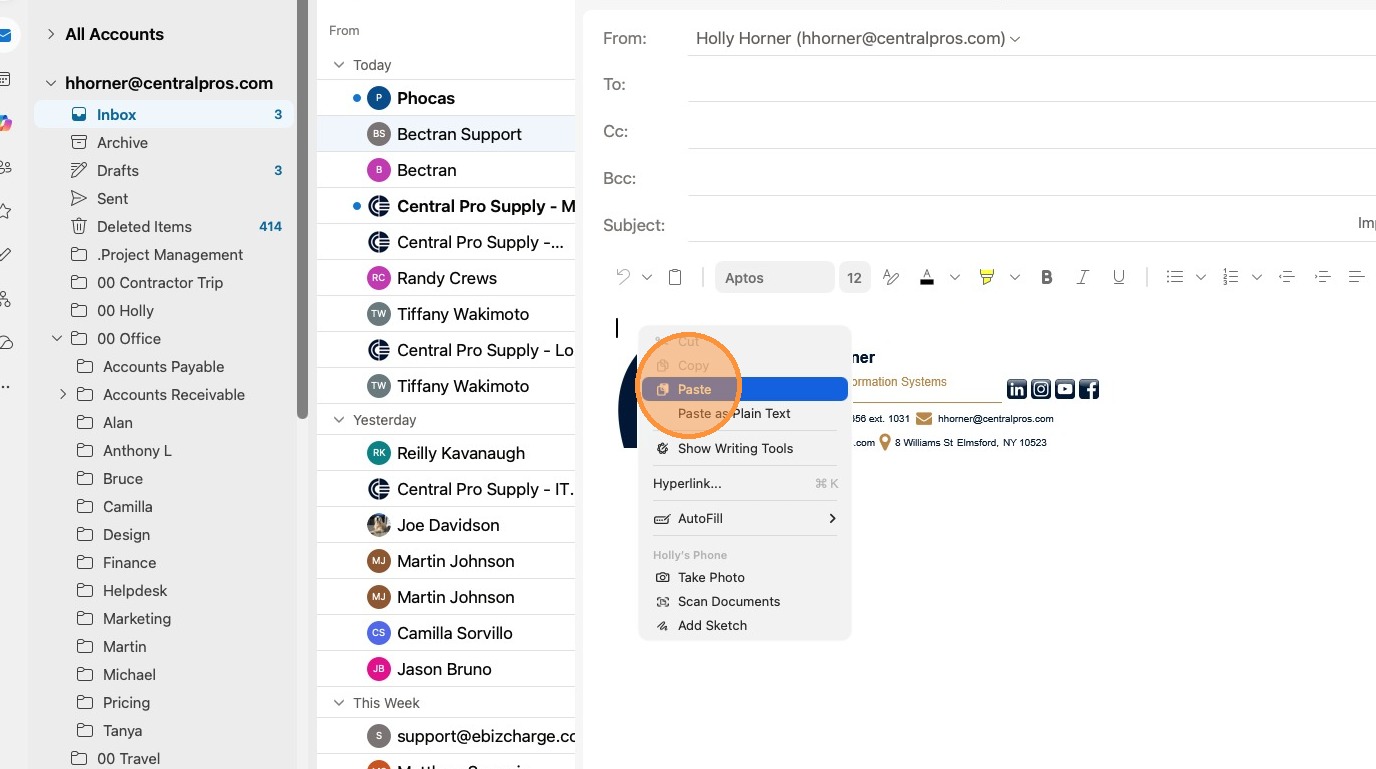
1. Open an Email and Paste the Link
QR Code and Link Details
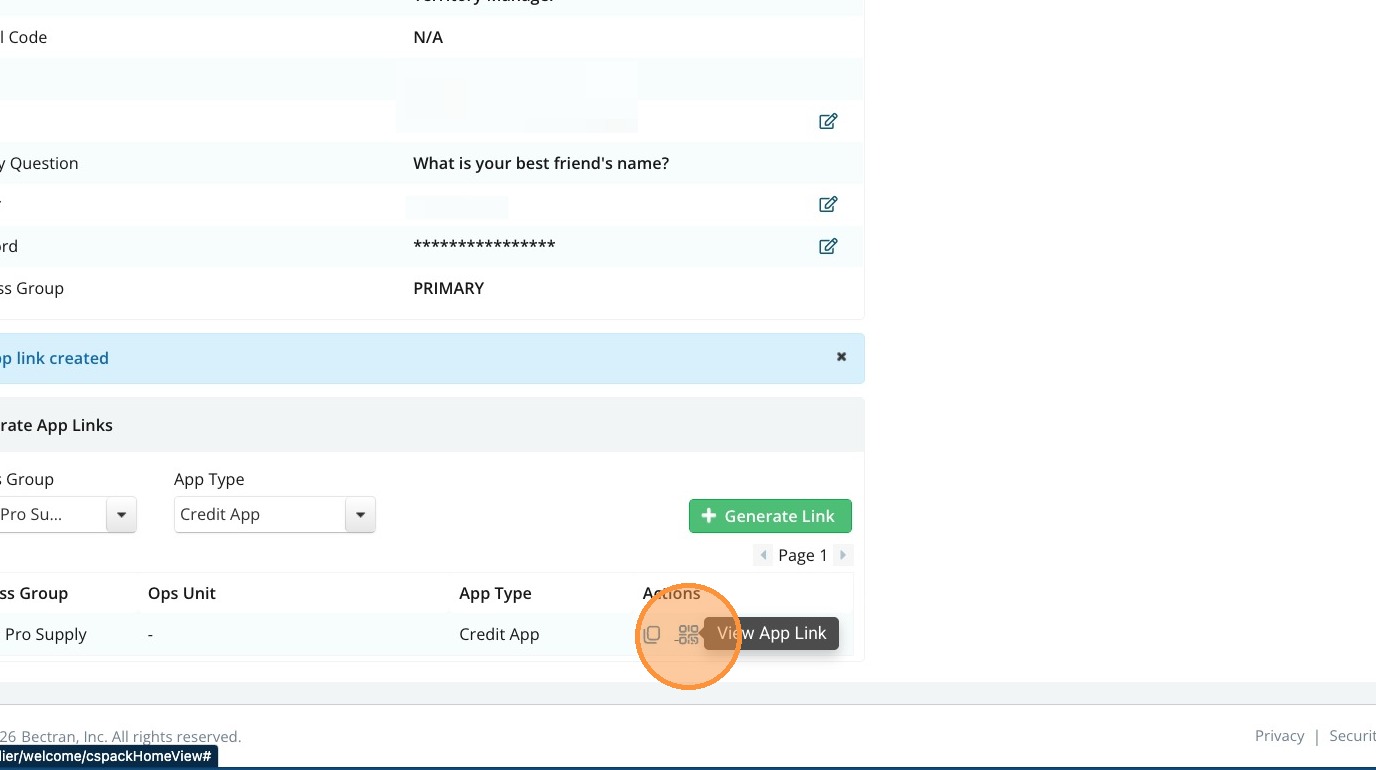
1. Click the 'View App Link' icon
2. Click 'Download QR Code'
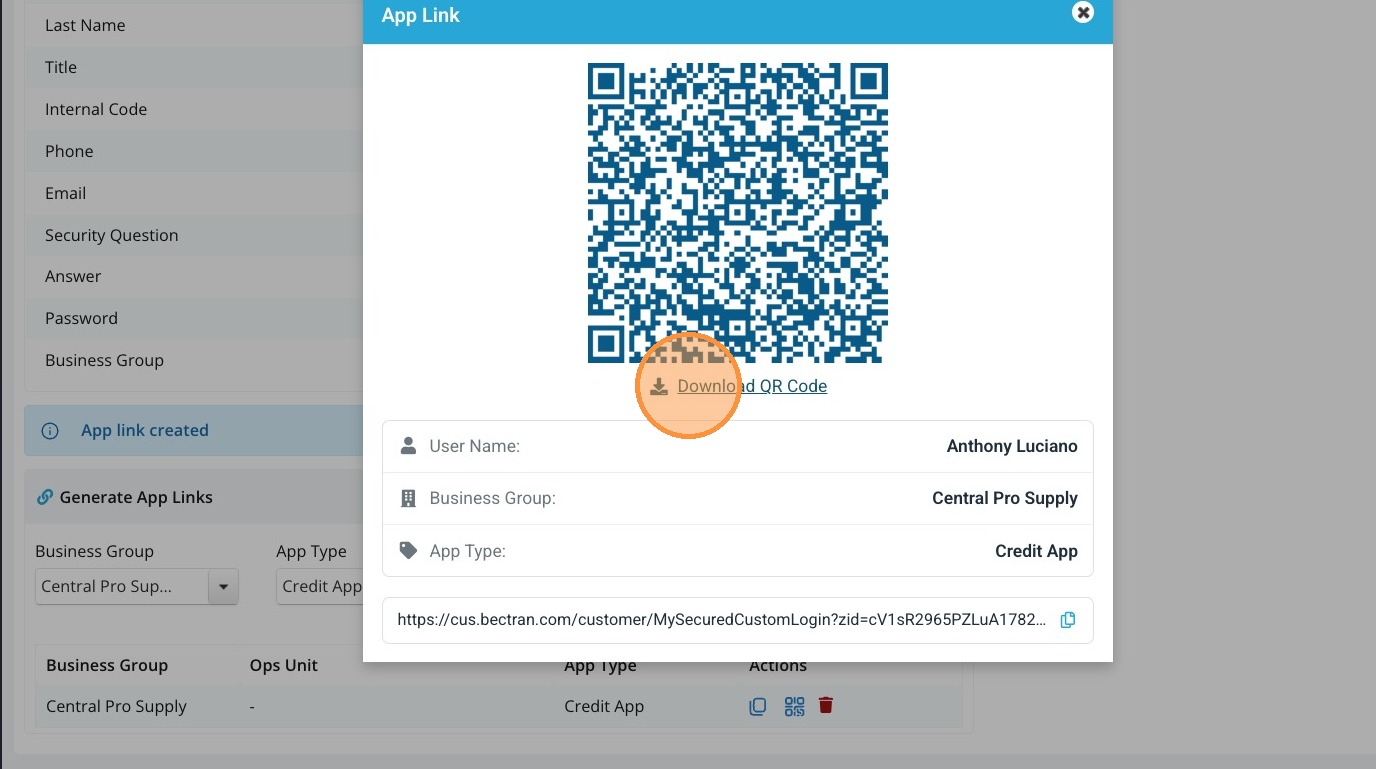
3. You can then use the QR code when visiting customers.
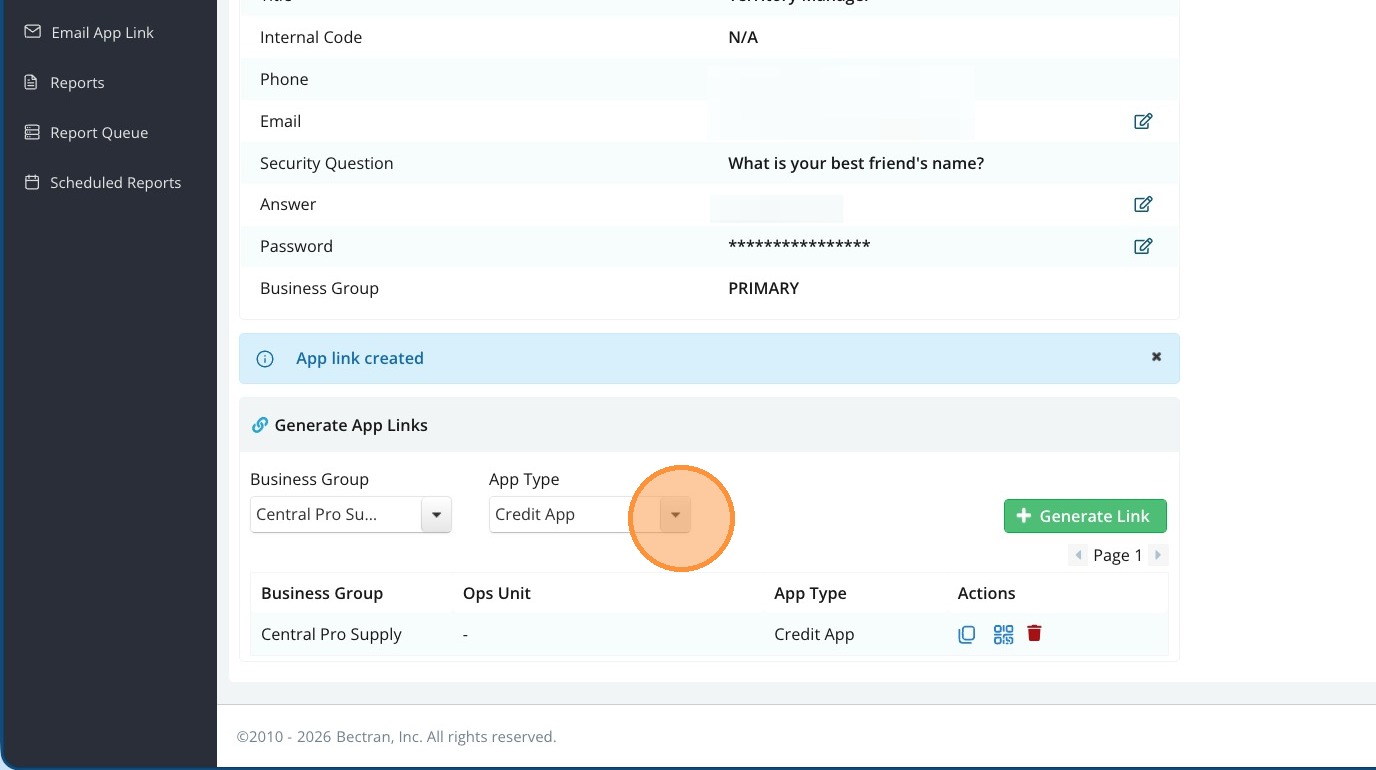
4. To create additional links to the other applications. Select the next application 'Municipal Information Sheet' and click 'Generate Link' to create a second application link
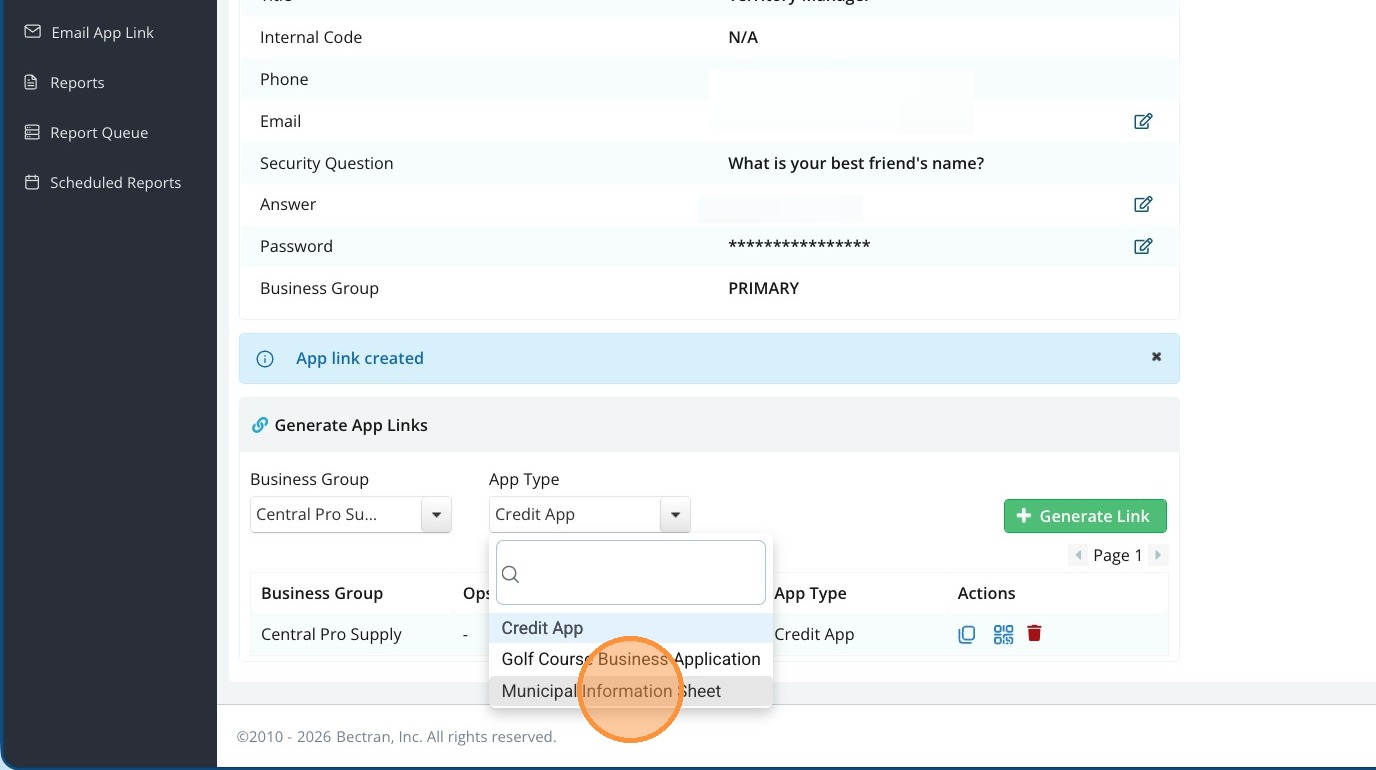
5. Click 'View App Link' for the Municipal Information Sheet
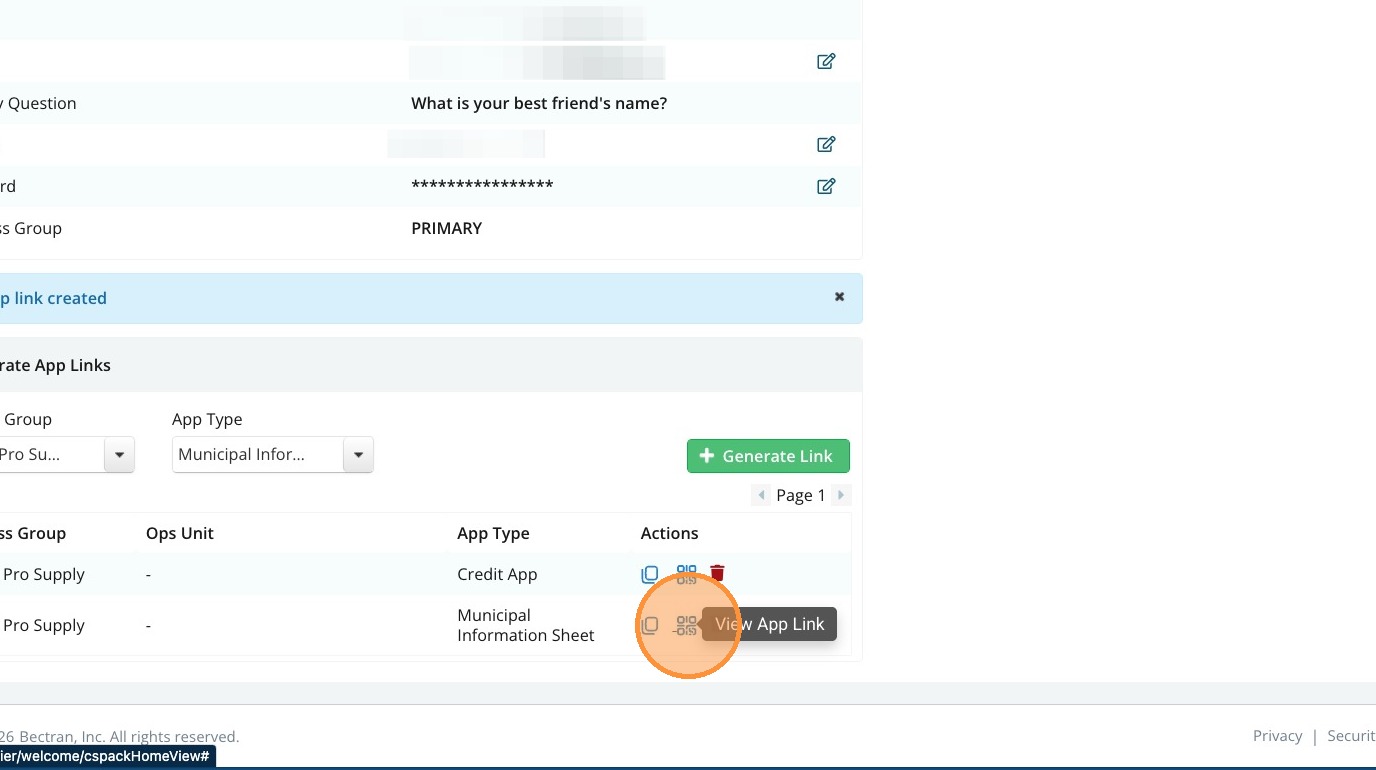
Each Application will have a different link.