Reading Closed Conversations
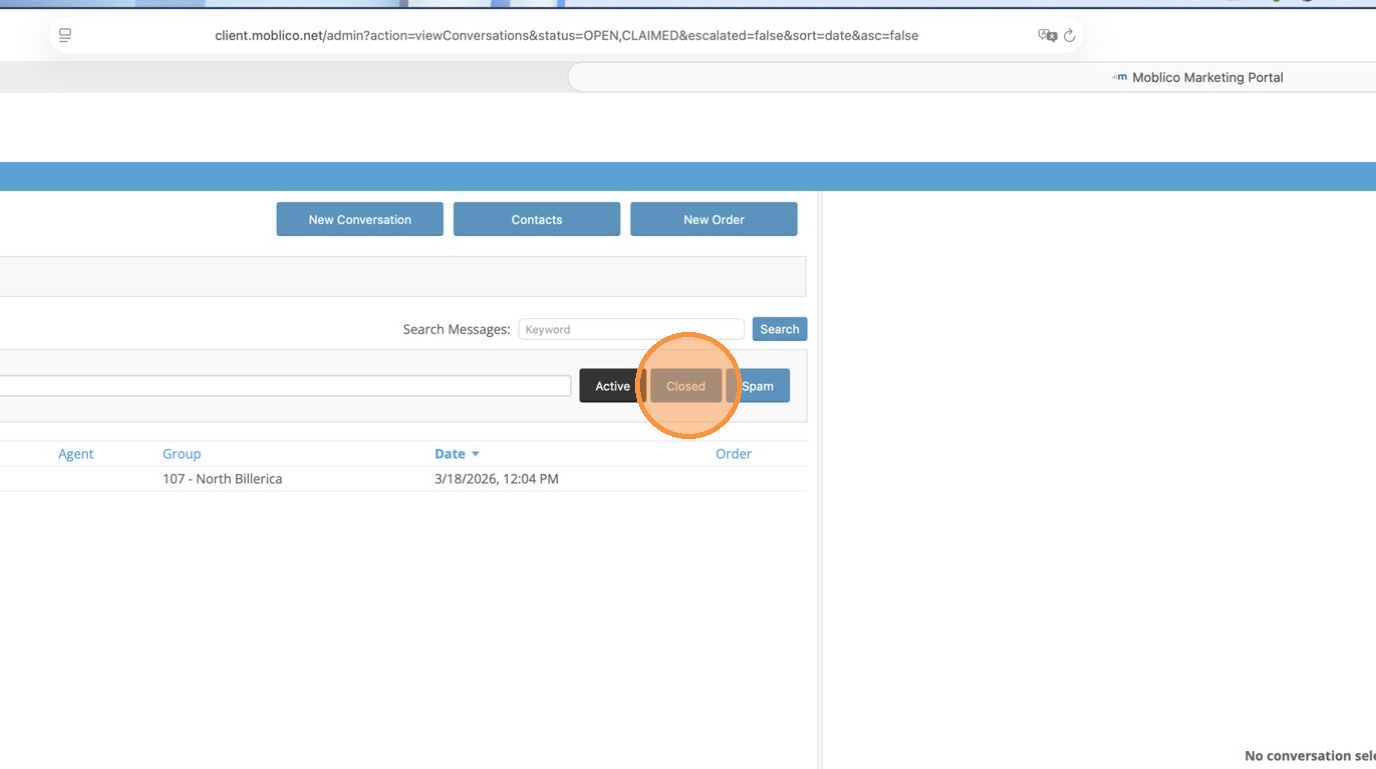
1. Click Closed
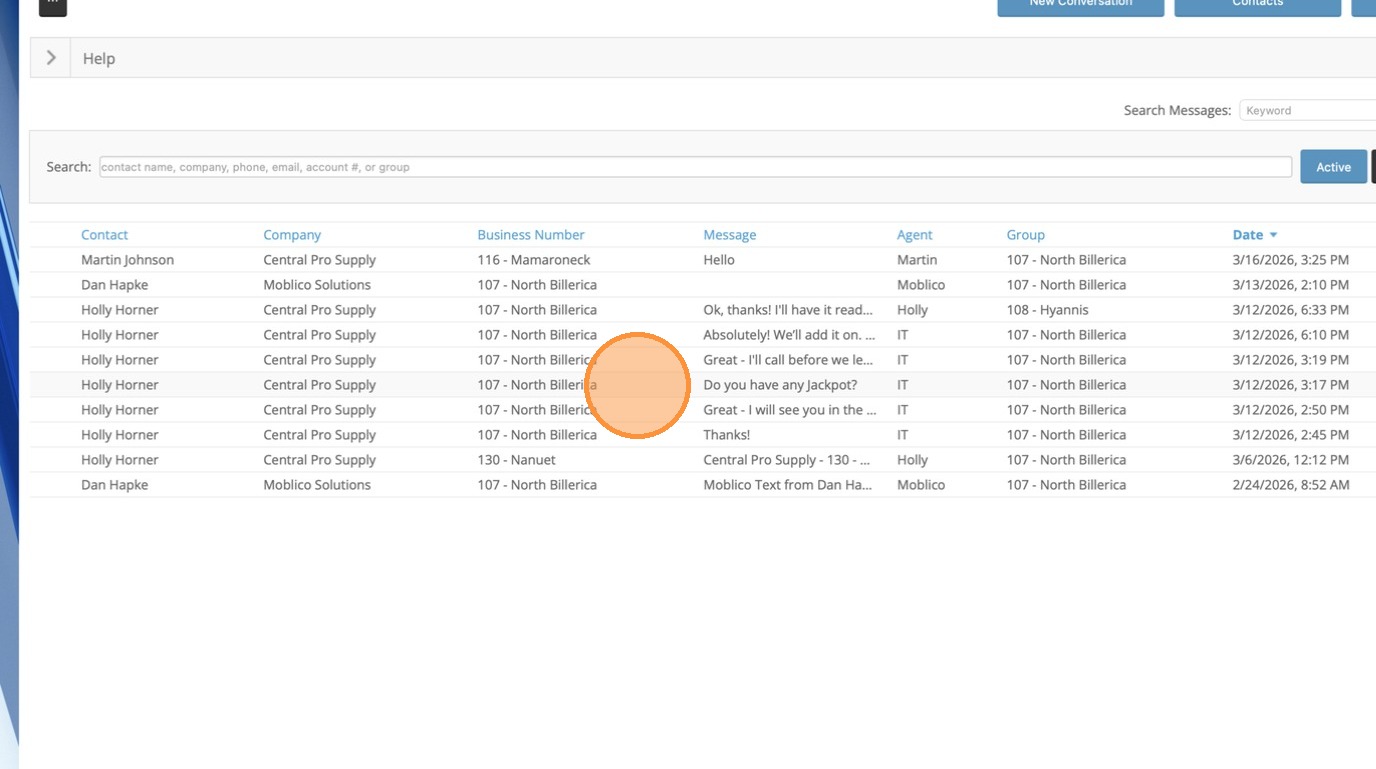
2. Once you click Closed, all the closed conversations appear
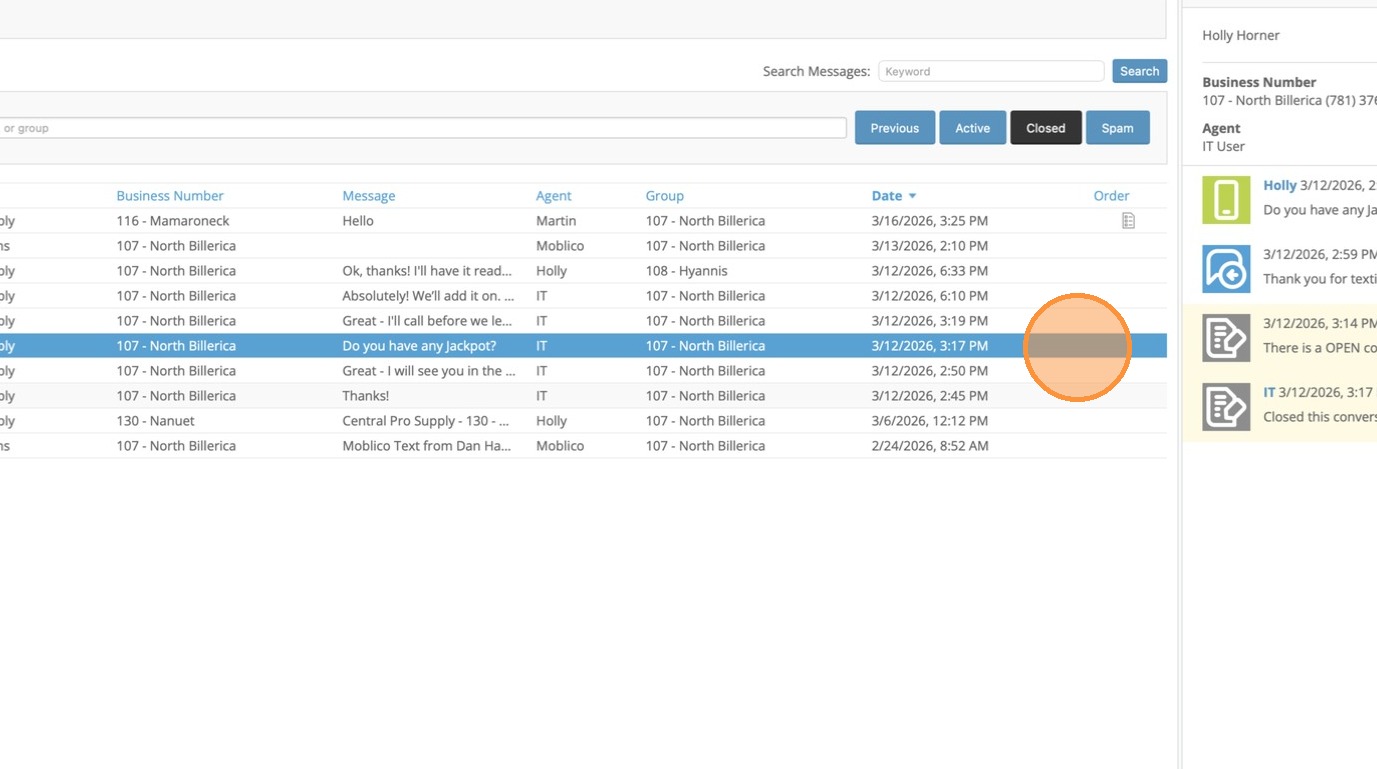
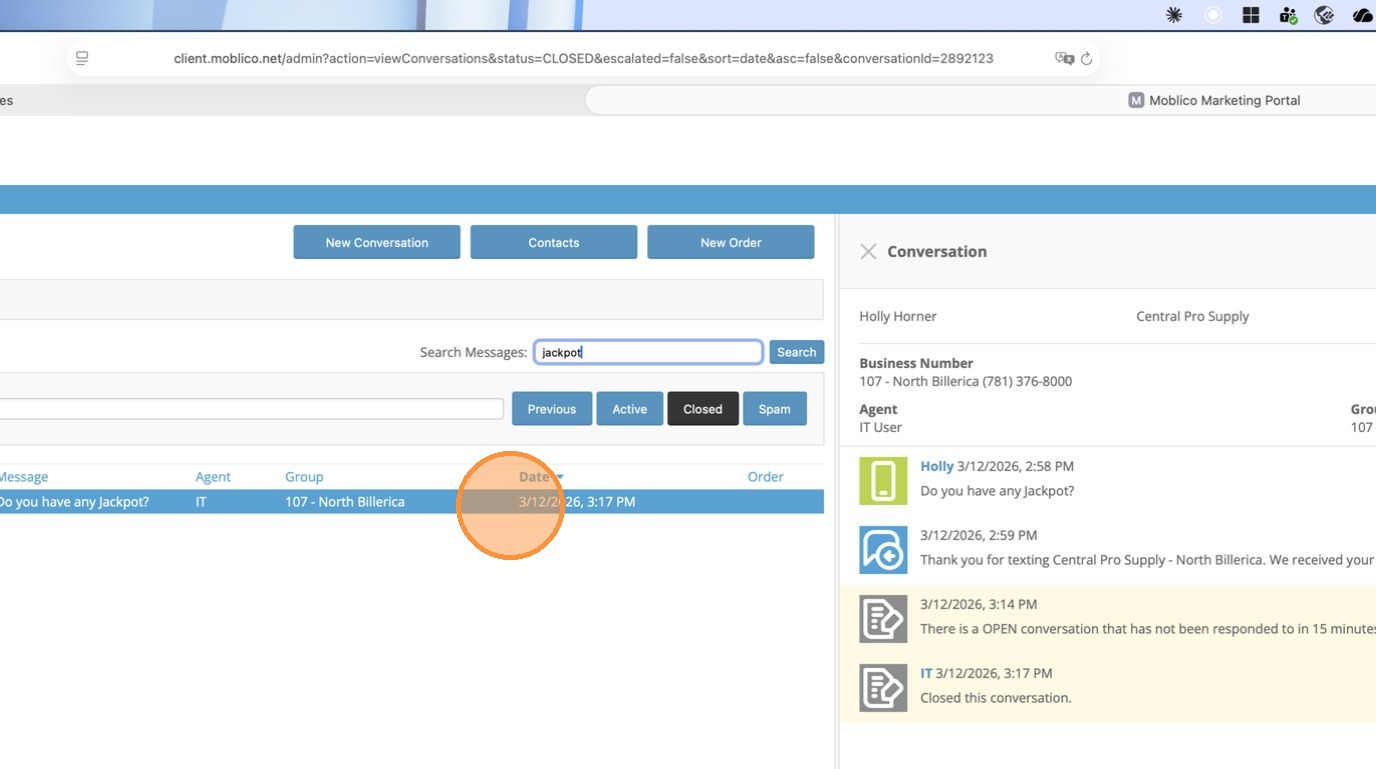
3. You can click on any conversation to open it and see the whole conversation.
Searching for Conversations by Topic/Content
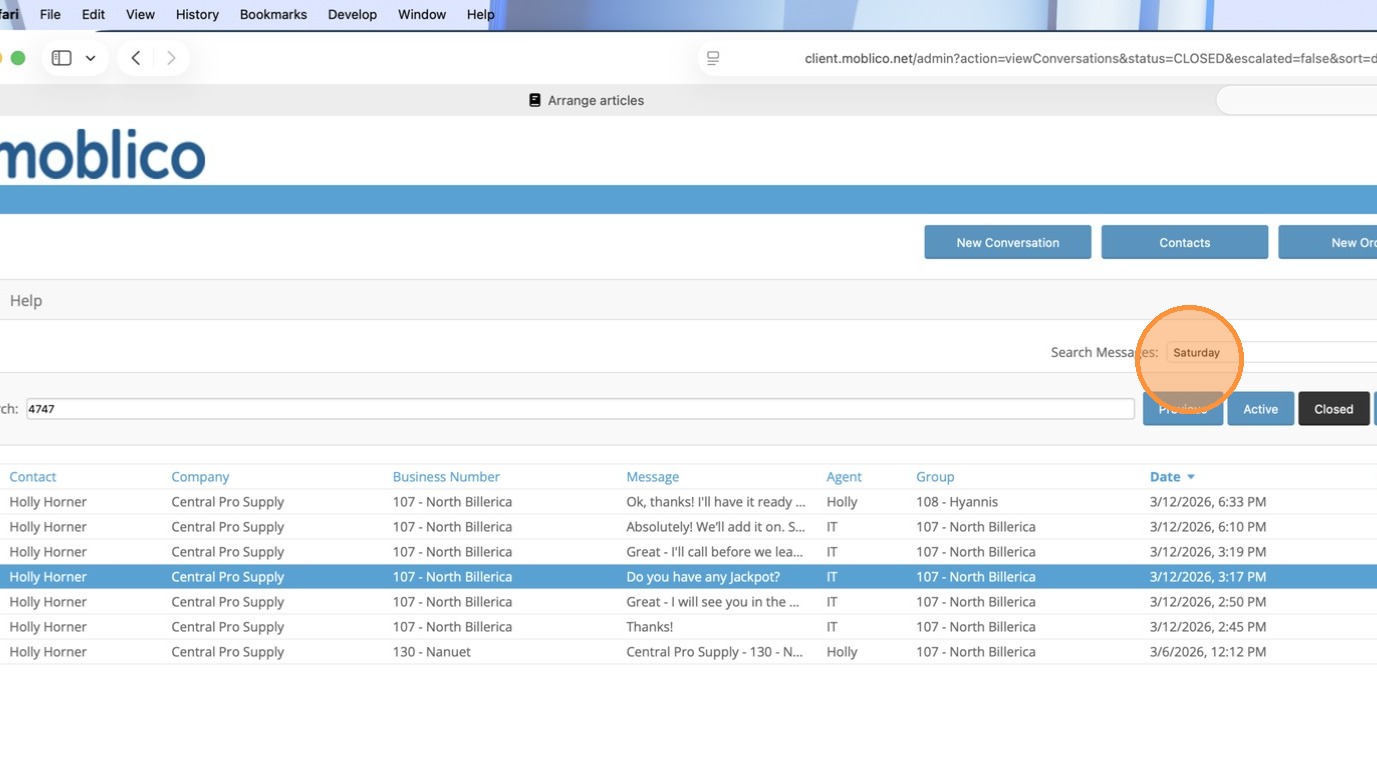
1. Click Search Messages and enter any word or phrase that you want to search for
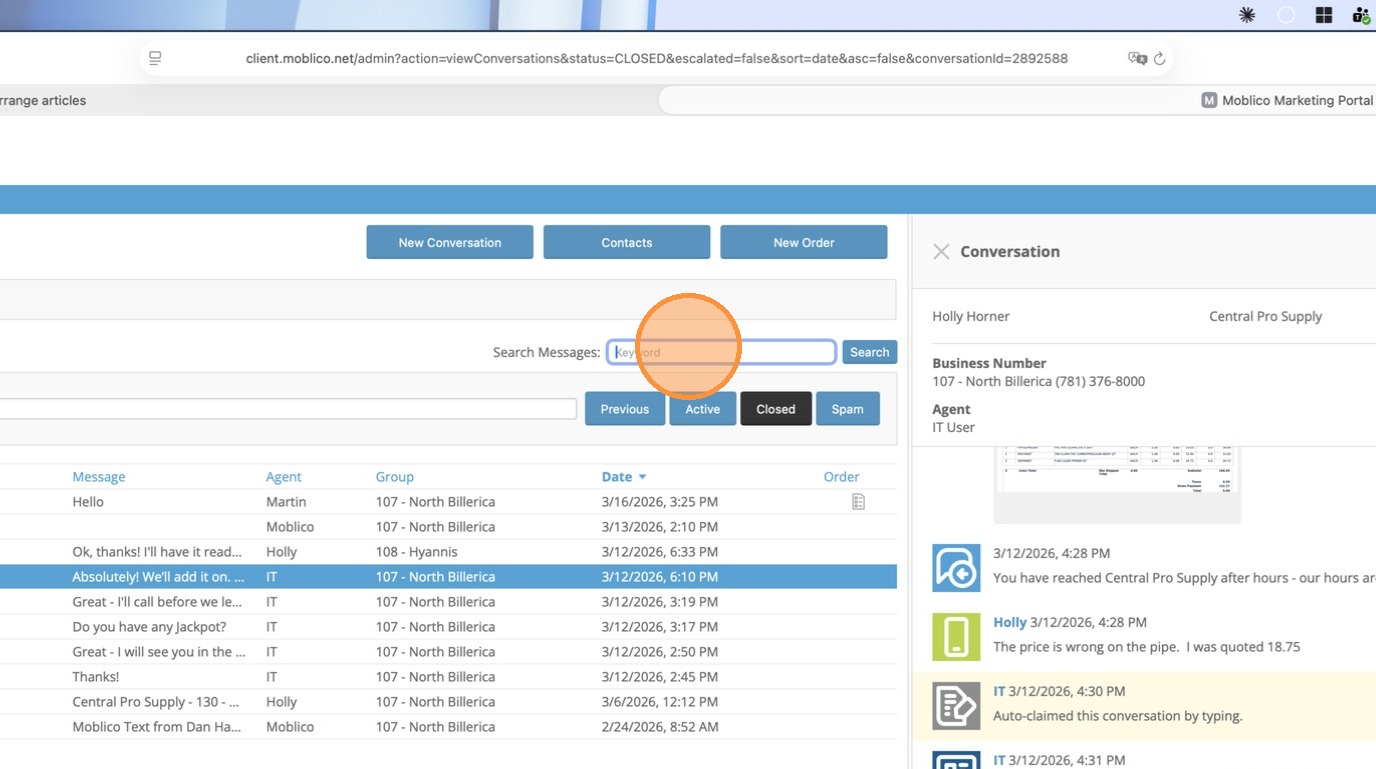
2. Click Search
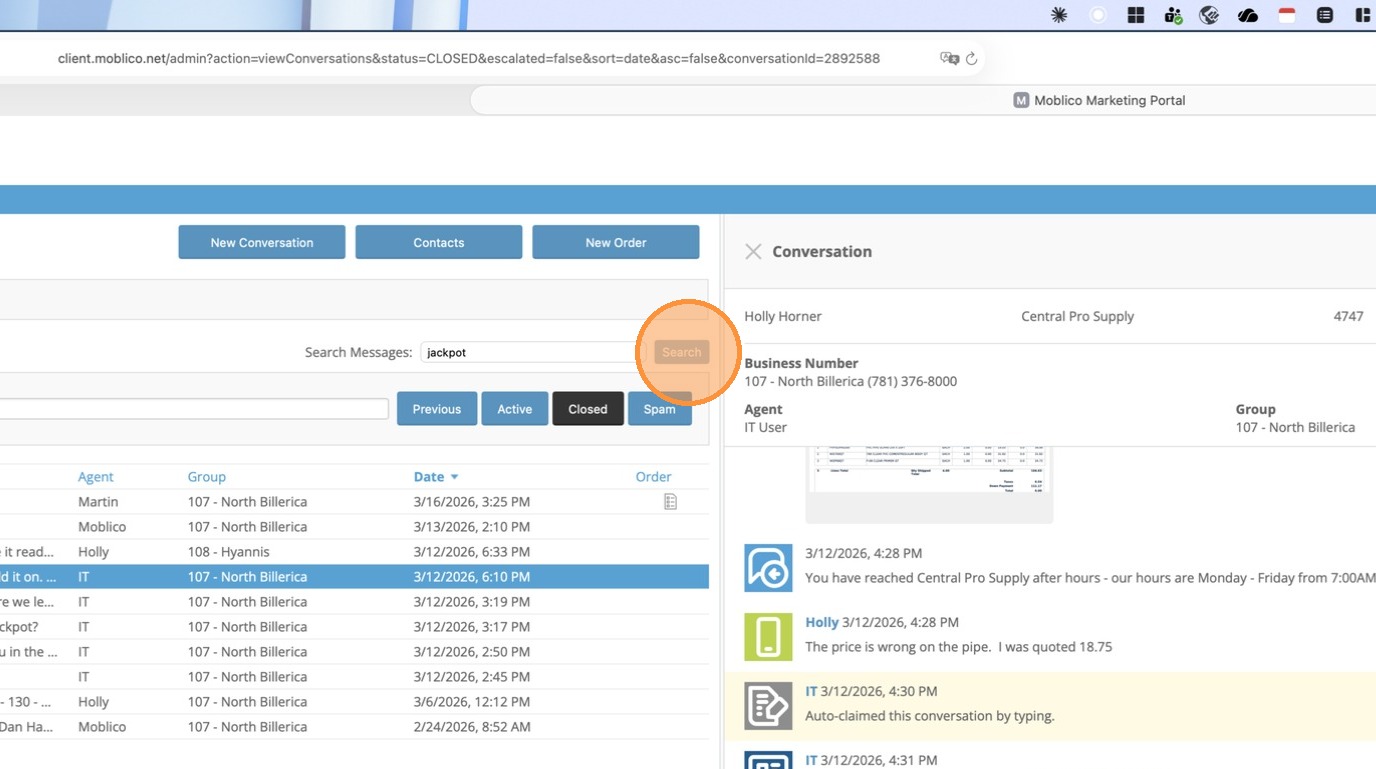
3. Your results will be any conversations (for all customers) with that word or phrase in it.
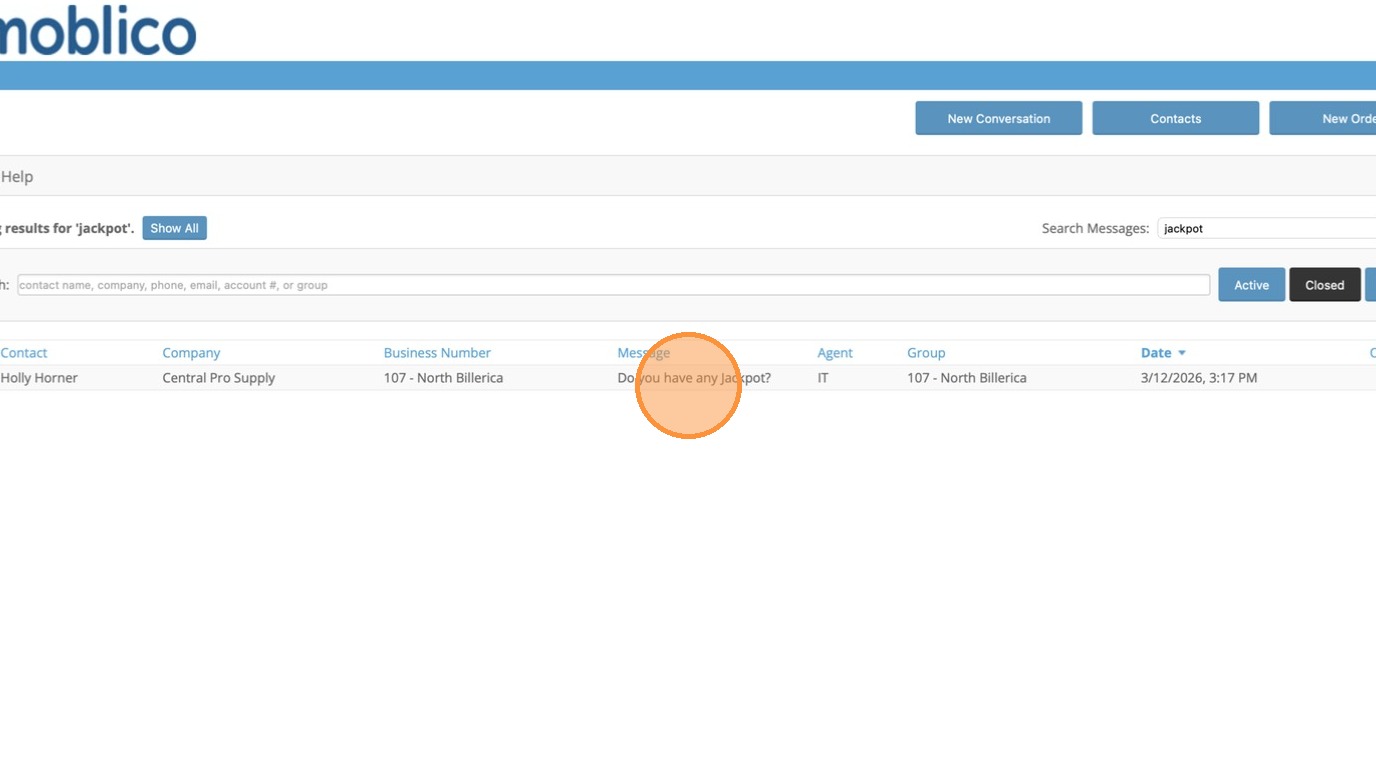
4. Click on the message to read the conversation.
Searching by Phone Number, Customer Number, Company Name or Contact Name
1. Click Search
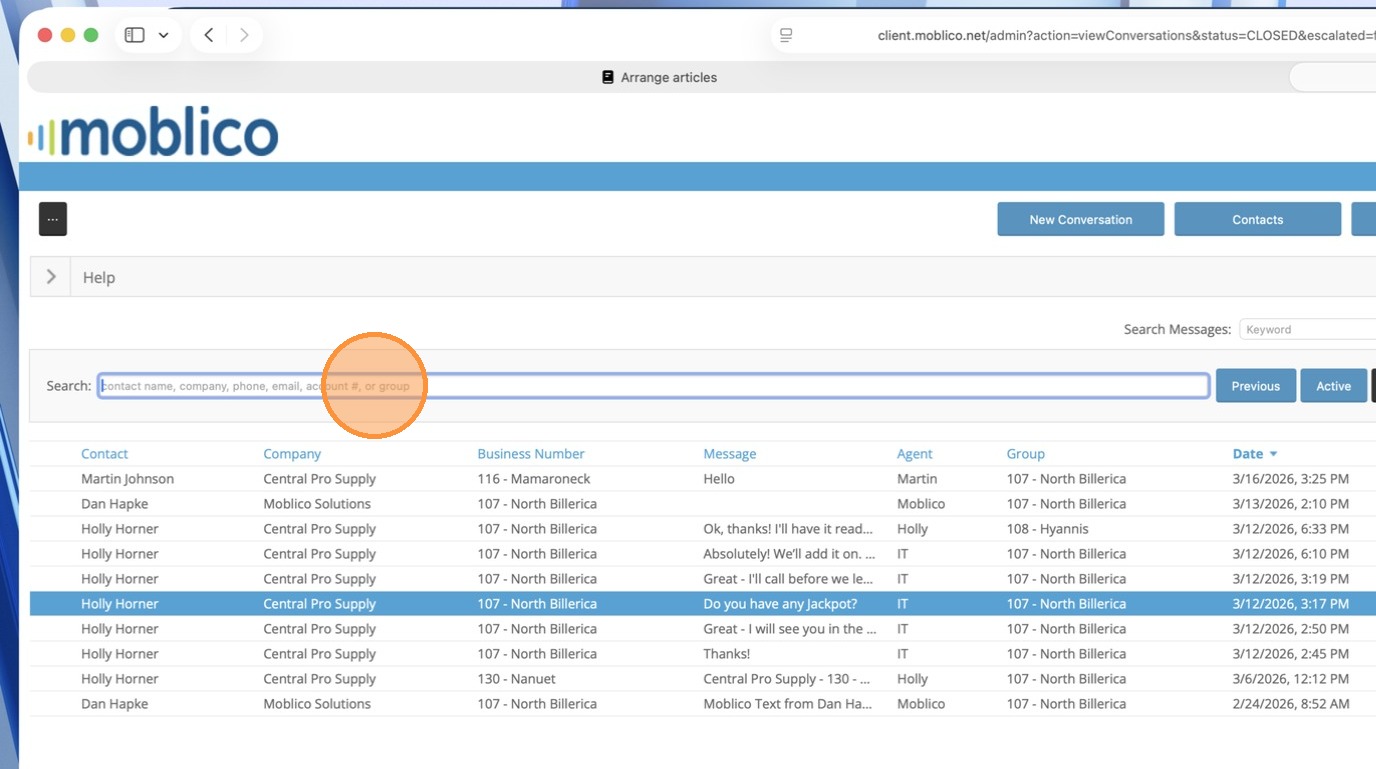
2. In the search box, enter either customer number, phone number, contact name or company name to search for all conversations.
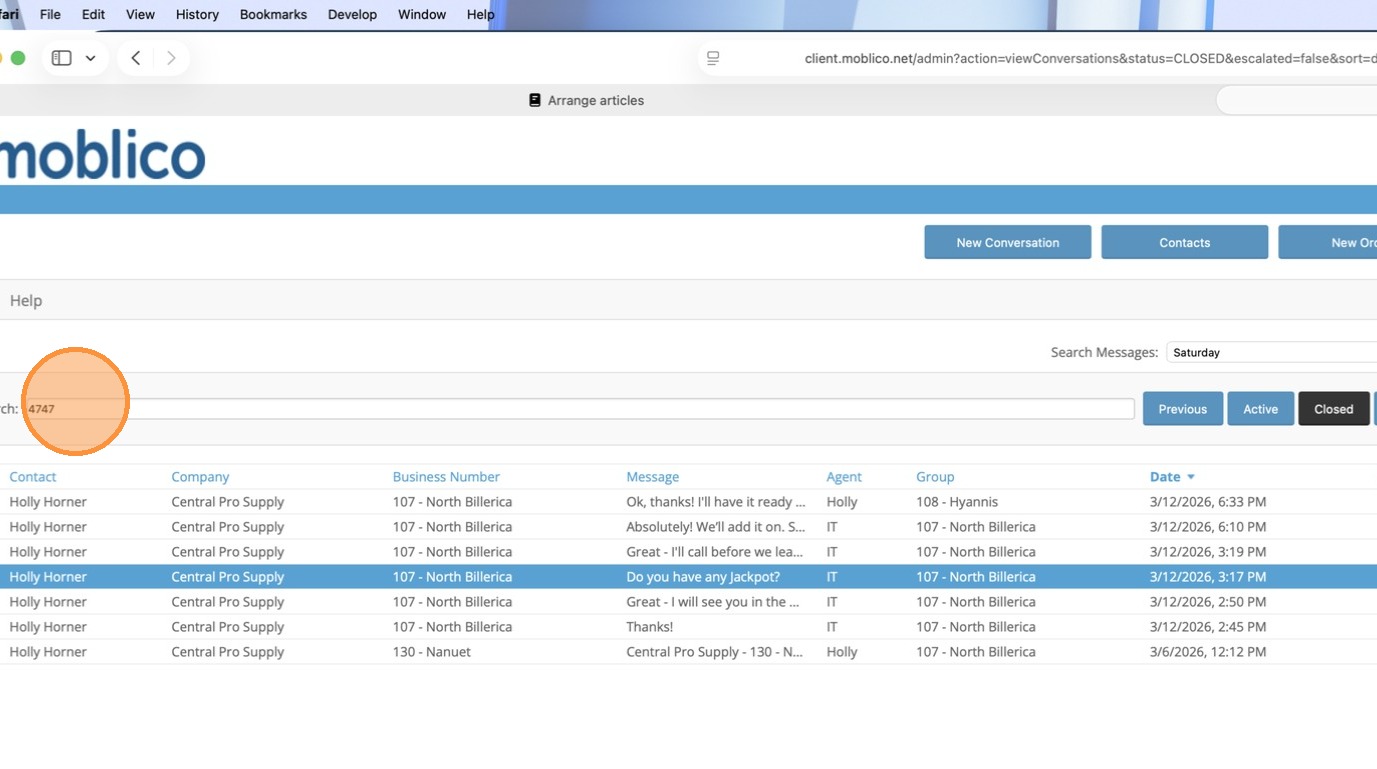
3. To get back to the regular "Inbox" click Active.
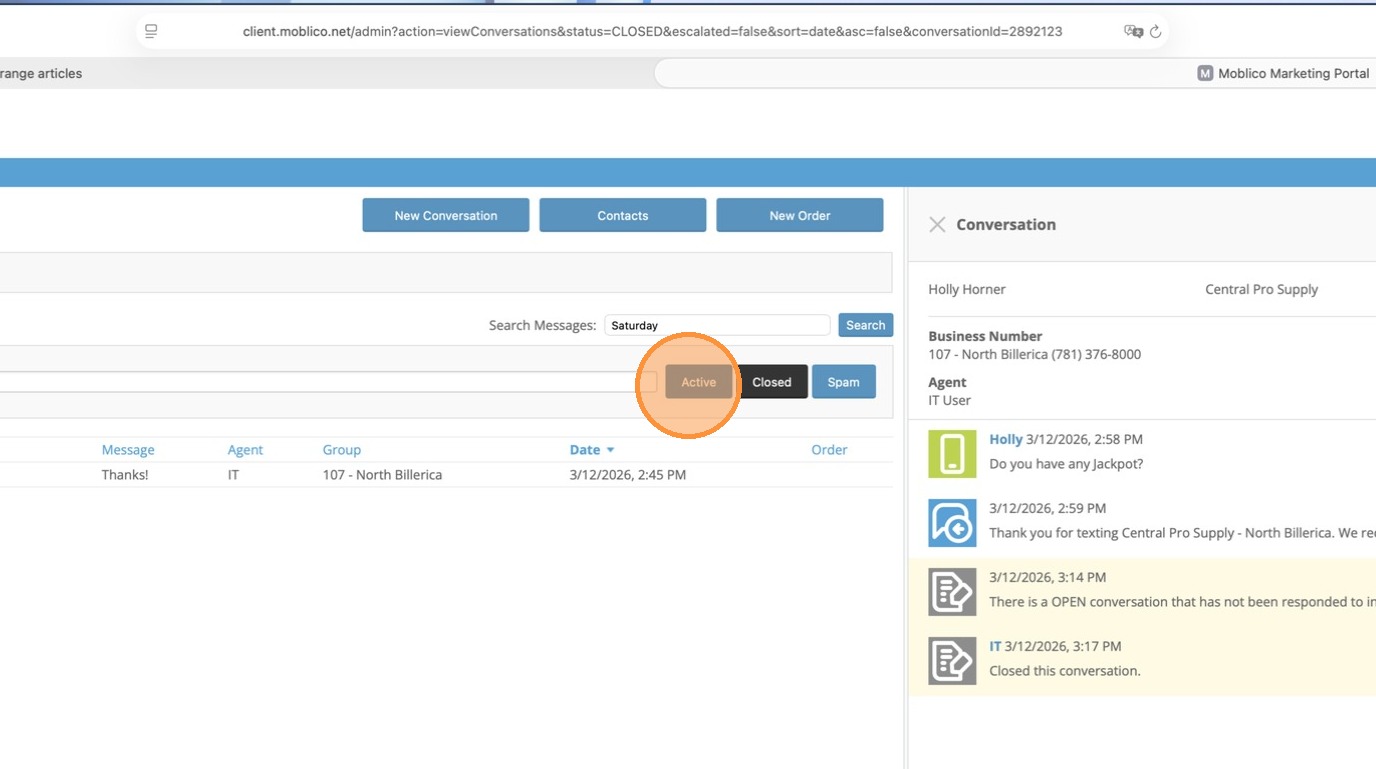
4. If you want to search for specific words within those conversations you can also enter words or phrases in the Search Measuers to narrow your search.