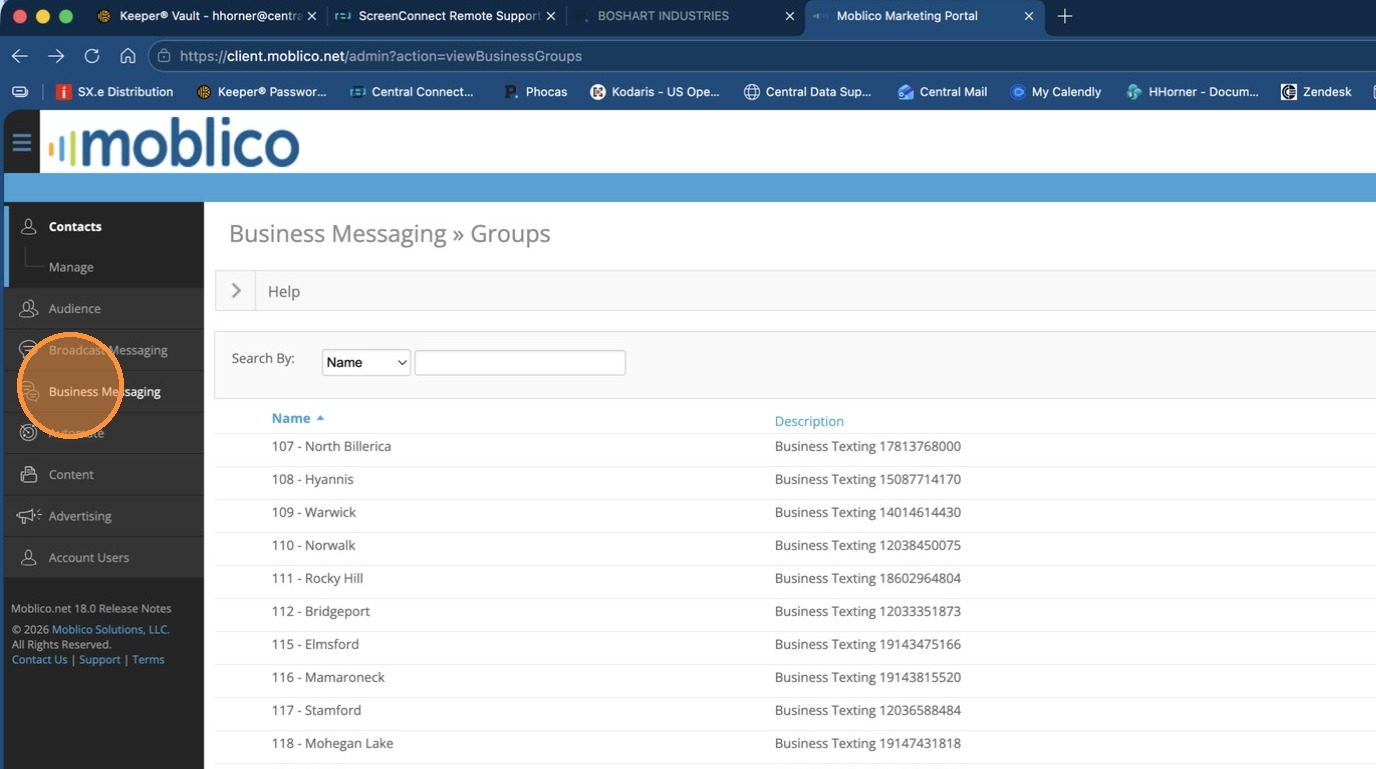
1. From the Admin Login, Click Business Messaging
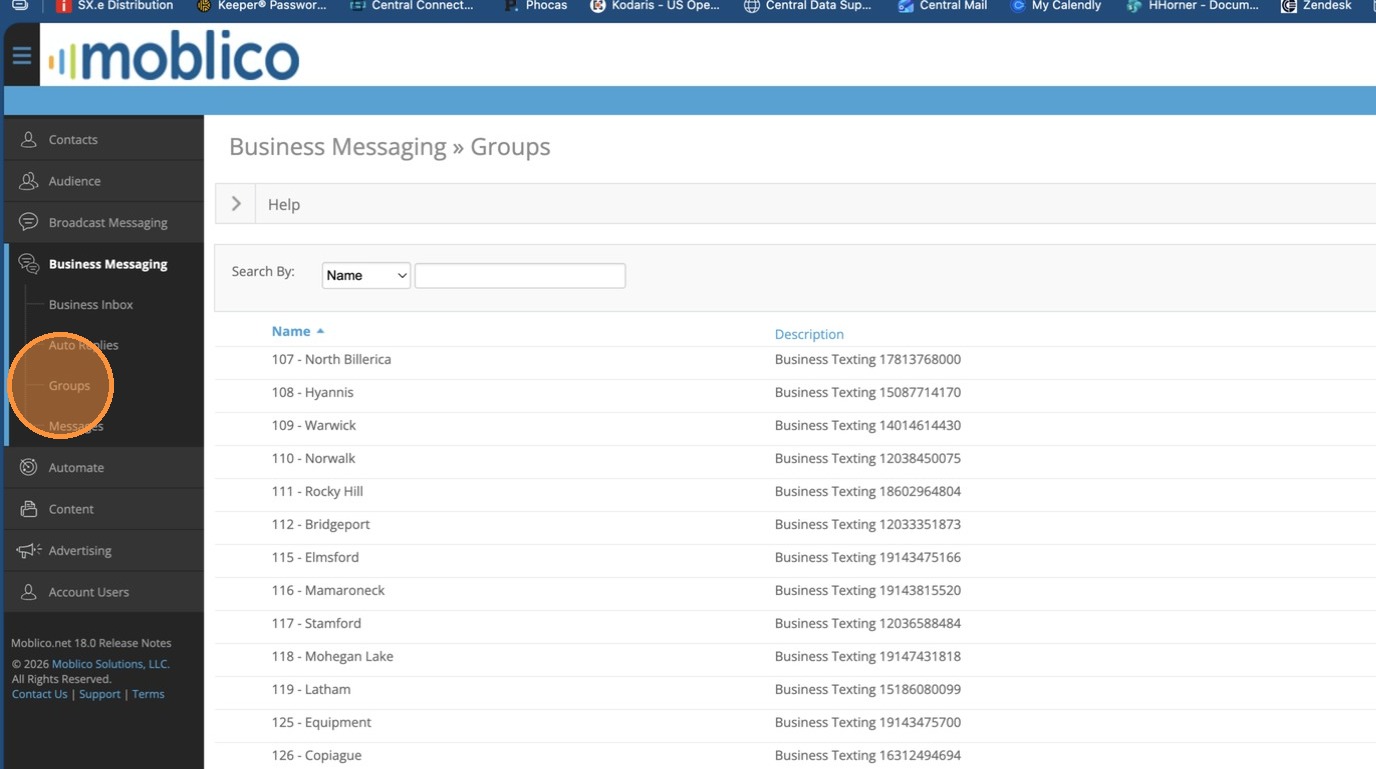
2. Click Groups
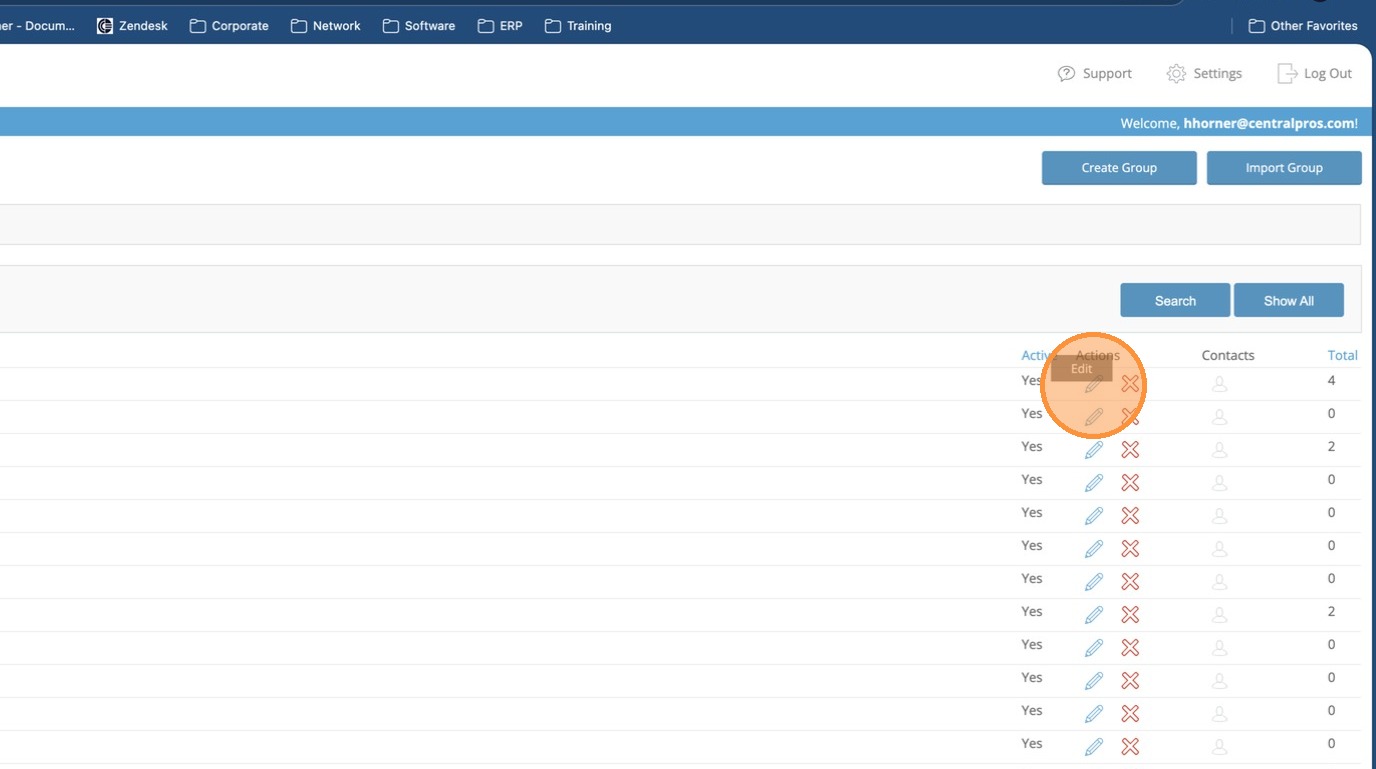
3. On the Group that you need to set, click the pencil icon to Edit the Group
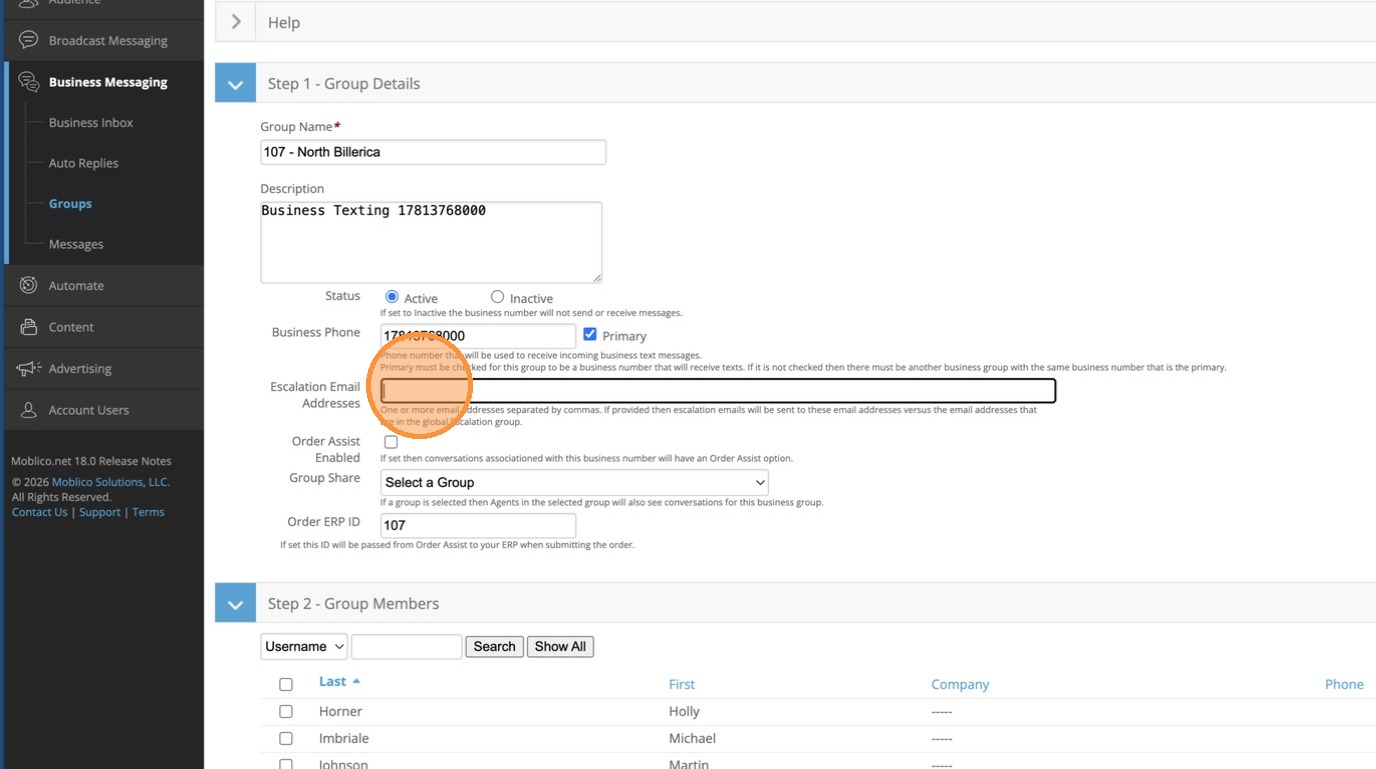
4. In Escalation Email Addresses, enter the second level email address that should be sent an alert for escalation. If nothing is set, the only escalation will be one email at 10 minutes to the branch. This email will be used for the escalation at the 20 minute mark.
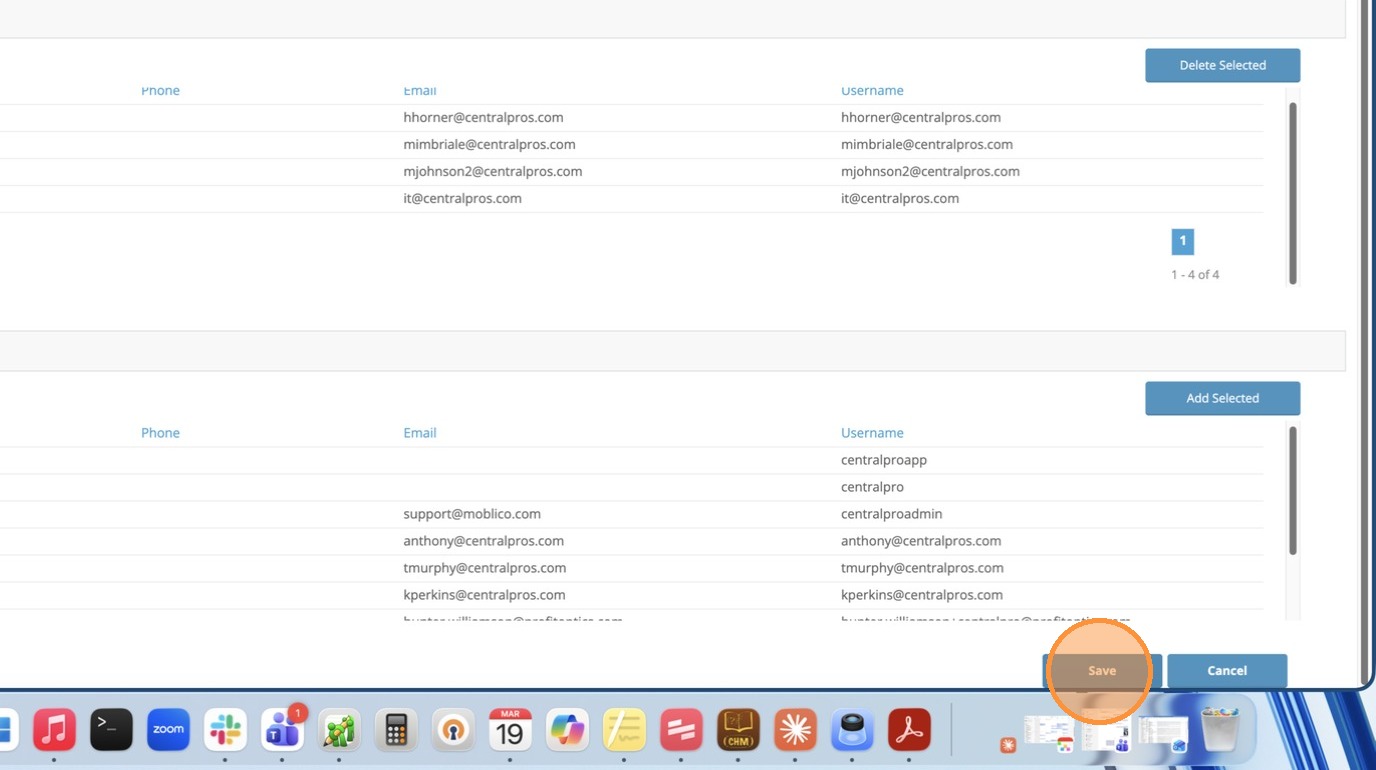
5. Click Save