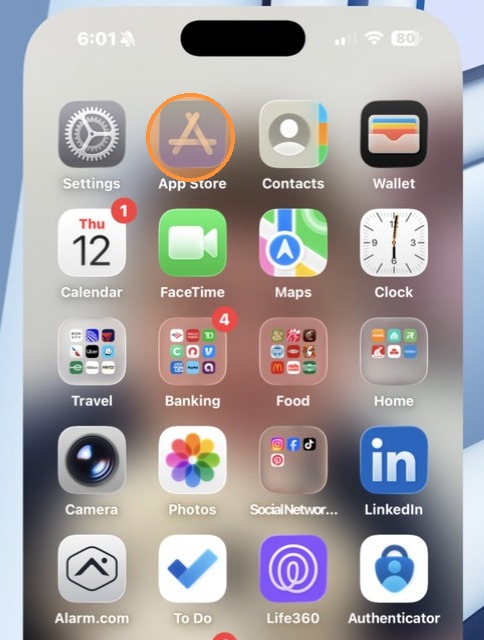
1. Open the App Store
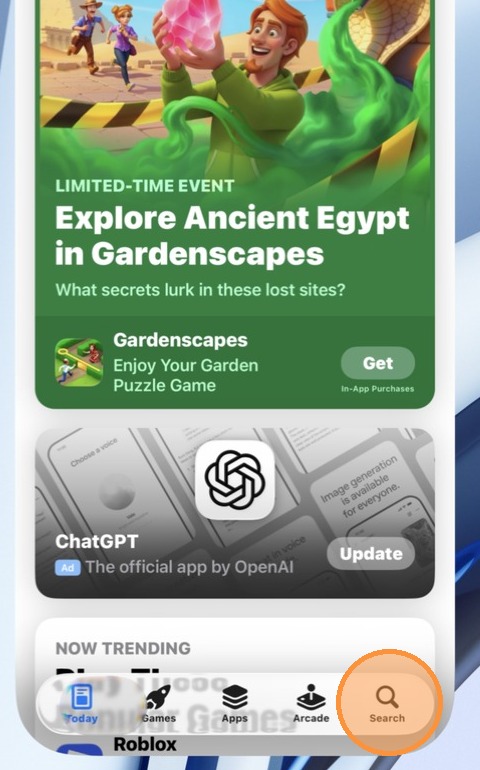
2. Click Search
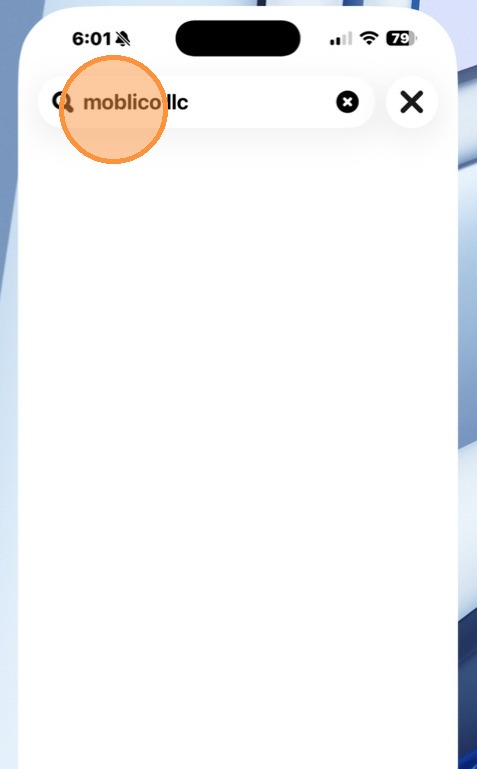
3. Search for Moblico
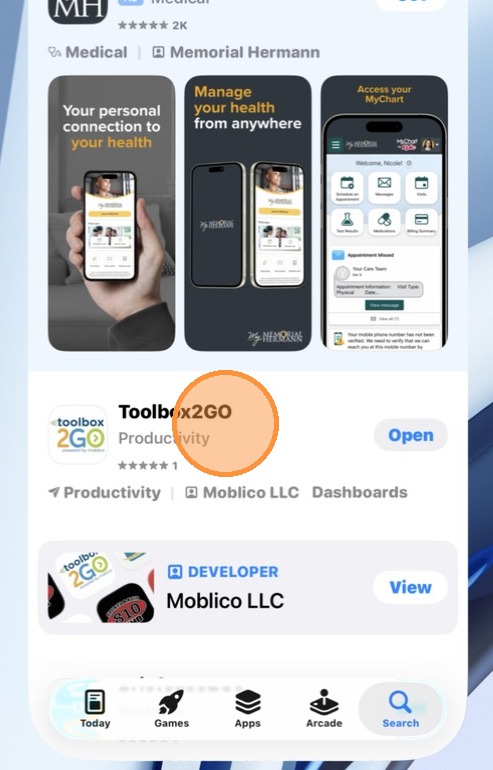
4. Install Toolbox2GO
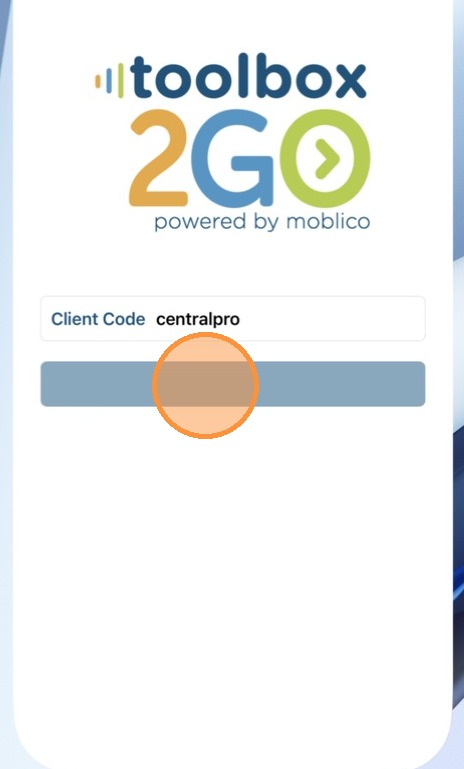
5. For Client Code, enter CentralPro (it is not case sensitive)
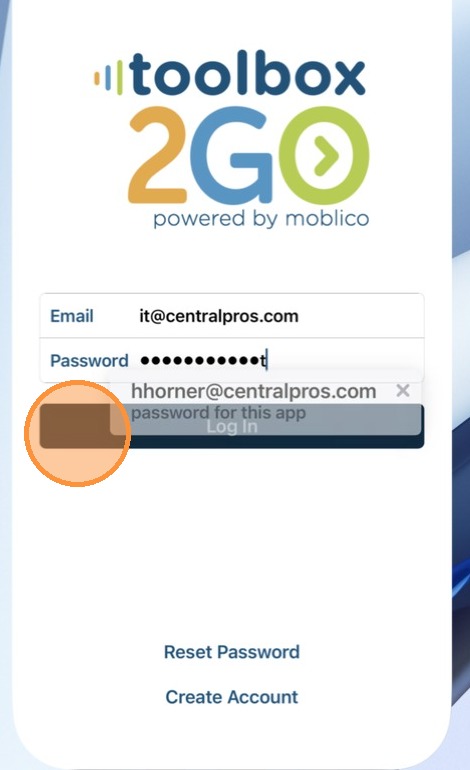
6. Enter your Email and Password
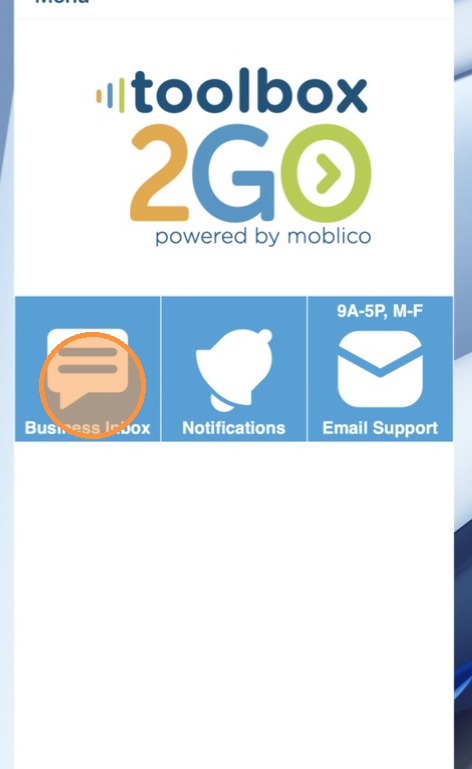
7. Tap Business Inbox
8. Tap Accept on the Cookies Authorization
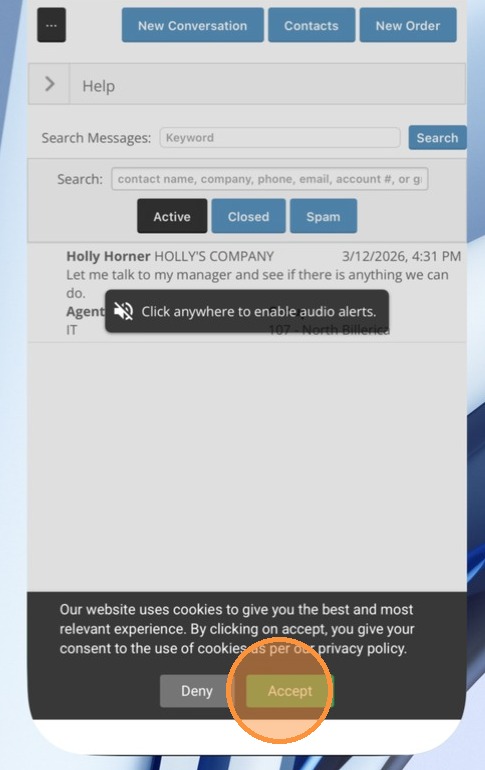
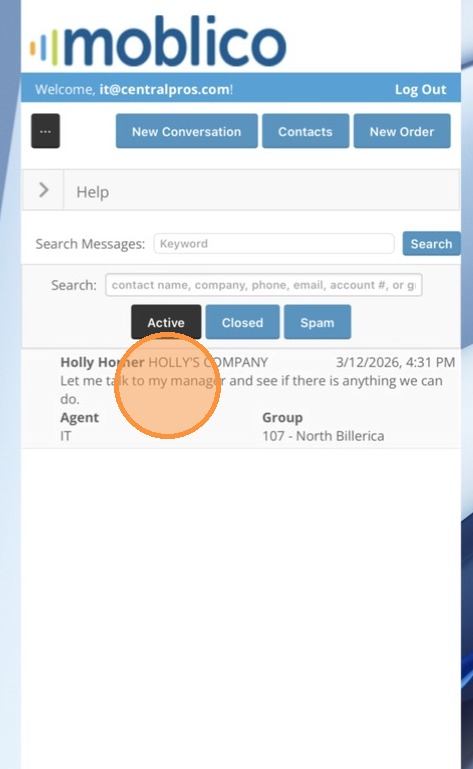
9. Any open messages will display in your inbox.
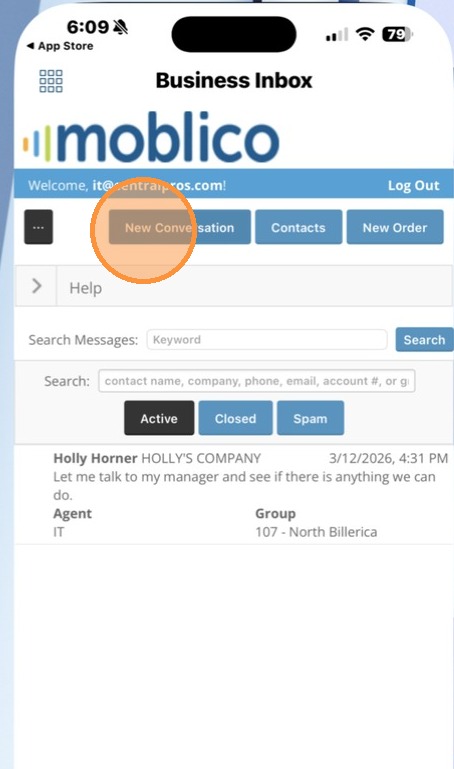
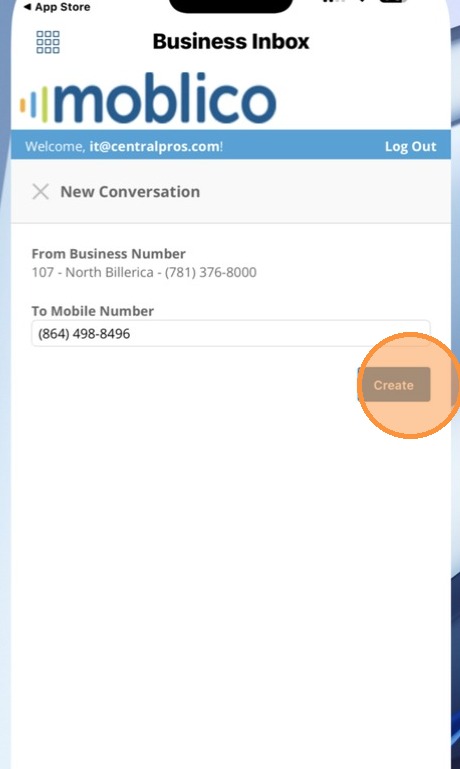
10. You can Tap New Conversation to start a new conversation
11. Enter the number to text
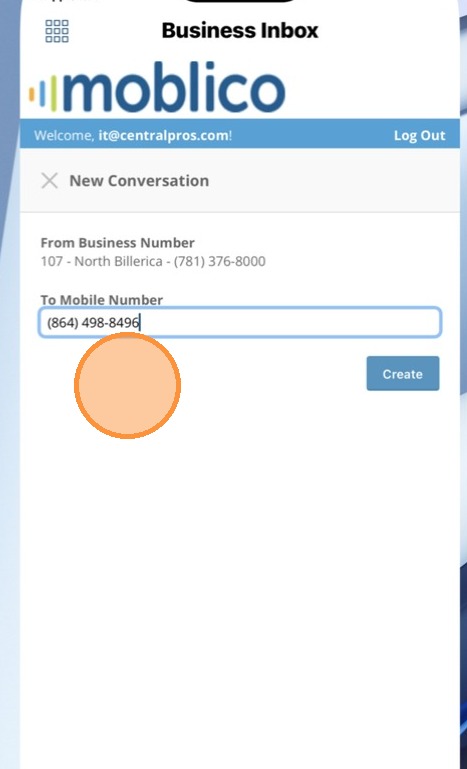
12. Click Create
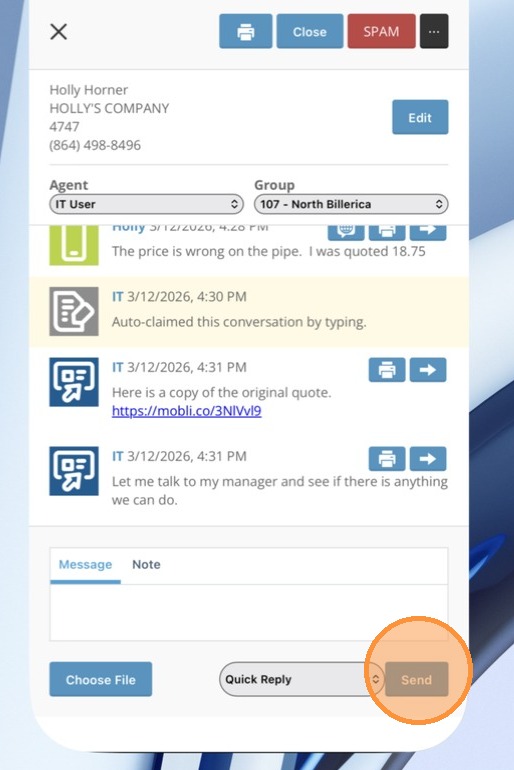
13. Enter your message and Tap Send
14. Any new messages will show with the same Green, Yellow, Red indicators based on how long it has been in the queue.
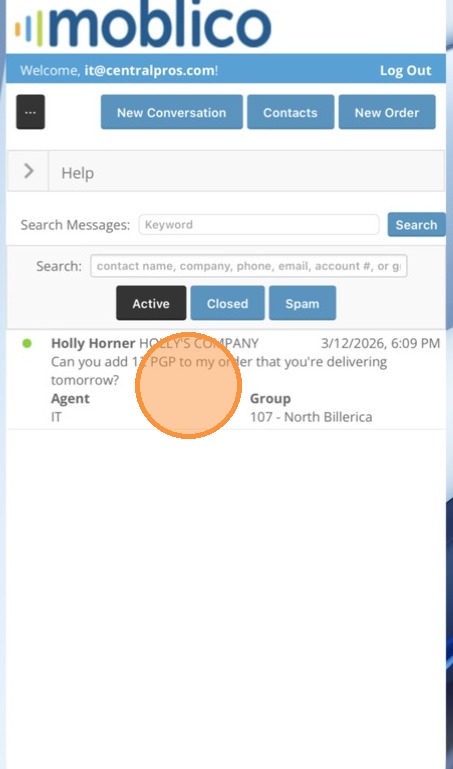
15. Tap on the message to open.
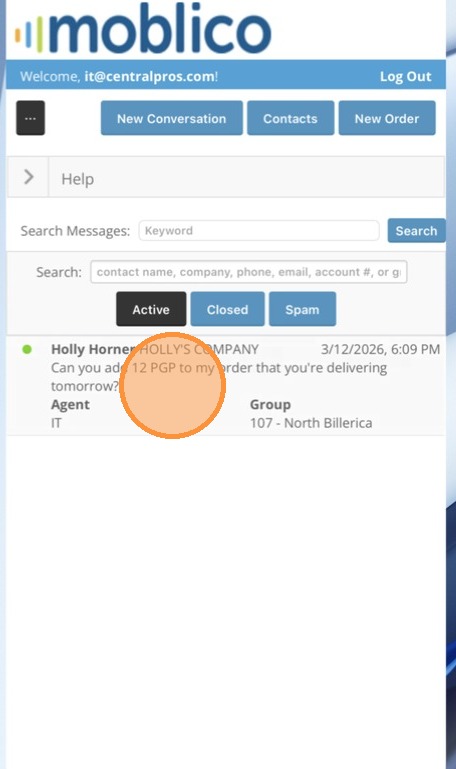
16. Type your message and Tap Send
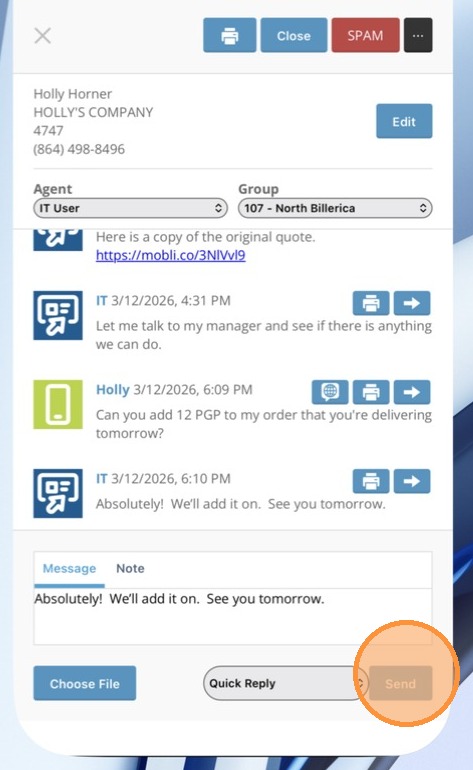
17. Quick Replies are also available on the mobile app.
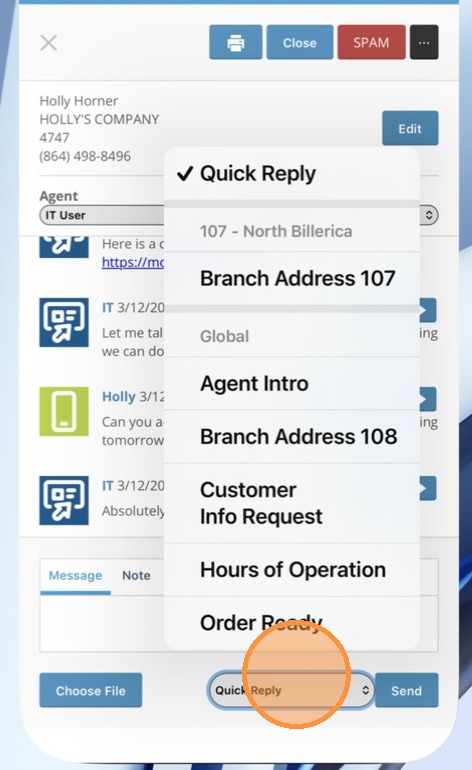
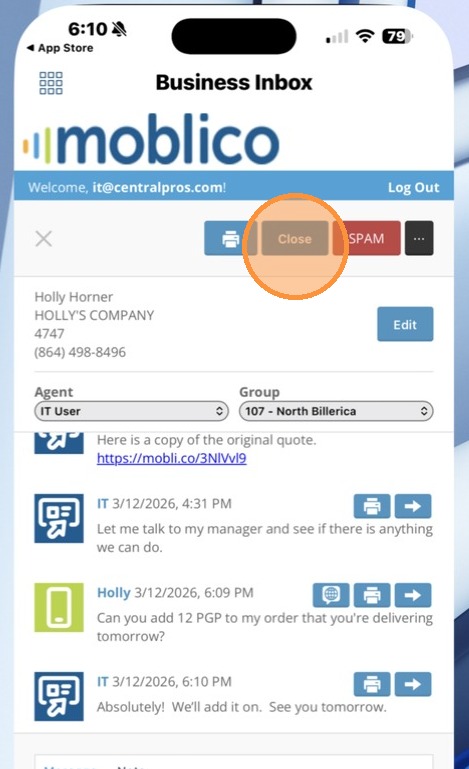
18. Tap Close to Close the Conversation