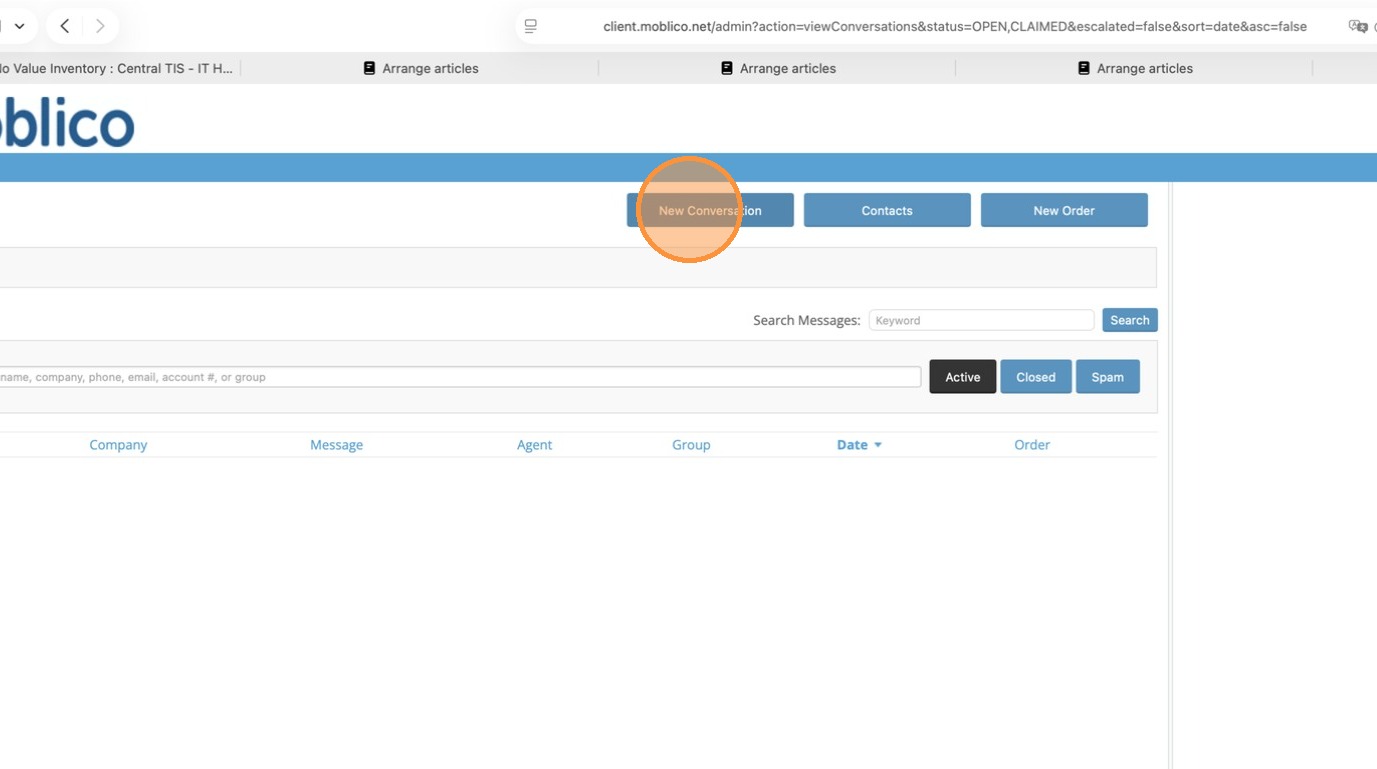
1. Click New Conversation
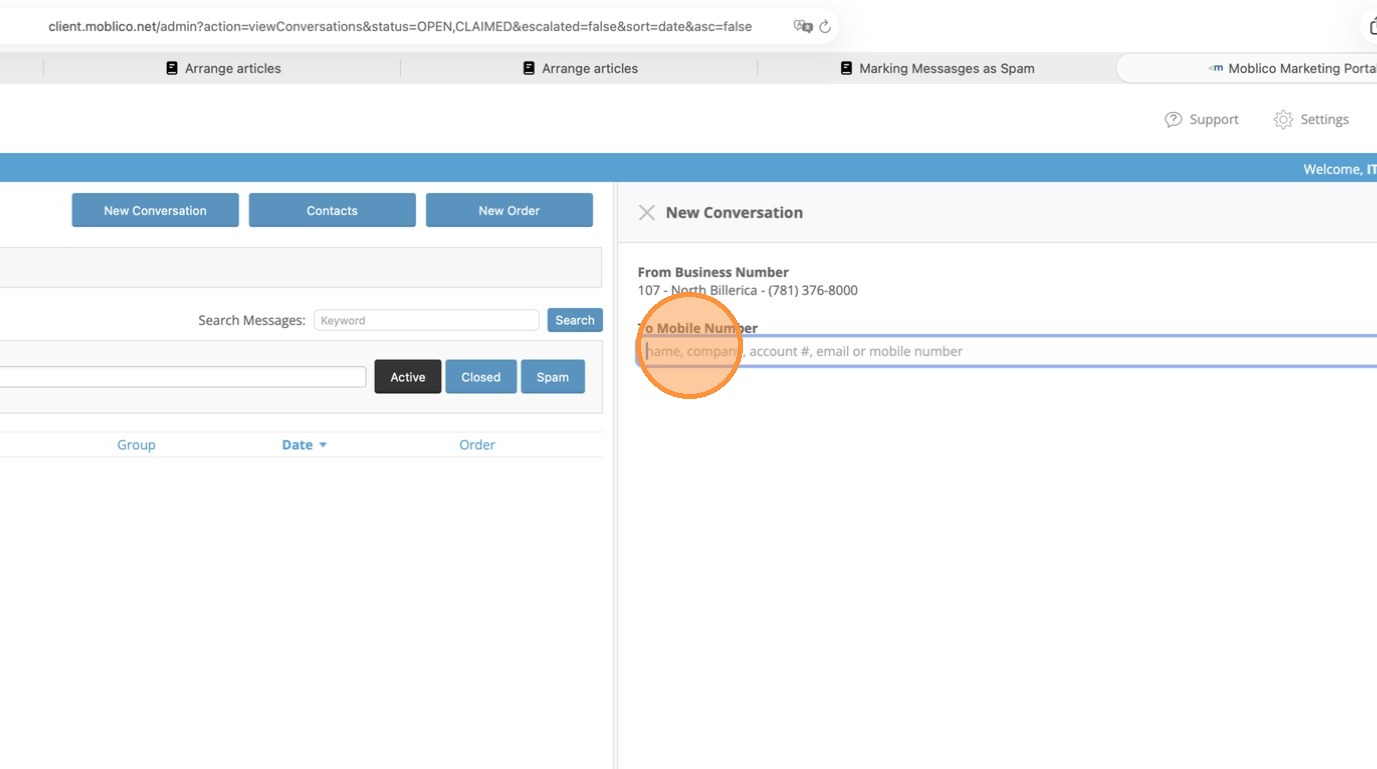
2. Click To Mobile Number
3. Enter the Phone Number or Customer Number, as you start typing the system will start to look at Contacts that we have set up. You can still send a message to anyone even if they are not set up as a contact, however you should set them up as a contact to help with using Order Assist.
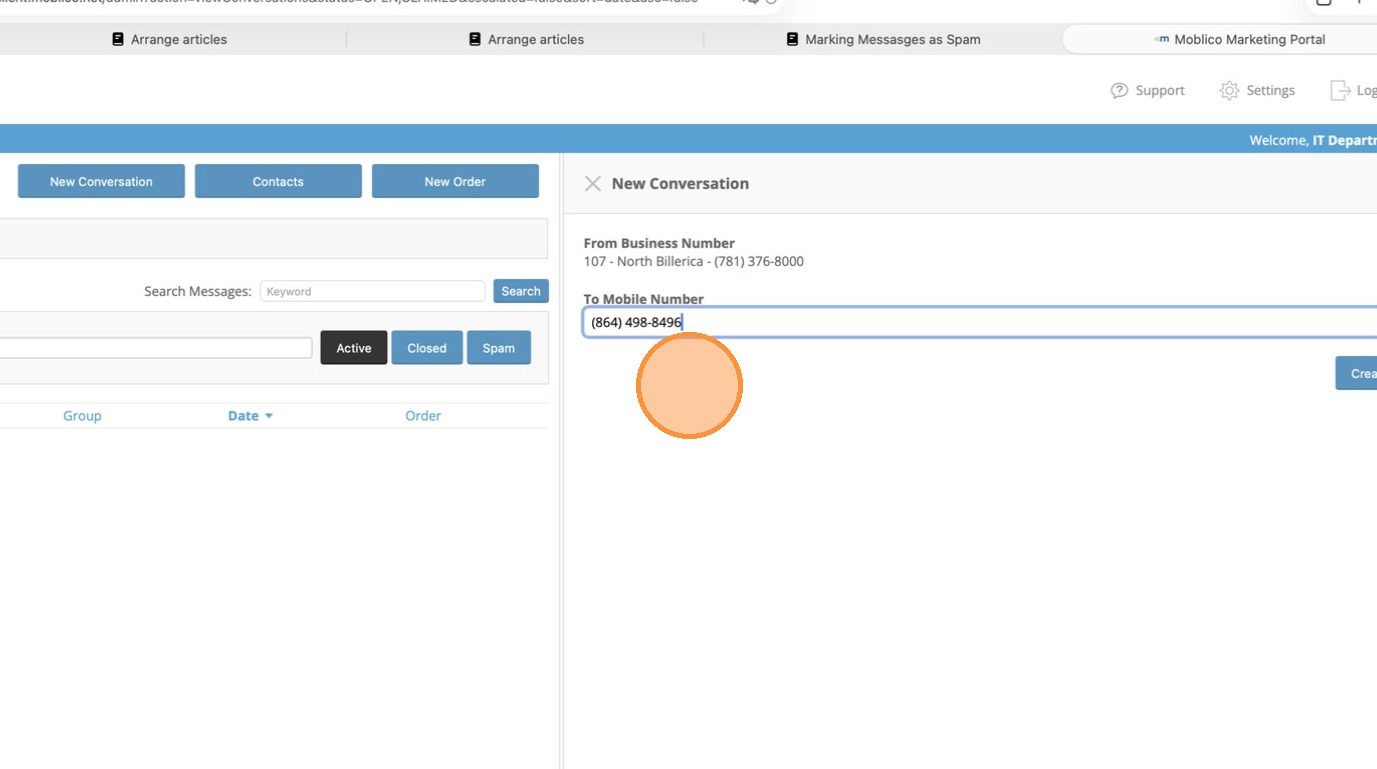
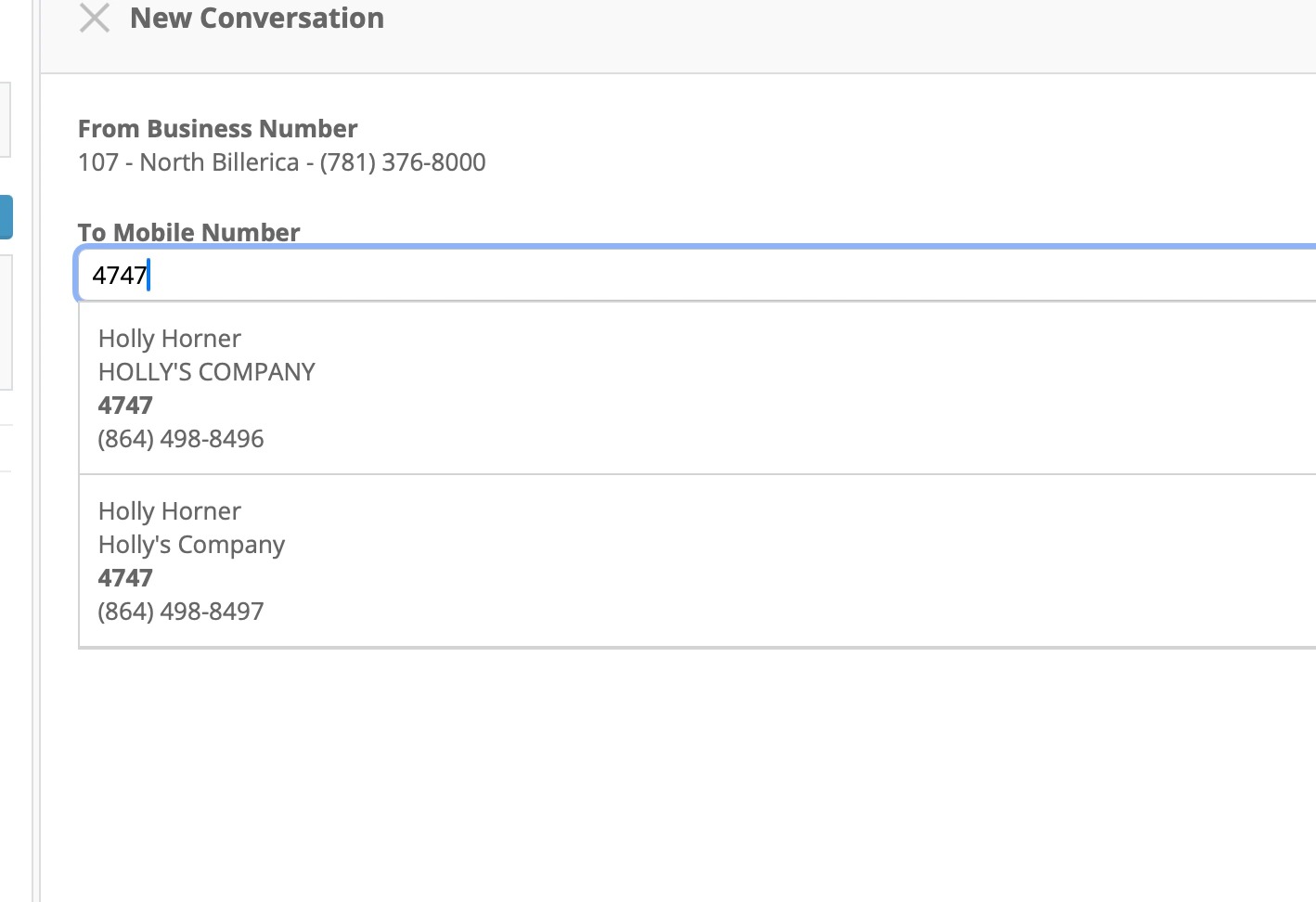
4. As you start typing the number, possible matches appear from the Contacts.
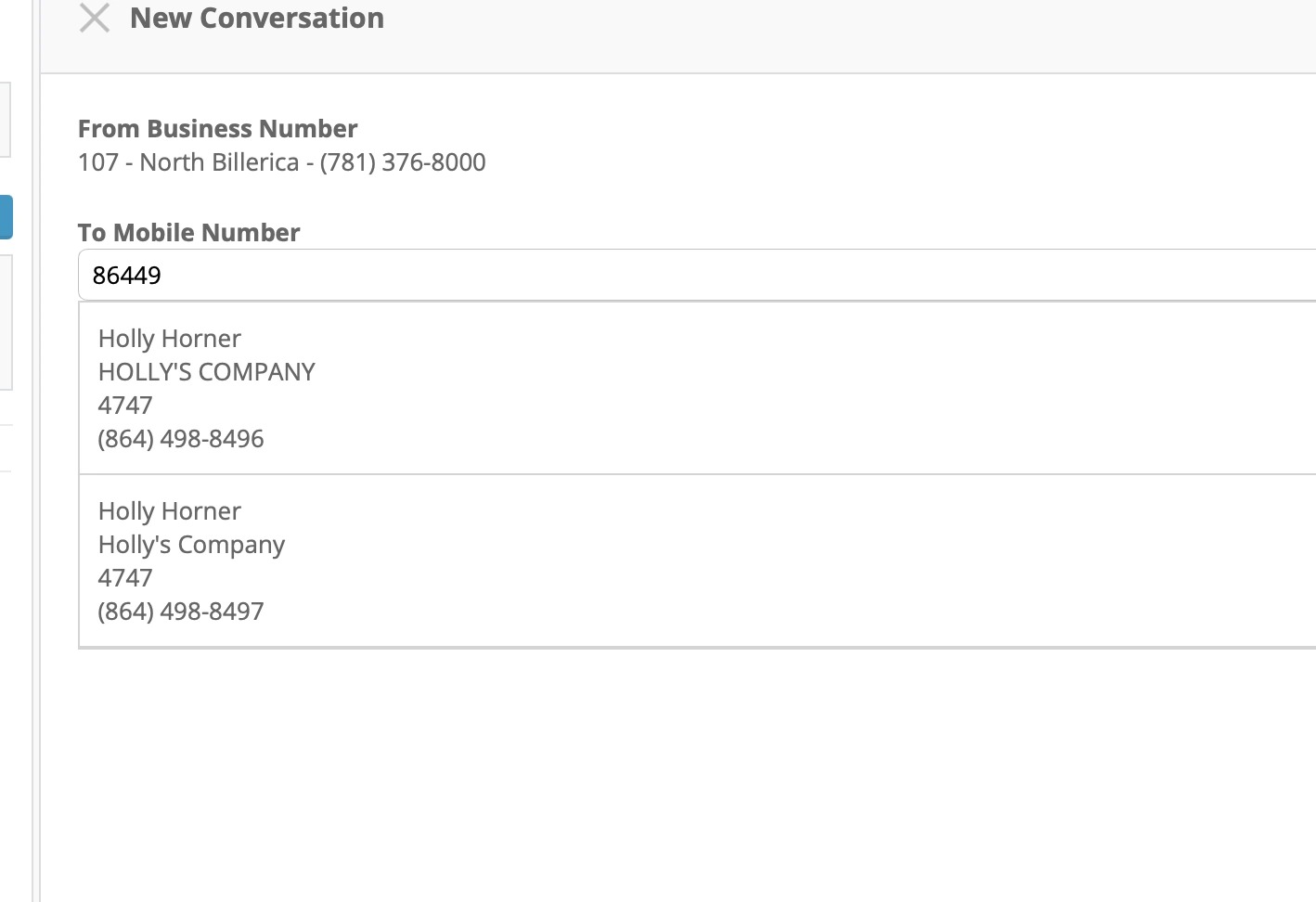
5. Example of using Customer Number - multiple results appear if there are multiple contacts for the same company.
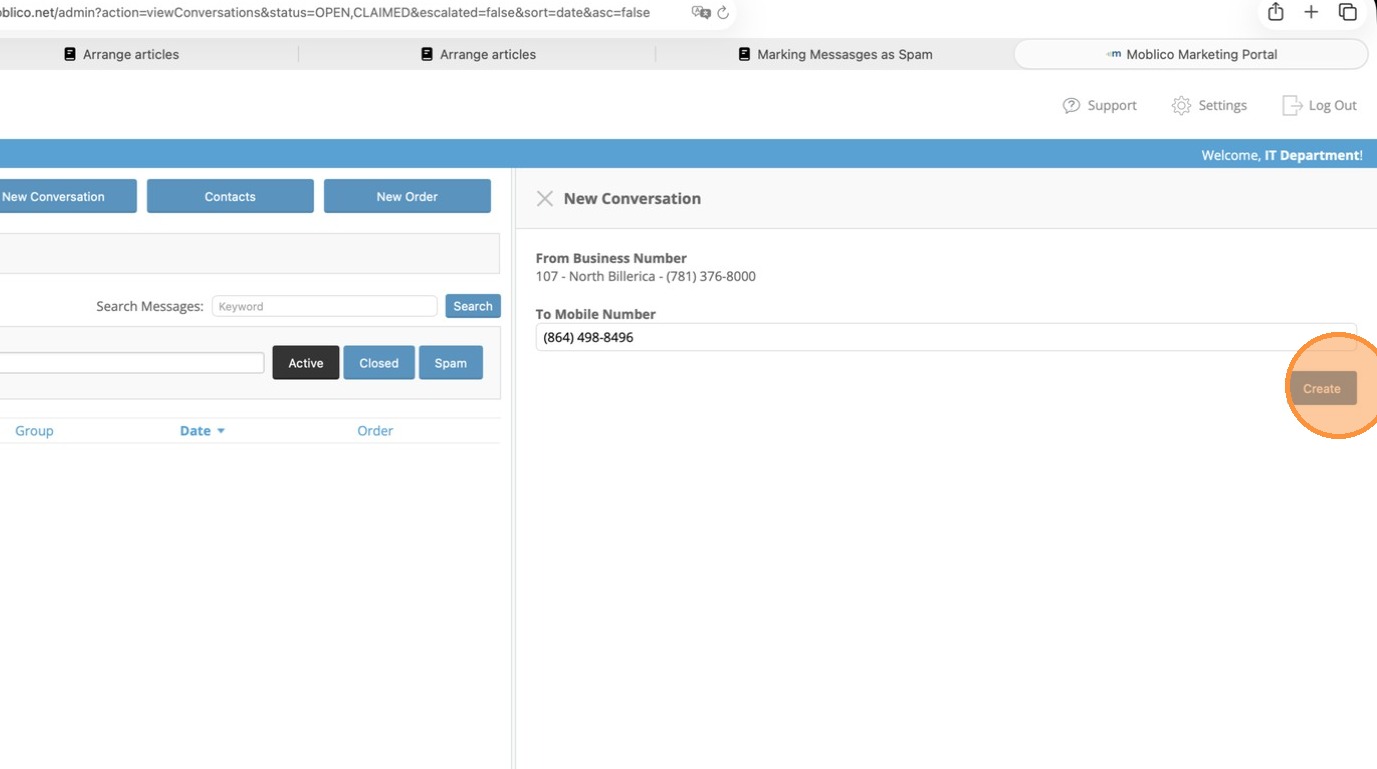
6. Click Create
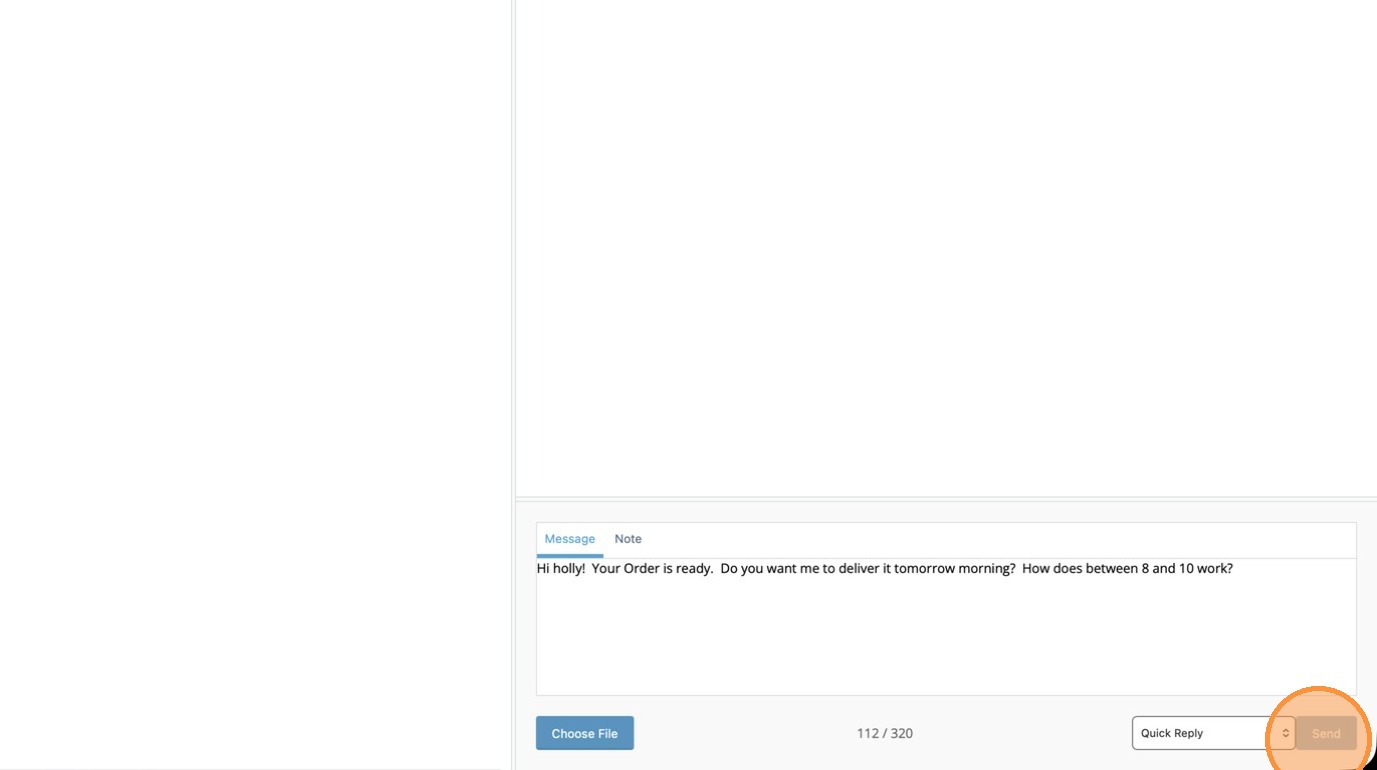
7. Enter your message in the Message box to begin the conversation and click Send.
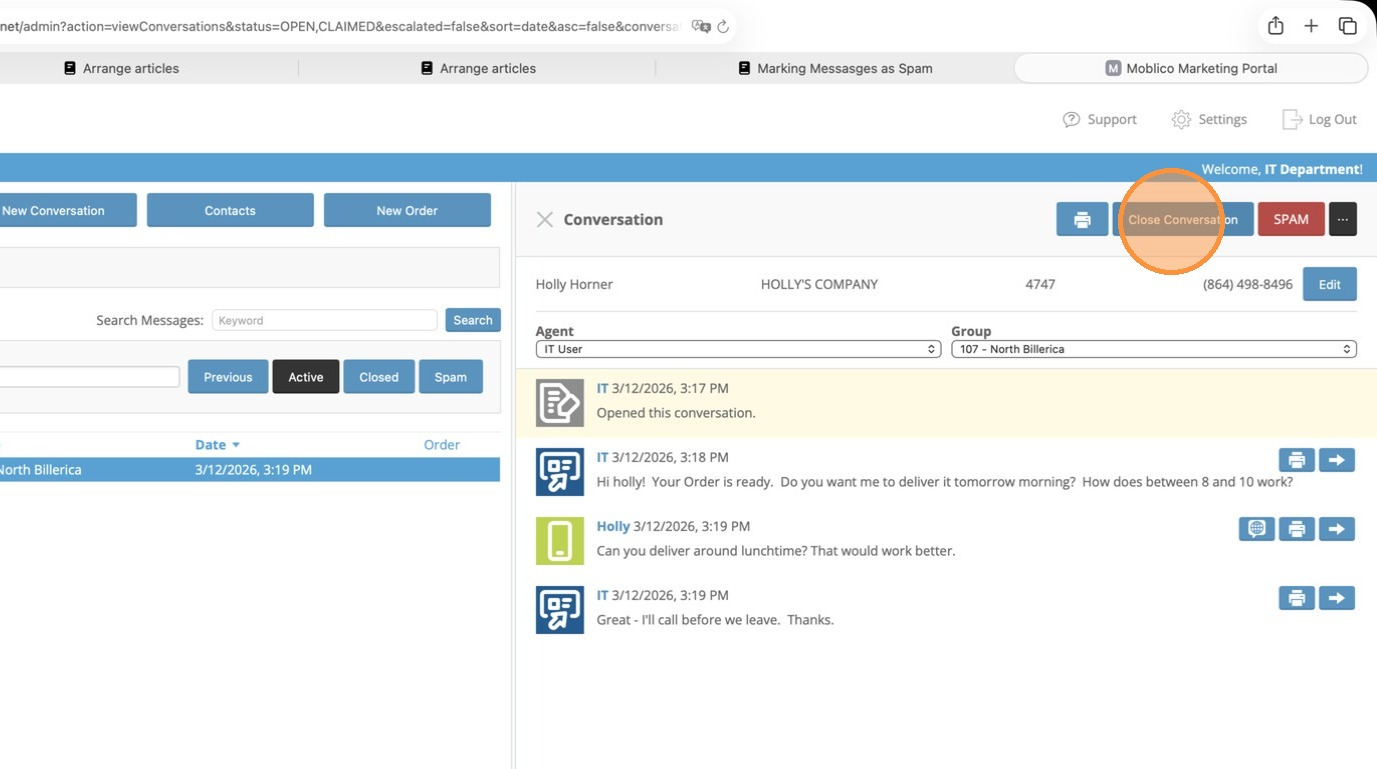
8. Once the conversation is complete, click Close Conversation.