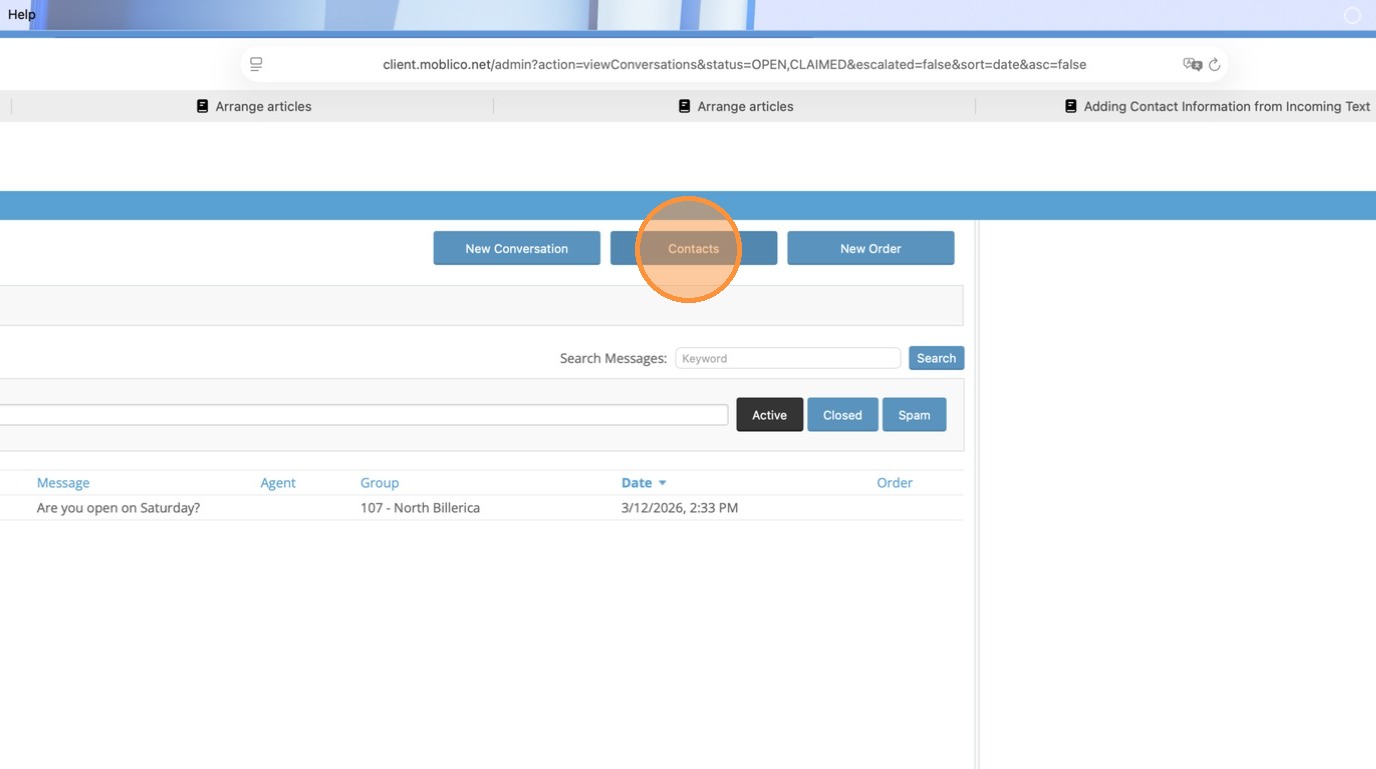
1. Click Contacts
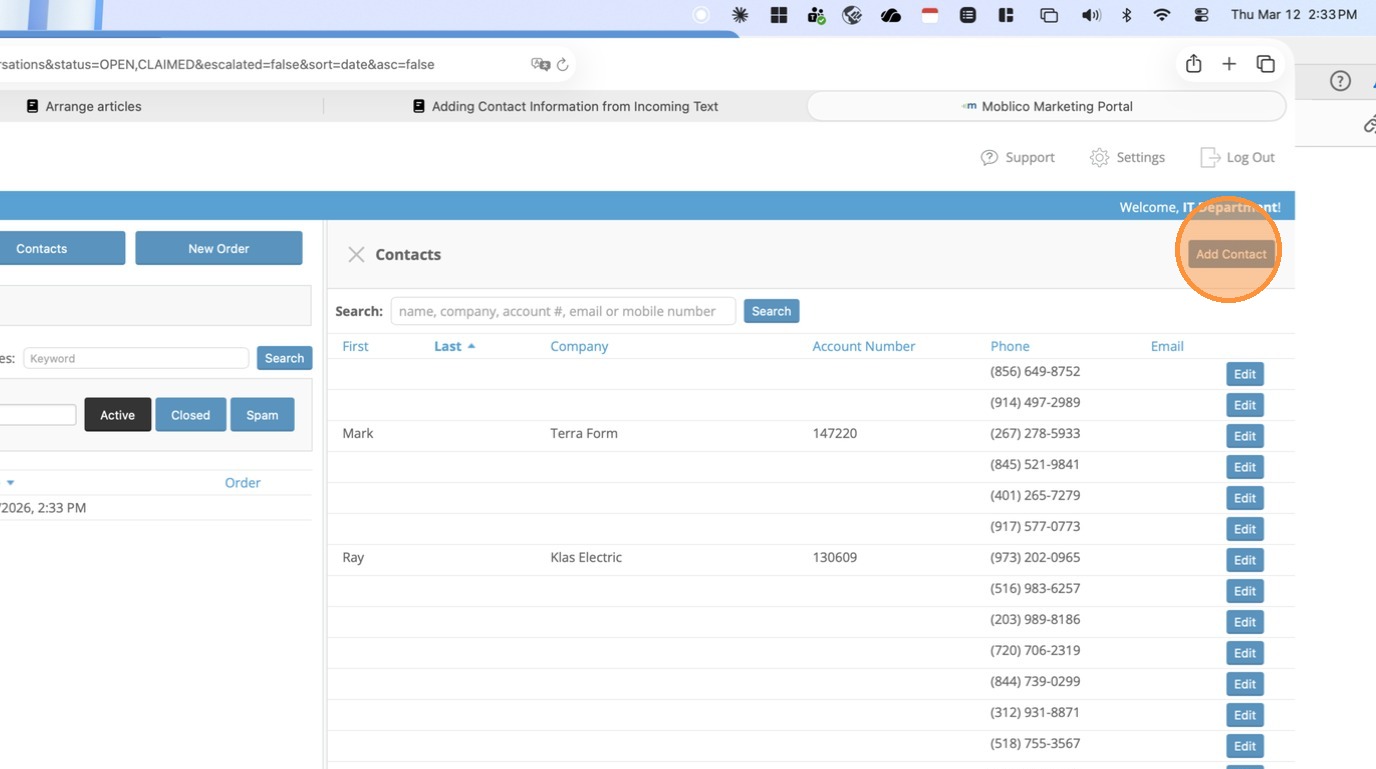
2. The Contact Side Panel Opens. Click Add Contact.
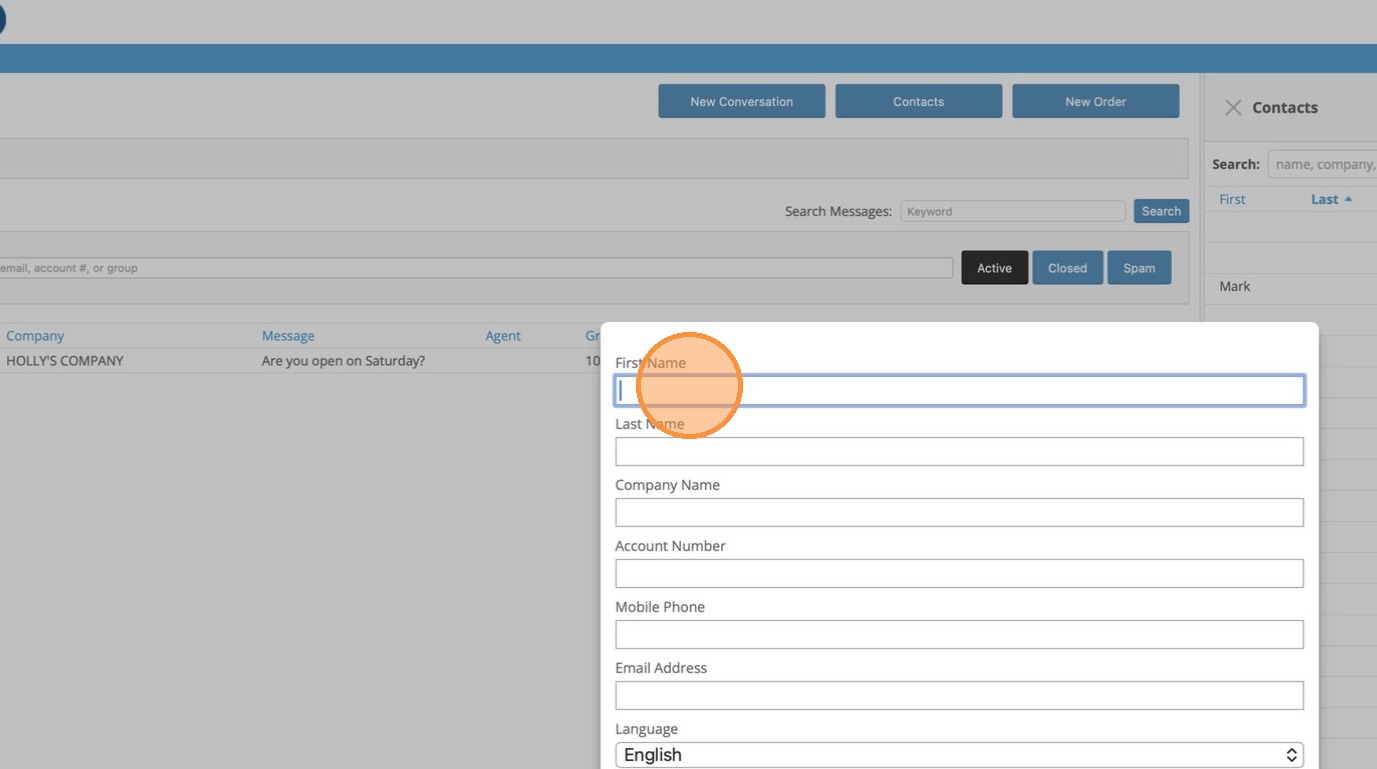
3. Enter the Customer's First Name
4. Enter the Customer's Last Name
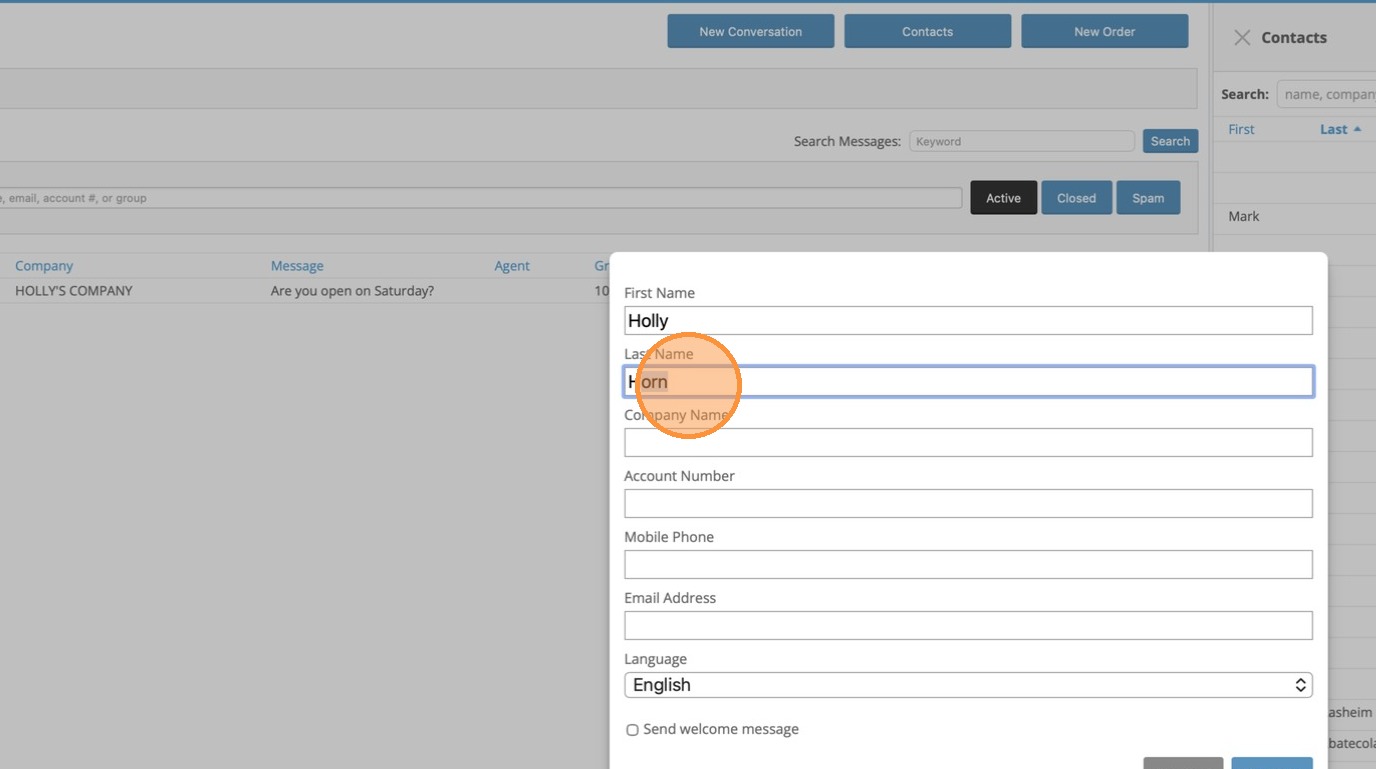
5. Enter the Company Name
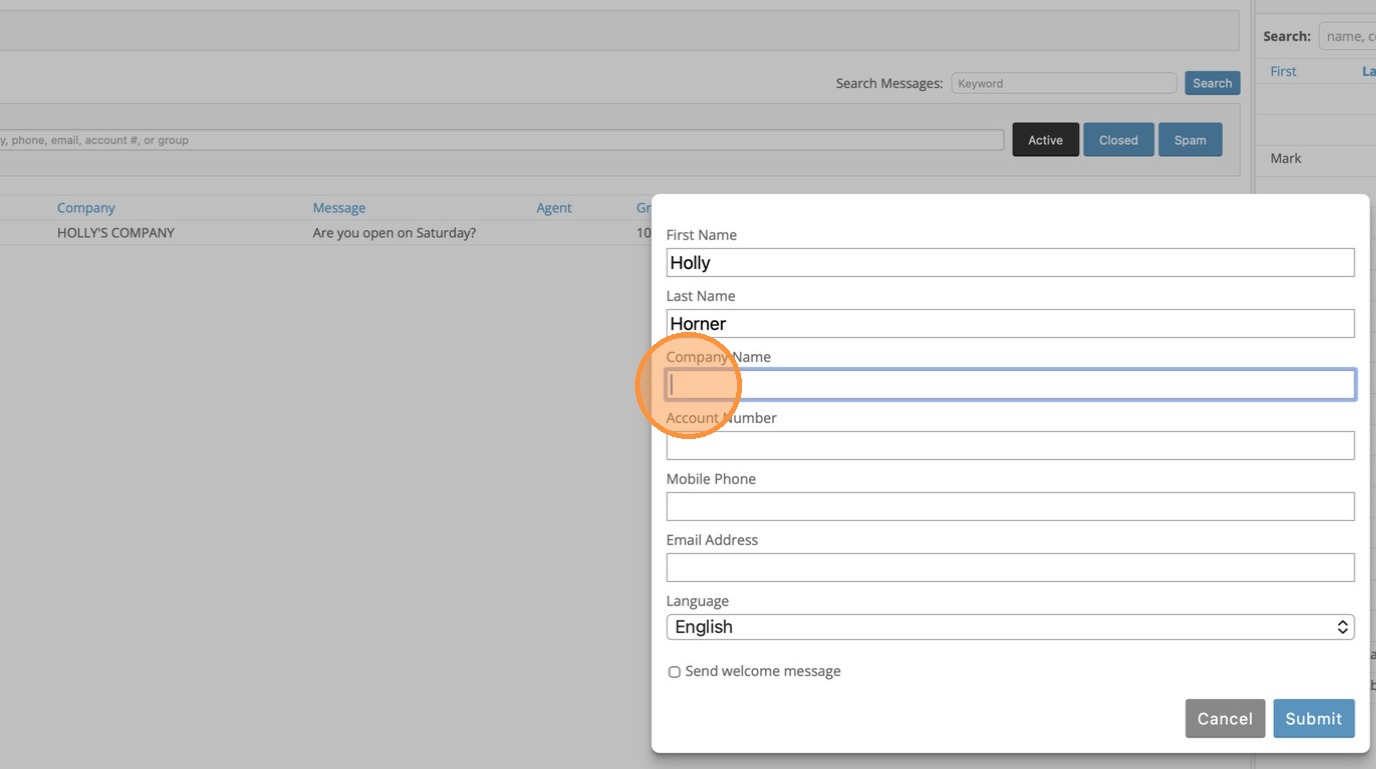
Tip: If you do not know the customer's CSD customer number, please look it up in Customer Inquiry (ARIC) in CSD.
6. In Account Number, enter the customer's CSD Customer Number.
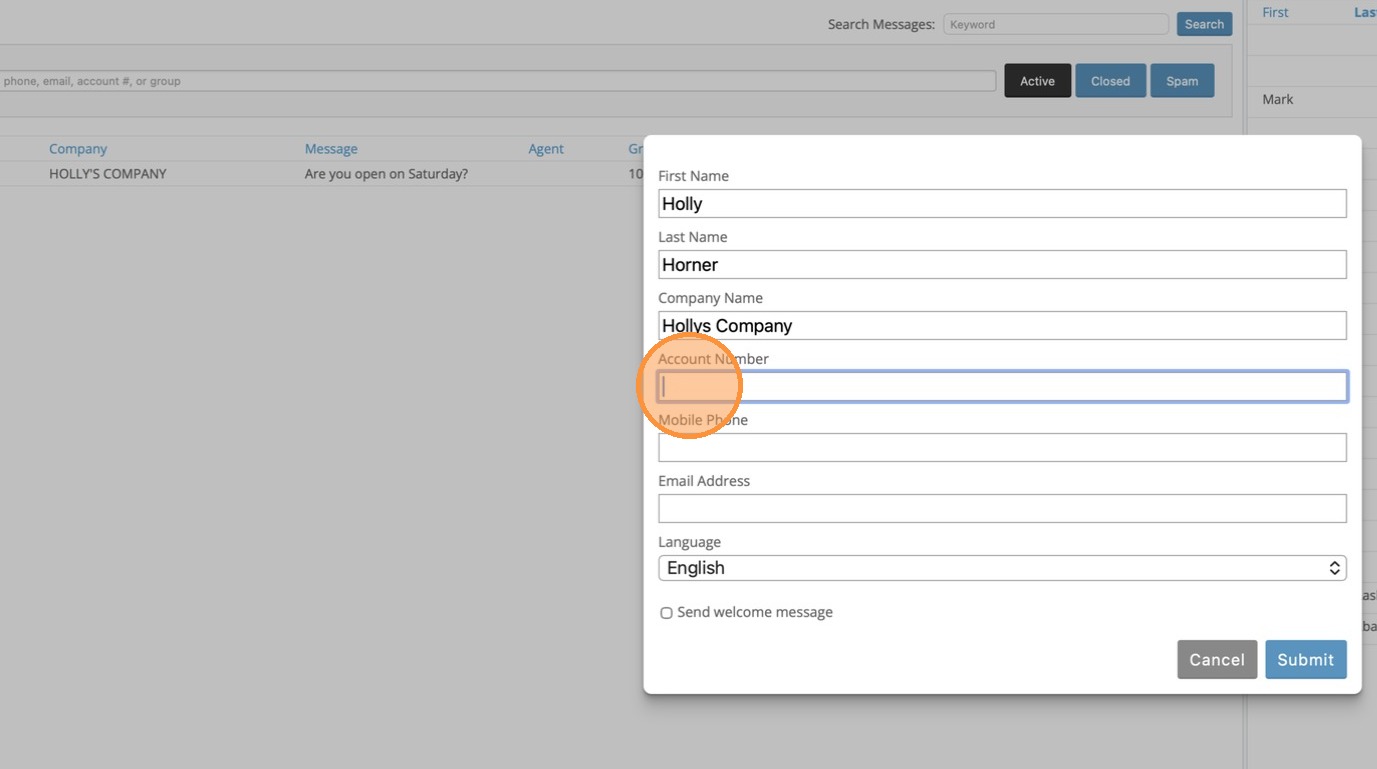
7. Enter their Cell Number in Mobile Phone. Enter only area code and phone number.
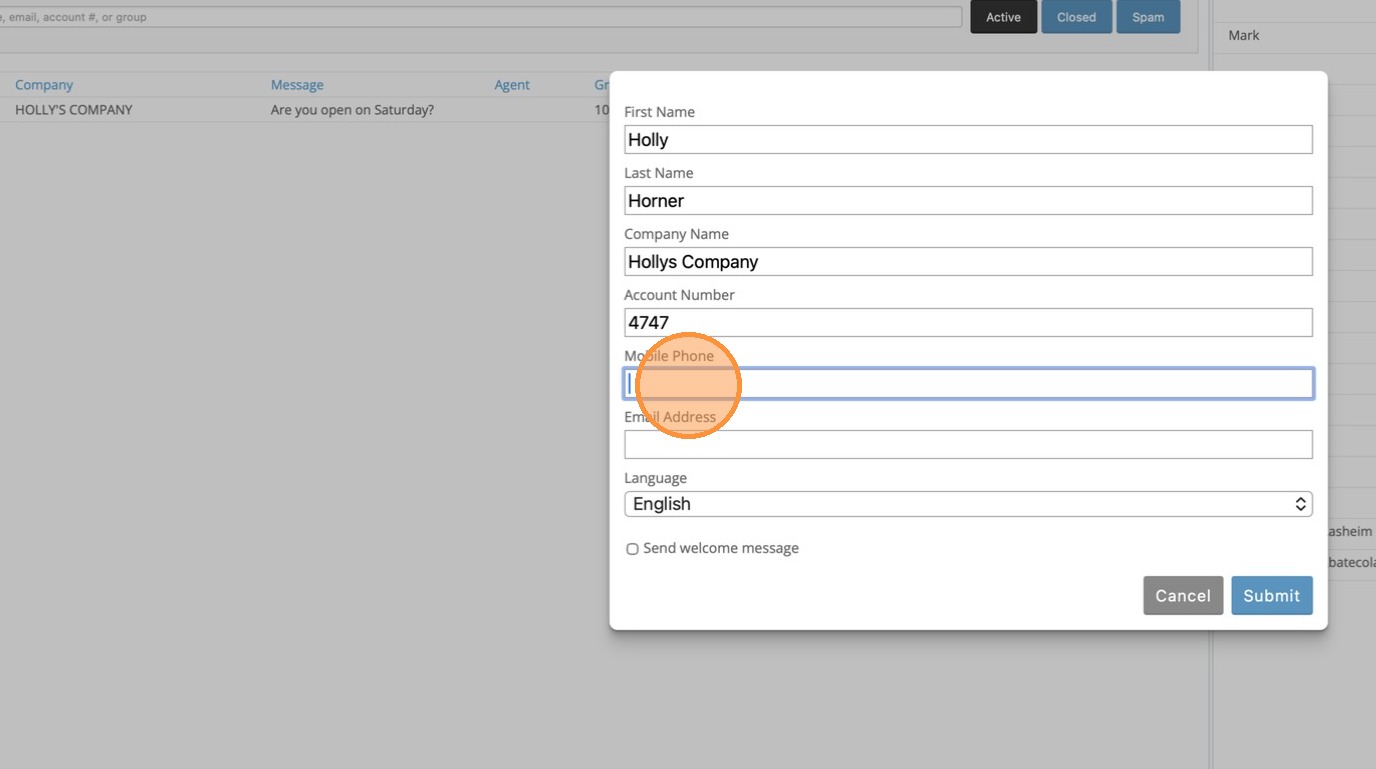
8. Click Submit
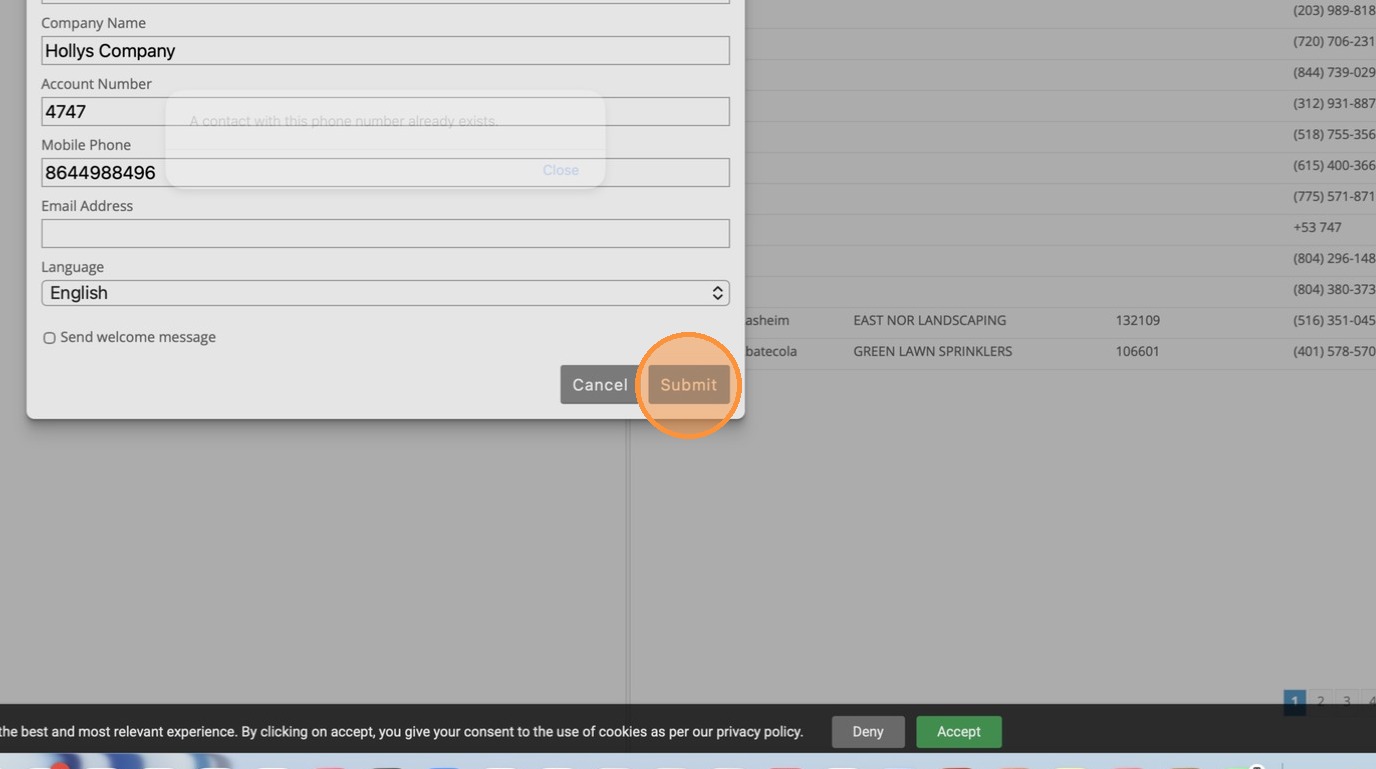
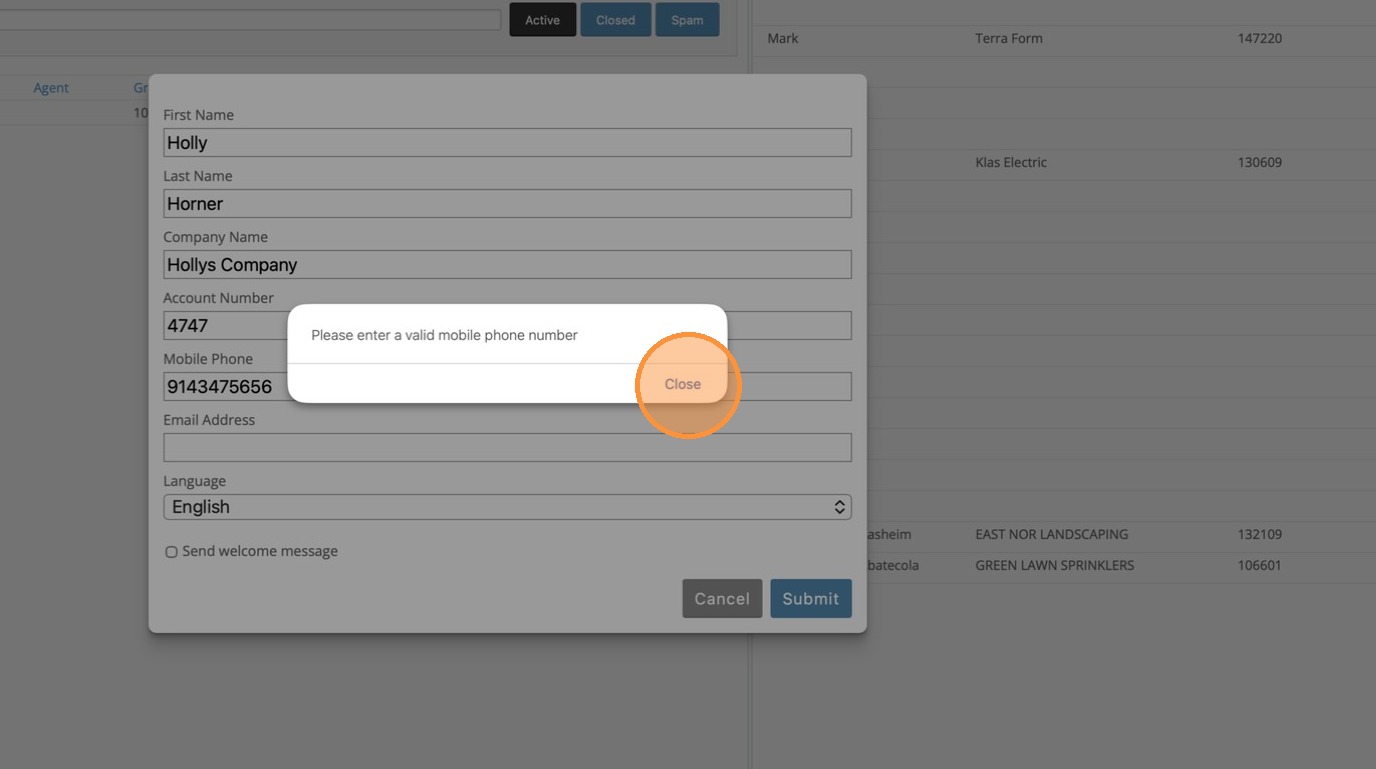
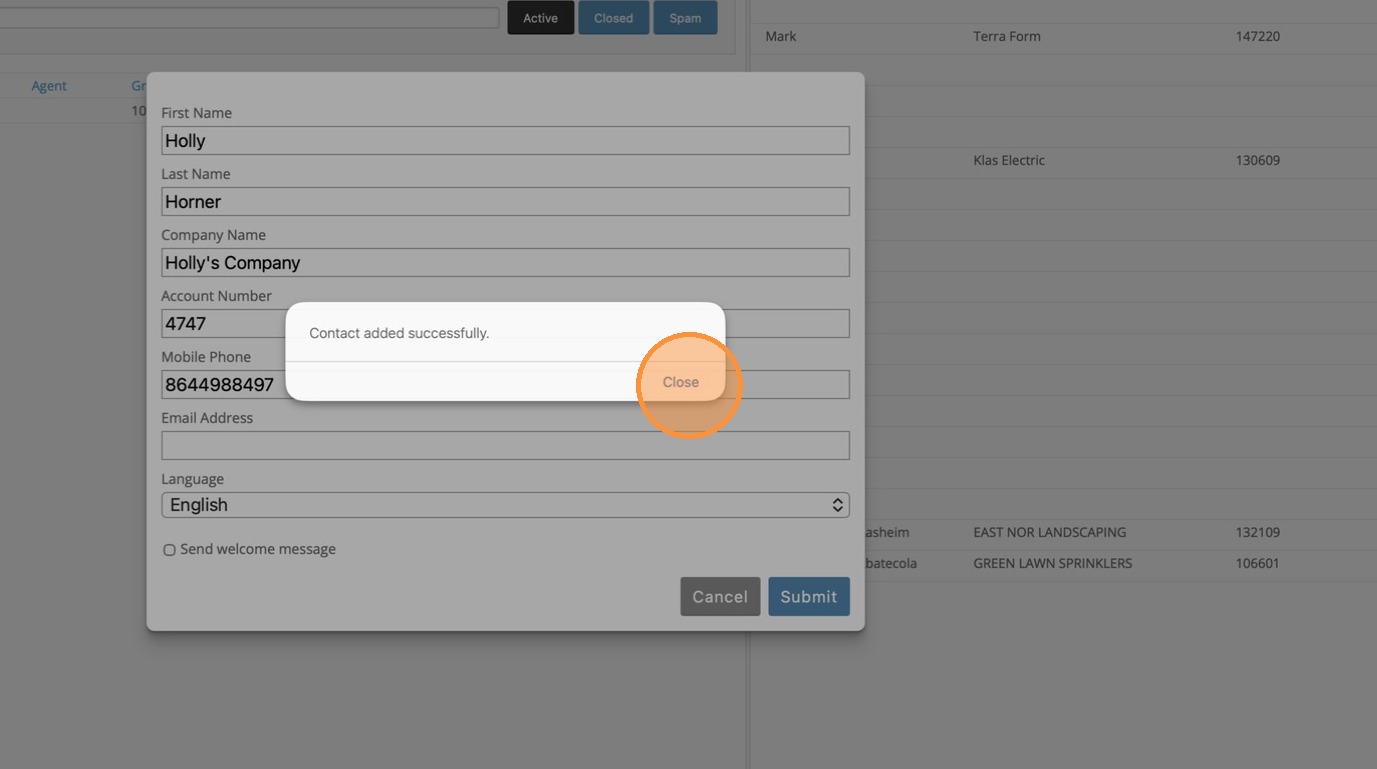
9. Click Close
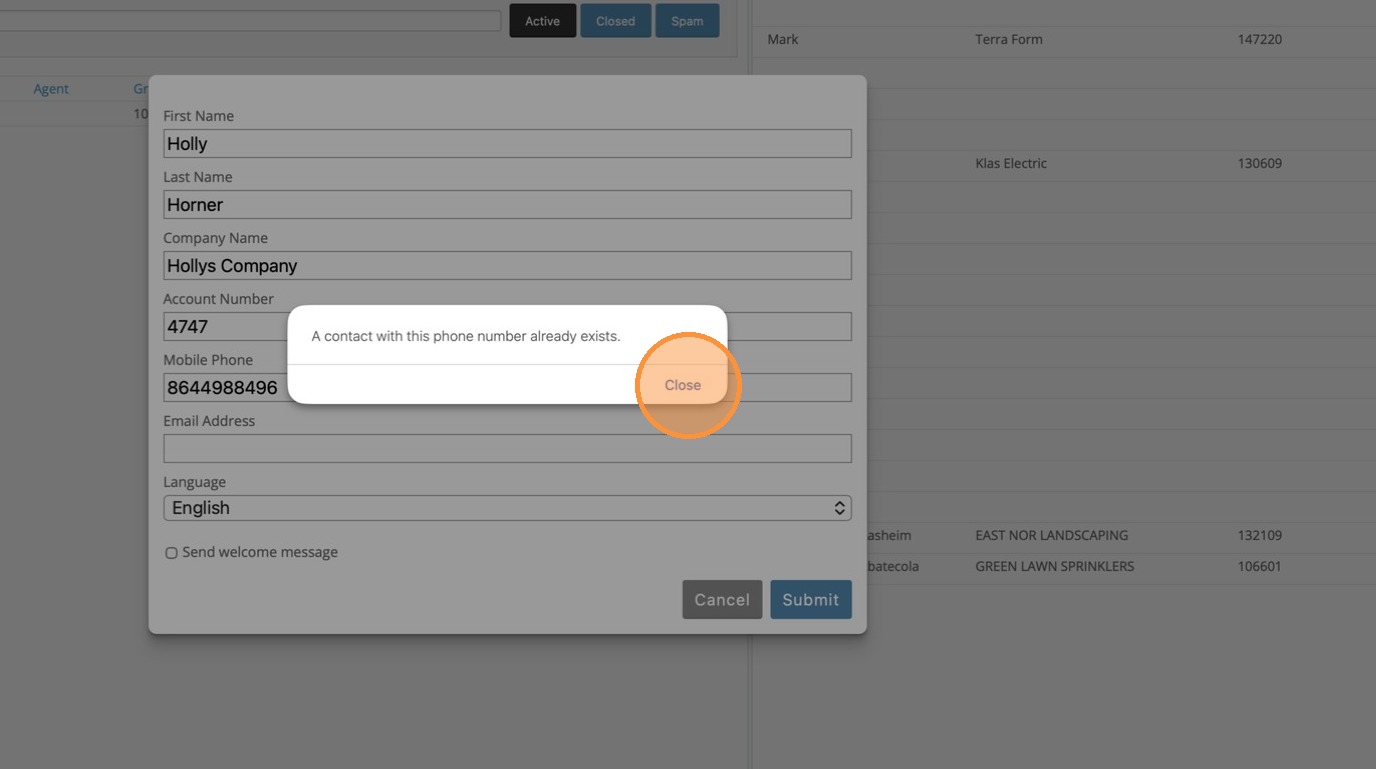
Alert: If the phone number already exists you will receive an error.
10. Click Close
Alert: If the number you enter is not a cell phone, you will receive an error.
11. Click Close