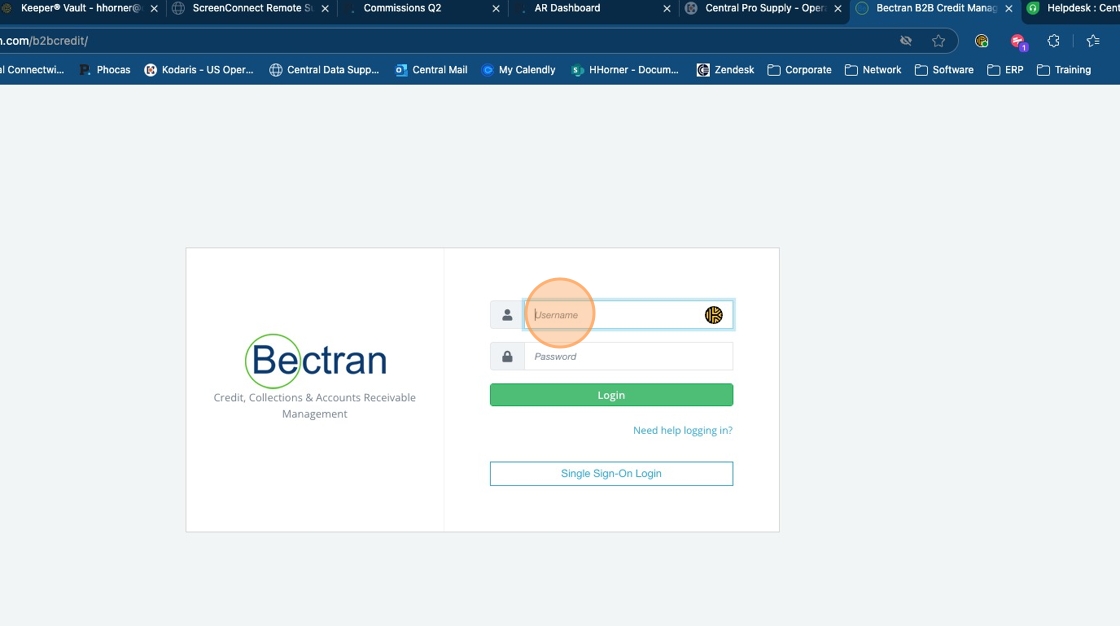
1. Access Bectran at bectran.com in your browser

2. Enter your userID (email) and password
Tip: Central Pro Supply contains the regular credit application, Golf credit application and municipal credit application.
Central Pro Supply. contains the Canada credit application and any future US applications will be in that business group.
3. Click "Reports" in the side panel to run any in progress reports.

4. The 2 reports that are available are App Links Sent and Incomplete Credit Applications.

5. App Links Sent will show you the links that were sent and not acted upon (filled out) and you can resend the links. Select the time frame you want to see.

6. Select the correct Business Group remember the one with the . is Canada and the other is US.

Tip: Central Pro Supply contains the regular credit application, Golf credit application and municipal credit application.
Central Pro Supply. contains the Canada credit application and any future US applications will be in that business group.
7. Click "Prepare Report"

8. Click " View & Download Detailed Report"

9. This will show a listing. To resend the link, you can click the icon on the right.
